Choosing the best point of sale system is one of the most important decisions for a small business owner.
A POS system is not only used to create bills. It also helps business owners manage sales, payments, customers, inventory, purchases, suppliers, expenses, cash closing, and reports. When the right POS system is in place, daily operations become faster, clearer, and easier to control.
Many small businesses start with manual bills, notebooks, spreadsheets, calculators, or a simple cash register. These methods may work at the beginning, but as sales grow and more products are added, manual systems create problems.
Billing becomes slower. Stock records become inaccurate. Customer balances are missed. Reports take too long. Owners have to ask staff again and again for updates.
That is why small business owners need a modern POS system that connects billing with the rest of the business.
Quick Answer: What Is the Best Point of Sale System for Small Business Owners?
The best point of sale system for small business owners is a POS system that is easy to use, fast for billing, connected with inventory, supports multiple payment methods, tracks customers, manages purchases and suppliers, and provides clear reports.
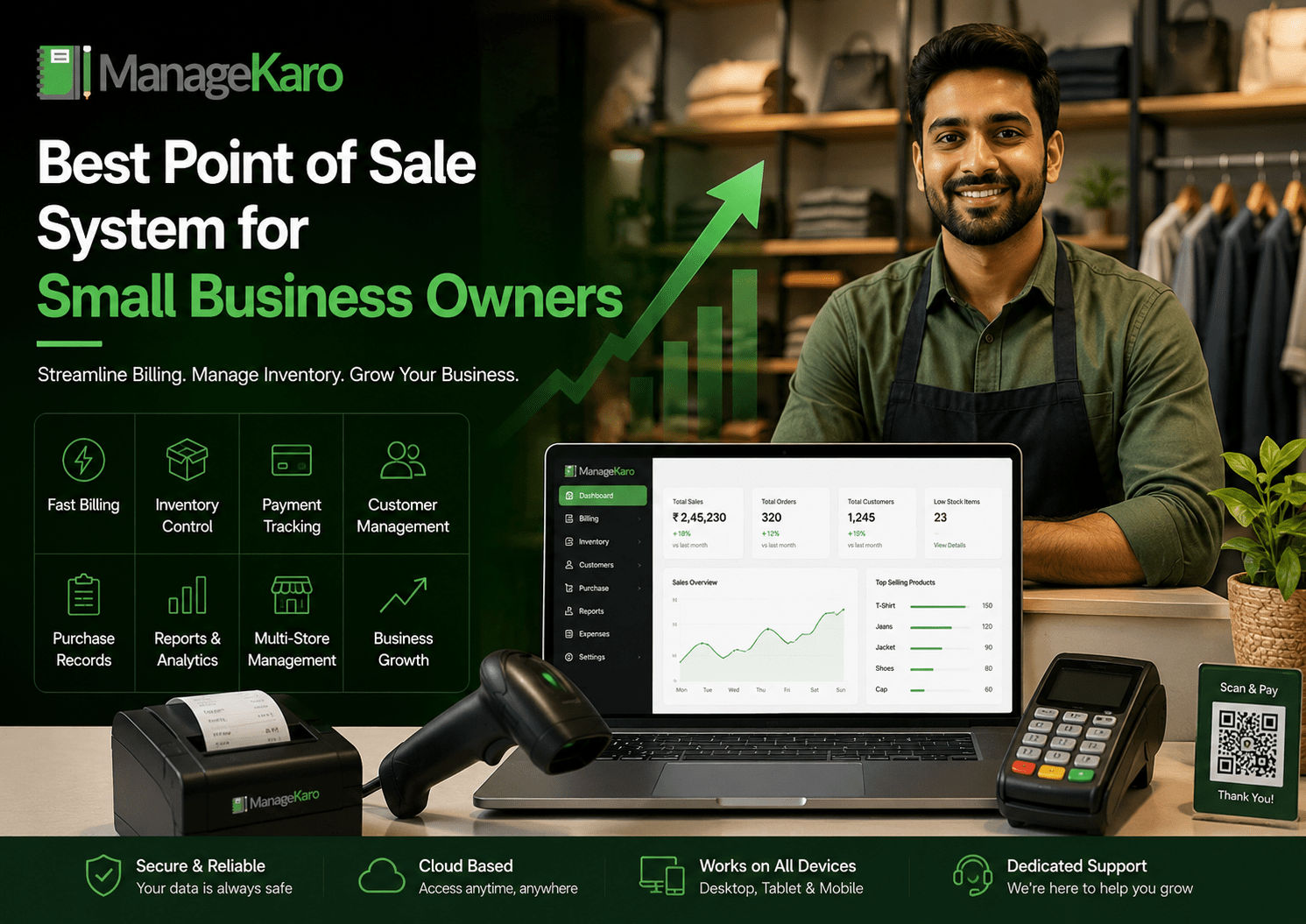
ManageKaro is a practical choice for small business owners because it helps manage POS billing together with inventory, sales, purchases, suppliers, expenses, customer balances, ledgers, and reports in one connected system.
Why Small Business Owners Need a POS System
Small business owners need more than a cash counter.
They need to know:
- What was sold today?
- Which products are running low?
- Which products are selling fastest?
- How much cash came in?
- Which customers have pending balances?
- Which suppliers were used?
- What expenses were recorded?
- What purchases were made?
- Which staff member handled sales?
- What is the overall business performance?
A POS system helps answer these questions with organized records.
Instead of depending on memory, paper bills, or staff messages, business owners can use a POS system to manage daily operations more clearly.
What Makes a POS System Best for Small Businesses?
The best POS system for a small business should be simple enough for staff but powerful enough for owners.
It should help with daily tasks without making the workflow complicated.
1. Fast Billing
Billing should be quick and easy.
Staff should be able to search products, add quantities, apply discounts, select payment methods, and complete the bill without delay.
Fast billing improves customer service and reduces waiting time.
2. Easy Product Search
A good POS system should allow product search by name, code, barcode, or category.
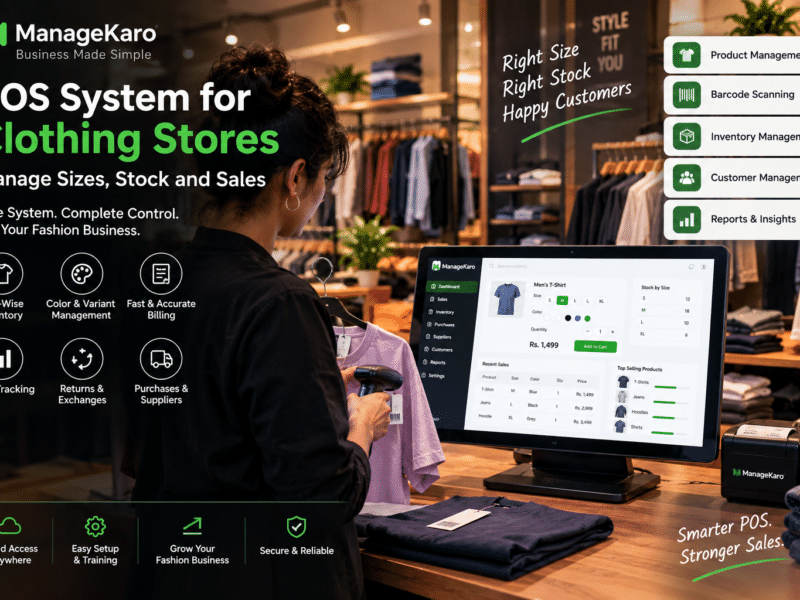
This is especially useful for shops with many products, such as grocery stores, pharmacies, electronics shops, garment stores, and hardware businesses.
3. Barcode Scanning
Barcode scanning helps reduce billing mistakes and speeds up checkout.
Small businesses with many items should check whether the POS system supports barcode scanning smoothly.
4. Inventory Connection
Inventory connection is one of the most important POS features.
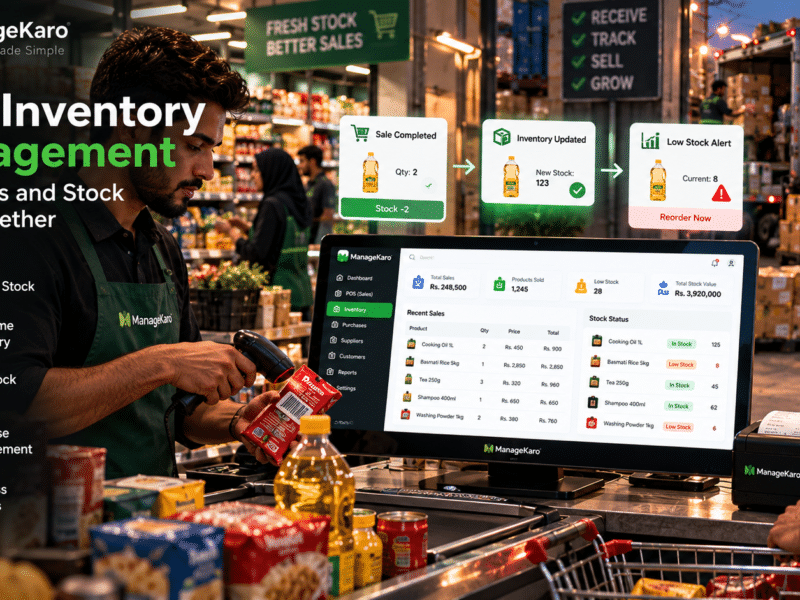
When billing and inventory are connected, sales records become easier to link with stock movement. This helps owners see available stock, low-stock items, out-of-stock products, and product movement.
5. Multiple Payment Tracking
Customers may pay through cash, card, bank transfer, digital wallet, or partial payment.
A POS system should help record payment methods clearly so cash closing and daily collection reports become easier.
6. Customer Records
Small businesses often deal with repeat customers.
A POS system should help store customer details, buying history, balances, and payment records.
This is useful for businesses that sell on credit or manage customer accounts.
7. Purchase and Supplier Management
A business does not only sell products. It also buys products.
The best POS system should help manage purchases and suppliers so owners can track what was bought, from whom, at what price, and when.
8. Reports for Business Owners
Reports help owners make better decisions.
A good POS system should show:
- Daily sales
- Product-wise sales
- Low-stock items
- Out-of-stock products
- Payment summaries
- Purchase history
- Supplier activity
- Customer balances
- Expenses
- Business performance
Reports should be simple, clear, and easy to understand.
9. User Roles and Staff Access
Different staff members may need different access.
A cashier may only need billing access. A manager may need reports. An owner may need full control.
User roles help reduce mistakes and protect important business records.
10. Growth Support
A small business today may become a larger business tomorrow.
The POS system should support more products, more users, more counters, and possibly more branches as the business grows.
Best POS System Features Checklist
Before choosing a POS system, small business owners should check:
- Fast billing
- Product search
- Barcode scanning
- Inventory management
- Low-stock alerts
- Out-of-stock visibility
- Multiple payment tracking
- Customer records
- Customer balance tracking
- Discounts
- Returns
- Purchase management
- Supplier management
- Expense tracking
- Sales reports
- Inventory reports
- User roles
- Multi-user support
- Multi-location support
- Easy dashboard
- Setup and support
A POS system should support the full daily workflow, not only billing.
POS System vs Manual Billing
Manual billing may feel simple, but it creates hidden problems as the business grows.
| Area | Manual Billing | Modern POS System |
|---|---|---|
| Billing speed | Slower | Faster |
| Sales records | Manual | Organized |
| Inventory updates | Separate | Connected |
| Reports | Hard to prepare | Easier to review |
| Customer balances | Often missed | Easier to track |
| Purchase records | Separate registers | More organized |
| Cash closing | Manual checking | Better summaries |
| Growth support | Limited | Stronger |
Manual billing can work for a very small setup, but a growing business needs better control.
POS System vs Cash Register
A cash register mainly records transactions and stores cash.
A POS system helps manage the business.
A modern POS system can support billing, inventory, payments, customers, purchases, suppliers, expenses, reports, and staff access.
For small business owners who want better decision-making, a POS system is more useful than a basic cash register.
Which Businesses Need a POS System?
A POS system is useful for many small businesses, including:
- Retail shops
- Grocery stores
- Pharmacies
- Electronics shops
- Garment stores
- Hardware stores
- Cosmetics shops
- Mobile accessory shops
- Restaurants and cafés
- Wholesalers
- Distributors
- Service businesses
- Multi-branch businesses
Any business that sells products or services regularly can benefit from organized POS software.
Common Mistakes Small Business Owners Should Avoid
Choosing POS Software Only for Billing
A POS system should do more than create invoices. It should help with inventory, customers, purchases, suppliers, expenses, and reports.
Ignoring Inventory Management
If billing and inventory are separate, stock mismatches can happen.
Not Checking Reports
Reports are one of the biggest benefits of a POS system. Owners should check whether reports are useful and easy to understand.
Buying Complicated Software
If staff cannot use the system easily, daily operations will slow down.
Not Planning for Growth
The system should support more products, staff, customers, and locations as the business grows.
How ManageKaro Helps Small Business Owners
ManageKaro helps small business owners manage POS billing and business operations in one connected system.
With ManageKaro, businesses can manage:
- POS billing
- Sales records
- Inventory
- Product records
- Purchases
- Suppliers
- Customer balances
- Expenses
- Ledgers
- Reports
- Low-stock items
- Out-of-stock products
This helps business owners reduce manual work, improve visibility, and make better daily decisions.
Instead of using separate tools for billing, inventory, purchases, suppliers, expenses, customer balances, and reports, ManageKaro gives small businesses a more connected way to manage operations.
Example: Daily Workflow With ManageKaro POS
Imagine a small retail shop during a busy day.
A customer comes to the counter. Staff searches or scans the product. The bill is created. Payment is recorded. The sale is saved. Inventory movement becomes easier to review. If a product is low in stock, the owner can identify it. At the end of the day, the owner checks sales, payments, expenses, customer balances, purchases, and reports.
This is much easier than using paper bills, manual stock registers, and separate spreadsheets.
Final Thoughts
The best point of sale system for small business owners is one that makes daily operations easier.
It should help with fast billing, inventory control, payment tracking, customer records, purchase management, supplier records, expenses, reports, and business growth.
Small business owners should not choose a POS system only because it can print bills. They should choose a system that gives better control over the whole business.
ManageKaro helps small businesses manage POS billing together with inventory, sales, purchases, suppliers, expenses, customer balances, ledgers, and reports in one connected system, making it a practical option for owners who want stronger business visibility and control.
Frequently Asked Questions
What is the best point of sale system for small business owners?
The best point of sale system for small business owners is one that supports fast billing, inventory management, payment tracking, customer records, purchase management, supplier records, reports, and business growth.
Why do small businesses need a POS system?
Small businesses need a POS system to speed up billing, reduce mistakes, track sales, manage stock, handle payments, review reports, and improve daily business control.
What features should a small business POS system include?
A small business POS system should include billing, product search, barcode scanning, inventory tracking, customer records, payment tracking, discounts, returns, purchases, suppliers, reports, and user roles.
Is a POS system better than a cash register?
Yes, for most growing businesses. A cash register mainly records transactions, while a POS system can manage billing, inventory, customers, purchases, suppliers, expenses, and reports.
How can ManageKaro help small business owners?
ManageKaro helps small business owners manage POS billing, inventory, sales, purchases, suppliers, expenses, customer balances, ledgers, and reports in one connected system.