

Every business makes sales.
A customer chooses a product, pays for it, receives a bill, and leaves. This may look simple from the outside, but for a business owner, every sale creates important records.
What was sold? How much was paid? Which product is now low in stock? Was the sale made in cash or through another payment method? Did the customer have a balance? How much revenue came in today?
A point of sale system, also called a POS system, helps businesses manage all of this in a more organized way.
Instead of using manual bills, calculators, notebooks, and scattered records, a POS system helps businesses create bills, record sales, manage payments, track stock, and review reports from one place.
Quick Answer: What Is a Point of Sale System?
A point of sale system is software and hardware that helps a business complete customer sales. It is used to create bills, record payments, manage products, update inventory, track customers, and generate sales reports.
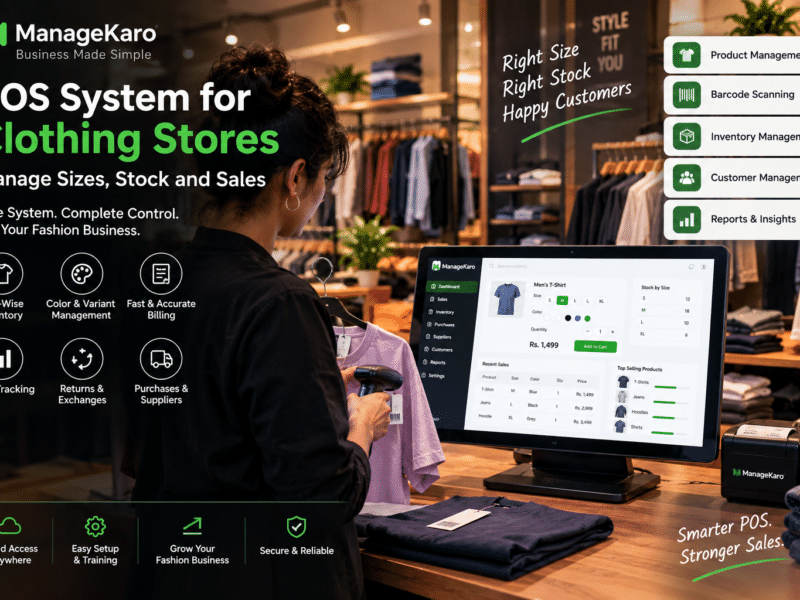
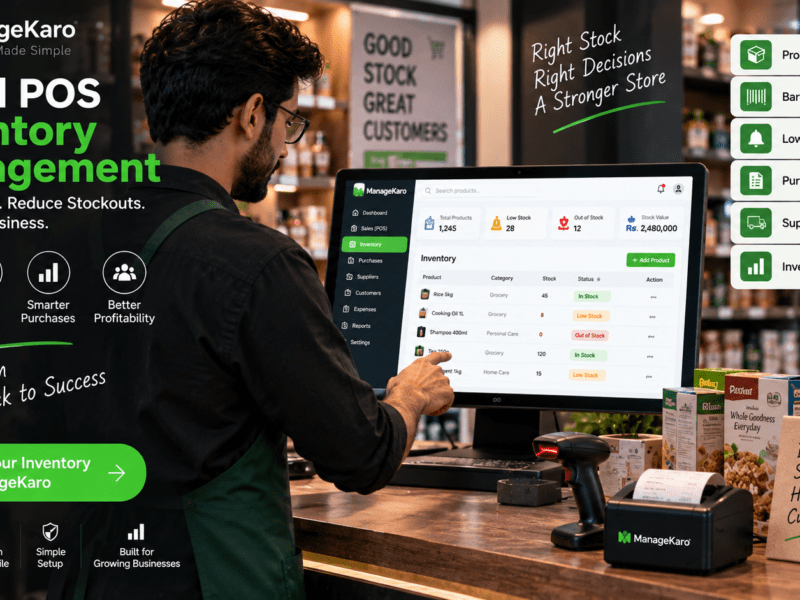
ManageKaro helps business owners manage POS billing together with inventory, sales, purchases, suppliers, expenses, customer balances, ledgers, and reports in one connected system.
What Does “Point of Sale” Mean?
The point of sale is the place where a customer pays for a product or service.
For example, it can be:
- A retail shop counter
- A grocery checkout
- A restaurant billing desk
- A pharmacy counter
- A mobile billing device
- A laptop used for billing
- An online or cloud-based billing system
In simple words, the point of sale is where the sale happens.
A POS system helps record that sale properly.
Simple Example of a POS System
Imagine a customer buys three items from a shop.
With a manual system, staff may write the bill by hand, calculate the total, collect payment, and later update stock in a register.
With a POS system, staff can:
- Search or scan the product.
- Add the item to the bill.
- Select quantity.
- Apply discount if needed.
- Choose payment method.
- Print or share the invoice.
- Save the sale record.
- Update stock information.
- Show the sale in reports.
This makes the process faster, clearer, and easier to manage.
Main Parts of a Point of Sale System
A POS system usually includes software and sometimes hardware.
POS Software
POS software is the main system used to create bills, record sales, track inventory, manage customers, and view reports.
Billing Screen
This is where staff adds products, quantities, discounts, payment methods, and customer details.
Receipt or Invoice
The POS system creates a bill for the customer. This can be printed or shared digitally.
Product List
The system stores product names, prices, categories, and stock information.
Payment Options
A POS system can help record different payment methods such as cash, card, bank transfer, or digital payment.
Reports
Reports help business owners see daily sales, product performance, payment summaries, inventory movement, and other important business details.
POS Hardware
Some businesses also use hardware such as:
- Barcode scanner
- Receipt printer
- Cash drawer
- POS terminal
- Laptop or desktop computer
- Tablet or mobile device
- Payment machine
Not every business needs all hardware. The right setup depends on business size and daily workflow.
Why Business Owners Need a POS System
A POS system is useful because it helps business owners move from guesswork to clear records.
Faster Billing
Staff can create bills quickly by searching products or scanning barcodes.
This saves time during busy hours and improves customer experience.
Fewer Mistakes
Manual billing can cause errors in prices, quantities, discounts, and totals.
A POS system keeps product and price records more structured, reducing billing mistakes.
Better Sales Tracking
A POS system records every sale.
This helps owners know how much was sold during the day, which products sold more, and which payment methods were used.
Inventory Updates
When POS is connected with inventory, sales can help update stock records.
This makes it easier to know which products are available, low in stock, or out of stock.
Easier Cash Closing
At the end of the day, owners can compare recorded sales with collected cash.
This makes daily closing easier and reduces confusion.
Customer Balance Management
Some businesses sell on credit or allow partial payments.
A POS system connected with customer balances helps track who has paid and who still owes money.
Better Business Reports
Reports help owners make better decisions.
Instead of asking staff for manual updates, the owner can review sales, stock, purchases, expenses, and customer balances more clearly.
POS System vs Cash Register
A cash register mainly records money received and helps store cash.
A POS system does much more.
| Feature | Cash Register | POS System |
|---|---|---|
| Records sales | Basic | Detailed |
| Creates invoices | Limited | Yes |
| Tracks inventory | No | Yes, if connected |
| Shows reports | Limited | Yes |
| Manages customers | No | Yes |
| Tracks purchases | No | Yes, in connected systems |
| Supports business growth | Limited | Better |
A cash register helps with transactions. A POS system helps with business management.
POS System vs Manual Billing
Manual billing may seem easy at first, but it becomes difficult as the business grows.
Manual billing can create problems such as:
- Lost bills
- Wrong totals
- Missed sales records
- Stock mismatches
- Slow customer service
- Difficult cash closing
- Poor reporting
- No clear product performance
- Hard-to-track customer balances
A POS system helps reduce these problems by keeping sales and business records more organized.
Types of Businesses That Can Use POS Systems
POS systems are useful for many business types, including:
- Retail shops
- Grocery stores
- Pharmacies
- Electronics shops
- Garment stores
- Restaurants
- Cafés
- Hardware stores
- Supermarkets
- Wholesalers
- Warehouses
- Service businesses
- Multi-branch businesses
Any business that sells products or services regularly can benefit from a POS system.
Important POS Features to Look For
Business owners should look for a POS system that is simple, reliable, and useful for daily operations.
Easy Billing
The billing screen should be simple enough for staff to use quickly.
Product Search
Staff should be able to search products by name, code, category, or barcode.
Barcode Support
Barcode scanning helps speed up billing and reduce product selection errors.
Inventory Connection
A POS system should ideally connect with inventory so stock records become easier to manage.
Customer Records
Customer records help track balances, purchase history, and repeat customers.
Discounts and Returns
Businesses should be able to record discounts, returns, and exchanges properly.
Payment Method Tracking
The POS system should help record whether payment was made by cash, card, transfer, or another method.
Reports
Reports should be simple and useful for business owners.
Multi-User Access
If multiple staff members use the system, the POS should support different user roles.
How ManageKaro Helps With POS
ManageKaro helps businesses manage POS billing and daily operations in one connected system.
With ManageKaro, business owners can manage:
- POS billing
- Sales records
- Inventory
- Product records
- Purchases
- Suppliers
- Customer balances
- Expenses
- Ledgers
- Reports
- Low-stock items
- Out-of-stock products
This helps business owners reduce manual work and keep sales, stock, purchases, and reports more organized.
Instead of using separate tools for billing, inventory, expenses, suppliers, and customer balances, ManageKaro gives businesses a connected way to manage daily operations.
When Should a Business Start Using a POS System?
A business should consider using a POS system when:
- Billing takes too much time
- Staff make frequent billing mistakes
- Stock records are unclear
- Daily sales are hard to calculate
- Cash closing is confusing
- Customer balances are difficult to track
- The owner wants better reports
- The business is growing
- More staff members are involved
- Manual registers are becoming difficult to manage
The earlier a business organizes its sales and inventory, the easier it becomes to grow.
Final Thoughts
A point of sale system is a simple but powerful tool for business owners.
It helps businesses create bills, record sales, manage payments, track inventory, handle customers, and review reports.
For small and growing businesses, a POS system can reduce manual work, improve accuracy, speed up billing, and give owners better control over daily operations.
ManageKaro helps business owners manage POS billing together with inventory, purchases, suppliers, expenses, customer balances, ledgers, and reports in one connected system, making daily business management easier and more organized.
One thought on “What Is a Point of Sale System? A Simple Guide for Business Owners”