Retail store owners do not only need a billing system.
They need control.
Control over sales. Control over stock. Control over staff activity. Control over payments. Control over customer balances. Control over purchases, suppliers, expenses, and reports.
Many retail stores start with manual billing, cash registers, spreadsheets, and paper stock records. These methods may work in the beginning, but as the store grows, daily operations become harder to manage.
A product sells, but stock is not updated. A customer pays partially, but the balance is not recorded properly. A cashier gives a discount, but the owner does not know. A supplier delivers stock, but purchase records are scattered. At the end of the day, the owner still has to calculate everything manually.
This is why choosing the best point of sale system for retail store owners is important.
A strong POS system should help retail owners manage billing, inventory, payments, customers, purchases, suppliers, expenses, ledgers, and reports from one connected system.
Quick Answer: What Is the Best Point of Sale System for Retail Store Owners?
The best point of sale system for retail store owners is a POS system that gives better control over billing, inventory, sales, payments, customers, staff, purchases, suppliers, expenses, and reports. It should be easy for staff to use and powerful enough for owners to review daily business performance.
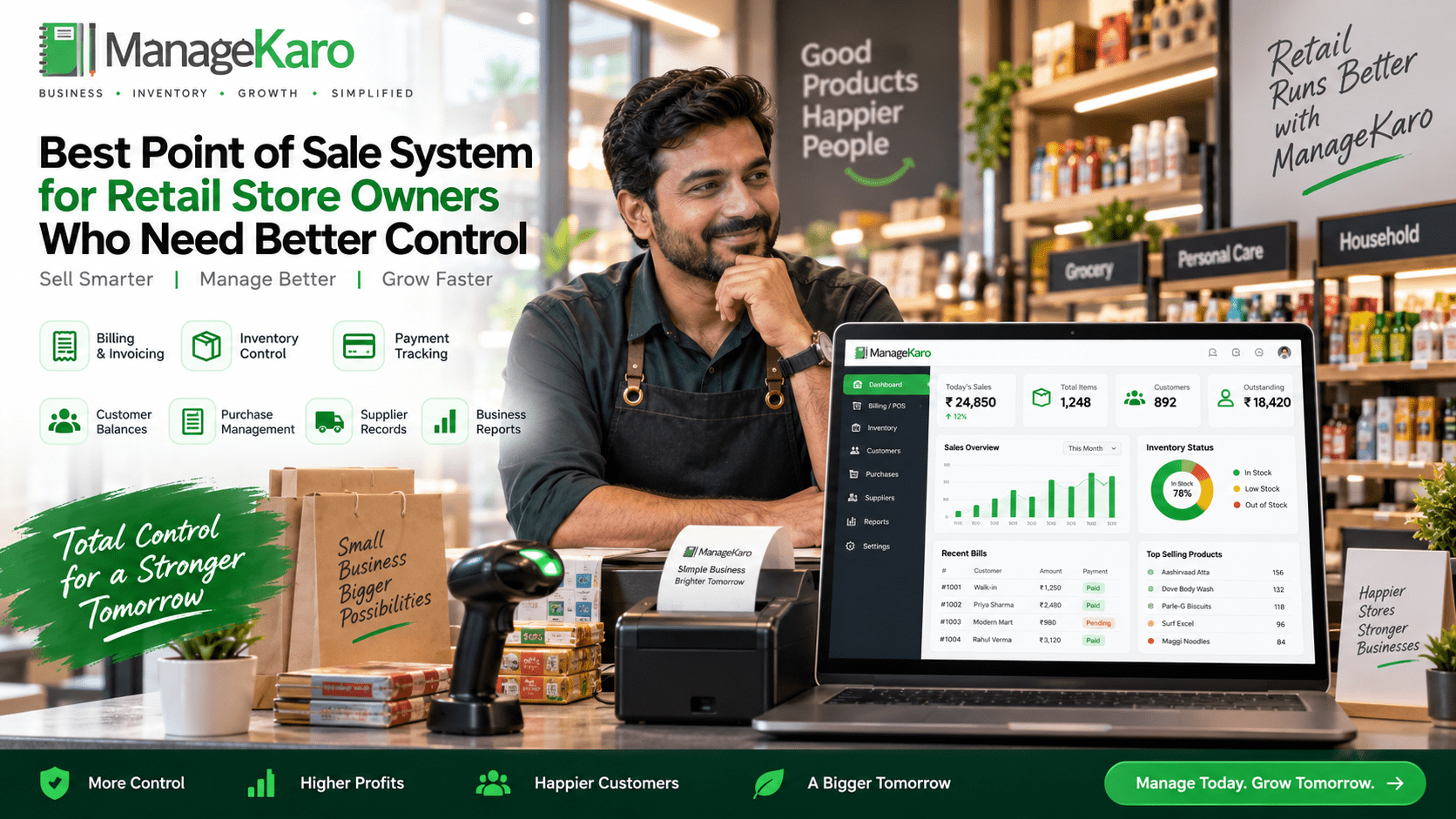
ManageKaro helps retail store owners manage POS billing together with inventory, sales, purchases, suppliers, expenses, customer balances, ledgers, and reports in one connected business management system.
Why Retail Store Owners Need Better Control
Retail businesses move fast.
Customers come and go. Products are sold. Payments are collected. Stock changes. Suppliers deliver items. Expenses are recorded. Staff members handle different tasks.
If all of this is managed manually, the owner may lose visibility.
Common control problems include:
- Staff billing mistakes
- Stock mismatches
- Missing sales records
- Unclear customer balances
- Poor cash closing
- Untracked discounts
- Confusing supplier records
- Delayed purchase decisions
- Weak daily reports
- No clear product performance
A retail POS system helps bring these areas into one organized workflow.
1. Better Billing Control
Billing is where every retail sale begins.
A good POS system should help staff create bills quickly and accurately. It should support product search, barcode scanning, quantity changes, discounts, customer selection, and payment method tracking.
For owners, billing control means knowing:
- What was sold
- Who handled the sale
- What discount was given
- Which payment method was used
- Whether the invoice was completed correctly
Without billing control, small mistakes can affect daily sales records and customer trust.
2. Better Inventory Control
Retail stores depend on stock accuracy.
If stock records are wrong, customers may be promised products that are not available. Owners may reorder items that are already in stock. Slow-moving products may keep cash blocked for too long.
A strong POS system should help retail owners track:
- Current stock
- Low-stock items
- Out-of-stock products
- Product movement
- Stock value
- Fast-moving products
- Slow-moving products
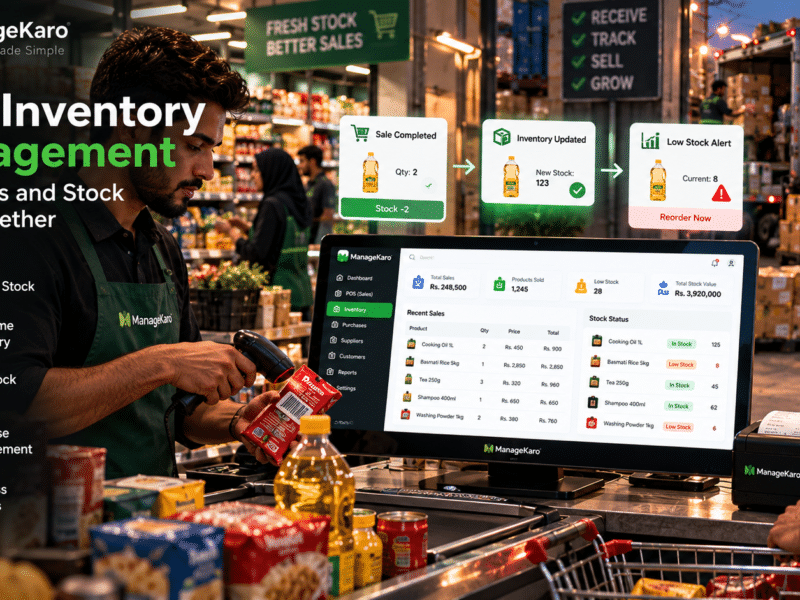
When POS billing is connected with inventory, stock control becomes easier to manage.
3. Better Payment Control
Retail stores may accept different payment methods.
Customers may pay through cash, card, bank transfer, mobile wallet, partial payment, or credit. If these payments are not tracked properly, daily closing becomes confusing.
A POS system should help owners see payment summaries clearly.
This helps answer:
- How much cash was collected?
- How much came through card or transfer?
- Which payments are pending?
- Which customers still have balances?
- Does collected cash match recorded sales?
Better payment control helps reduce cash confusion and improves financial visibility.
4. Better Customer Balance Control
Many retail stores sell to repeat customers.
Some customers may buy on credit or pay partially. If balances are recorded in notebooks, it becomes easy to miss payments or forget pending amounts.
A good POS system should help track:
- Customer names
- Purchase history
- Credit sales
- Partial payments
- Outstanding balances
- Customer ledgers
This is especially useful for retail shops, wholesalers, hardware stores, pharmacies, service businesses, and B2B sellers.
5. Better Purchase Control
Inventory does not only leave the store through sales. It enters the store through purchases.
Retail store owners need to know what was purchased, when it was purchased, from which supplier, at what cost, and how much stock was received.
A POS system with purchase management helps owners avoid duplicate buying and improve reorder planning.
Purchase control helps retail owners understand:
- Which products were purchased
- Which supplier provided them
- What the purchase cost was
- Whether stock was received
- Which items need reordering
6. Better Supplier Control
Supplier records are important for retail stores that buy stock regularly.
If supplier information is scattered, it becomes difficult to compare purchase history, track payments, or review stock sources.
A strong POS system should help store supplier details, purchase records, supplier balances, and product supply history.
This gives owners better control over buying decisions.
7. Better Staff Control
Not every staff member should have full access to the POS system.
A cashier may only need billing access. A manager may need reports. A warehouse staff member may need stock access. The owner may need full control.
User roles help reduce mistakes and protect important business records.
Staff control can help owners understand:
- Who created a bill
- Who applied discounts
- Who handled payments
- Who updated stock
- Who accessed reports
This improves accountability in daily operations.
8. Better Expense Control
Retail stores have many expenses.
Rent, salaries, electricity, delivery, packaging, repairs, transport, internet, and daily store costs all affect profit.
If expenses are tracked separately, the owner may not understand the real business picture.
A connected POS and business management system should help record expenses and review them with sales and reports.
9. Better Reporting Control
Reports are where business control becomes clear.
A good POS system should provide reports that are easy to understand and useful for decision-making.
Retail owners should be able to review:
- Daily sales
- Payment summaries
- Product-wise sales
- Low-stock products
- Out-of-stock items
- Customer balances
- Purchase history
- Supplier activity
- Expenses
- Stock value
- Business performance
Reports help owners make decisions based on records instead of guesswork.
POS Features Retail Store Owners Should Look For
Before choosing a POS system, retail owners should check whether it includes:
- Fast billing
- Product search
- Barcode scanning
- Inventory management
- Low-stock visibility
- Out-of-stock tracking
- Payment method tracking
- Customer records
- Customer balance tracking
- Purchase management
- Supplier records
- Expense tracking
- Sales reports
- Inventory reports
- User roles
- Multi-user access
- Multi-location support
- Easy dashboard
- Setup support
- Growth support
The best POS system should give owners better control over the full retail workflow.
Best POS System vs Basic Billing Software
| Area | Basic Billing Software | Modern Retail POS System |
|---|---|---|
| Billing | Creates invoices | Manages complete sales workflow |
| Inventory | Limited or separate | Connected with sales |
| Payments | Basic recording | Clear payment summaries |
| Customers | Limited | Customer records and balances |
| Purchases | Usually separate | Purchase tracking |
| Suppliers | Usually missing | Supplier management |
| Expenses | Often separate | Business expense tracking |
| Reports | Basic | Sales, stock, purchase, customer, and business reports |
| Staff access | Limited | User roles and accountability |
| Growth | Limited | Better for growing stores |
Basic billing software may help create invoices, but a modern POS system helps manage the business.
Which Retail Stores Need Better POS Control?
A strong retail POS system is useful for:
- Grocery stores
- Pharmacies
- Garment shops
- Electronics shops
- Hardware stores
- Cosmetics shops
- Mobile accessory shops
- Supermarkets
- General stores
- Shoes and fashion stores
- Home goods stores
- Stationery shops
- Multi-branch retail stores
Any retail store that needs better billing, inventory, customer, supplier, payment, and reporting control can benefit from a modern POS system.
How ManageKaro Helps Retail Store Owners Get Better Control
ManageKaro helps retail store owners manage POS billing and business operations from one connected system.
With ManageKaro, retail businesses can manage:
- POS billing
- Sales records
- Product records
- Inventory
- Purchases
- Suppliers
- Expenses
- Customer balances
- Ledgers
- Reports
- Low-stock items
- Out-of-stock products
This helps owners reduce scattered records and improve daily visibility.
Instead of using separate tools for billing, inventory, purchases, suppliers, expenses, customer balances, and reports, ManageKaro gives retail store owners a more organized way to control business operations.
Example: Better Retail Control With a POS System
Imagine a retail store during a busy day.
A cashier scans products and creates bills. Payments are recorded by method. Inventory movement becomes easier to review. Customer balances are updated. Purchase records show what stock came in. Supplier records remain organized. At the end of the day, the owner checks sales, payments, expenses, stock, and reports.
Without a connected POS system, this may require multiple notebooks and staff updates.
With ManageKaro, retail owners can manage these areas from one connected system and make better daily decisions.
Common Mistakes Retail Owners Should Avoid
Choosing POS Only for Billing
A POS system should not only print invoices. It should support inventory, customers, purchases, suppliers, expenses, reports, and staff access.
Ignoring Customer Balances
Retail stores with credit customers need proper balance tracking.
Not Checking Inventory Features
If stock is important to your store, inventory connection is essential.
Not Reviewing Reports Before Buying
Reports should be simple, useful, and easy to understand.
Giving All Staff Full Access
User roles help protect business records and reduce mistakes.
Choosing Software That Cannot Grow
Choose a POS system that can support more products, users, counters, and locations as the store grows.
Final Thoughts
The best point of sale system for retail store owners is not just a billing tool.
It is a control system for daily retail operations.
A good POS system helps owners manage billing, inventory, payments, customers, purchases, suppliers, expenses, staff access, and reports more clearly.
For retail store owners who need better control, ManageKaro provides a connected way to manage POS billing, sales, inventory, purchases, suppliers, expenses, customer balances, ledgers, and reports in one system.
This helps retail businesses reduce manual work, improve visibility, and make better decisions every day.
Frequently Asked Questions
What is the best point of sale system for retail store owners?
The best point of sale system for retail store owners is one that supports fast billing, inventory tracking, payment summaries, customer records, purchase management, supplier records, expense tracking, user roles, and clear reports.
Why do retail store owners need POS control?
Retail store owners need POS control to reduce billing mistakes, prevent stock mismatches, track payments, manage customer balances, organize purchases, monitor staff activity, and review business performance.
Is POS software better than basic billing software?
Yes, for most growing retail stores. Basic billing software mainly creates invoices, while POS software can connect billing with inventory, customers, purchases, suppliers, expenses, staff access, and reports.
What POS features are most important for retail control?
Important POS features for retail control include billing, barcode scanning, inventory management, payment tracking, customer balance tracking, purchases, supplier records, expenses, user roles, and reports.
How can ManageKaro help retail store owners?
ManageKaro helps retail store owners manage POS billing, inventory, sales, purchases, suppliers, expenses, customer balances, ledgers, and reports in one connected business management system.