
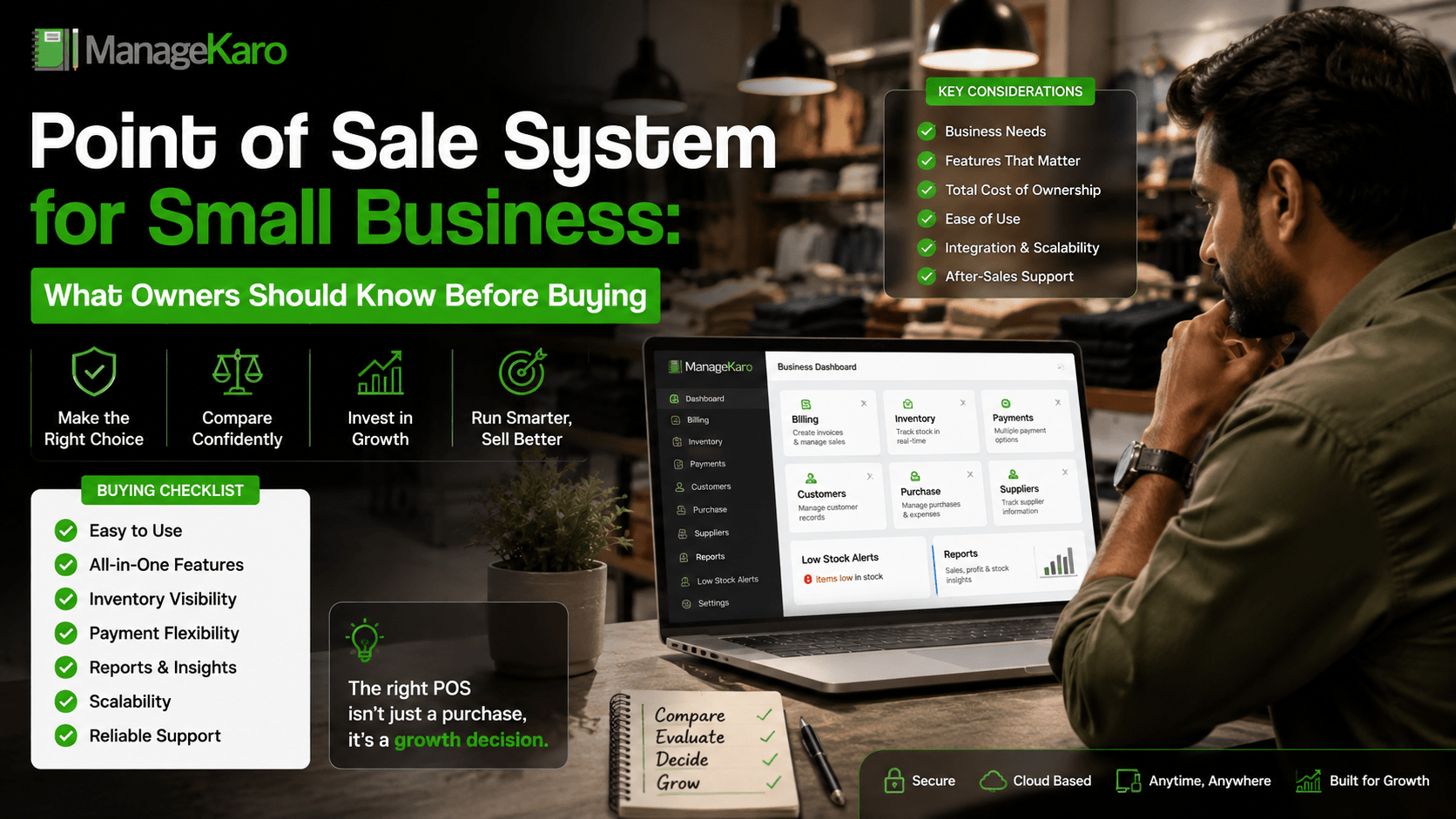
Buying a point of sale system can feel simple at first.
Many small business owners look for a POS system only because they want faster billing or printed receipts. But a good POS system should do much more than create invoices. It should help the owner understand sales, stock, payments, customers, purchases, suppliers, expenses, and reports.
The wrong POS system can slow down staff, create stock confusion, and force the business to continue using notebooks, spreadsheets, and WhatsApp messages. The right POS system can help owners save time, reduce mistakes, and manage daily operations with more confidence.
Before buying any POS system, small business owners should understand what they really need and what problems the software should solve.
Quick Answer: What Should Small Business Owners Know Before Buying a POS System?
Small business owners should know that a POS system should support more than billing. It should include fast checkout, product search, inventory management, payment tracking, customer records, customer balances, purchase management, supplier records, expenses, reports, user roles, and growth support.
ManageKaro helps small business owners manage POS billing together with inventory, sales, purchases, suppliers, expenses, customer balances, ledgers, and reports in one connected system.
What Is a POS System for Small Business?
A POS system for small business is software, and sometimes hardware, that helps businesses complete sales and manage business records.
It usually helps with:
- Creating bills
- Recording sales
- Managing payments
- Tracking products
- Updating inventory
- Managing customers
- Reviewing reports
- Handling discounts and returns
- Tracking purchases and suppliers
For small businesses, a POS system becomes the main tool for daily sales and operational control.
Why Small Businesses Should Not Buy POS Software Too Quickly
Many owners buy POS software after seeing only a billing demo.
That is risky.
A POS system may look good during invoice creation but may fail when the business needs inventory reports, customer balances, supplier records, purchase history, expenses, or staff access.
Before buying, owners should ask:
- Does it match my business workflow?
- Can my staff use it easily?
- Does it connect billing with inventory?
- Can it track customer balances?
- Can it manage purchases and suppliers?
- Does it give useful reports?
- Will it still work as my business grows?
A POS system should solve daily business problems, not only make the counter look modern.
Key Things Owners Should Know Before Buying
1. Billing Speed Matters
Billing is one of the most common daily tasks.
A POS system should make checkout fast and simple. Staff should be able to search products, scan items, add quantities, apply discounts, choose payment methods, and complete the sale quickly.
If billing takes too many steps, customers wait longer and staff become frustrated.
2. Product Search Should Be Easy
Small businesses often manage many product names, categories, prices, and variations.
The POS system should allow fast product search by:
- Product name
- Code
- Category
- Barcode
- SKU or item number
This is especially important for grocery stores, pharmacies, garments, electronics, hardware, cosmetics, and general retail shops.
3. Inventory Connection Is Essential
A POS system without inventory connection is only a billing tool.
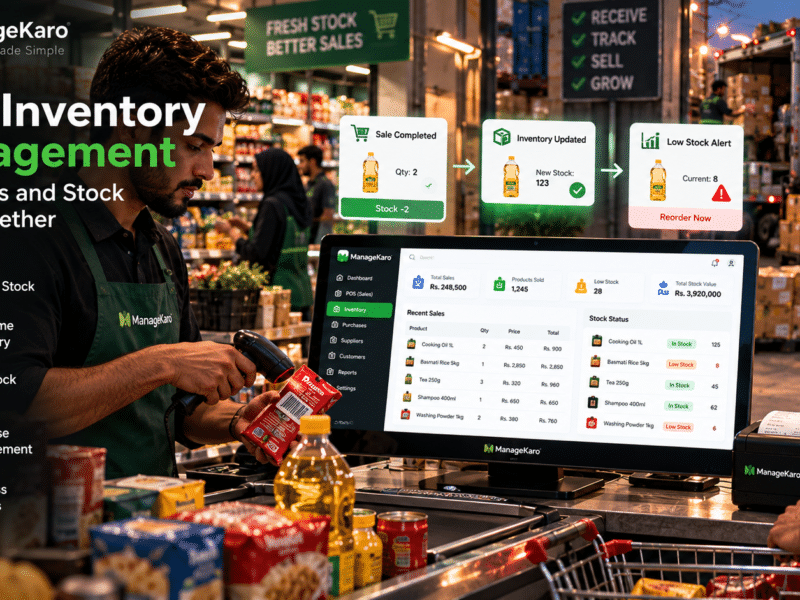
When billing and inventory are connected, owners can review stock movement more clearly. Each sale becomes easier to link with stock records.
Inventory features help owners know:
- What is available
- What is low in stock
- What is out of stock
- What sold recently
- What needs reordering
- What stock value is available
For product-based businesses, inventory connection is one of the most important POS features.
4. Low-Stock Alerts Help Prevent Missed Sales
Many businesses lose sales because they discover stock shortages too late.
A useful POS system should show low-stock and out-of-stock products so owners can reorder before shelves become empty.
This helps reduce emergency purchasing and improves customer service.
5. Payment Tracking Should Be Clear
Customers may pay through different methods.
A good POS system should help record:
- Cash payments
- Card payments
- Bank transfers
- Digital wallets
- Partial payments
- Credit sales
This makes daily cash closing easier and helps owners understand how money was collected.
6. Customer Records Are Important
Some businesses think customer records are only for large companies.
That is not true.
Small businesses can benefit from customer records because they help track repeat buyers, credit customers, balances, purchase history, and payment activity.
This is especially important for shops, wholesalers, service businesses, and B2B sellers.
7. Customer Balance Tracking Can Protect Cash Flow
If your business allows credit or partial payments, customer balance tracking is very important.
Without proper tracking, owners may forget pending payments or rely on manual notebooks.
A POS system should help record:
- Outstanding balances
- Customer ledgers
- Partial payments
- Payment history
- Credit sales
This helps protect cash flow and reduces payment confusion.
8. Purchase Management Should Not Be Ignored
Inventory comes into the business through purchases.
A good POS system should not only record sales but also help manage purchases. Purchase records help owners know what was bought, from which supplier, at what cost, and when.
This helps improve reordering and supplier decisions.
9. Supplier Records Help Control Stock Better
Supplier management helps owners understand product sourcing and purchase history.
A POS system should help track supplier names, contact details, purchase records, supplier balances, and product supply information.
This is useful for businesses that buy stock regularly.
10. Reports Should Be Simple and Useful
Reports are one of the biggest reasons to use a POS system.
A POS system should help owners review:
- Daily sales
- Product-wise sales
- Payment summaries
- Low-stock items
- Out-of-stock products
- Purchases
- Supplier activity
- Customer balances
- Expenses
- Stock value
- Business performance
Reports should be easy to understand. If reports are too confusing, owners may stop using them.
11. User Roles Help Reduce Mistakes
Not every staff member should have full access to the system.
A cashier may need billing access. A manager may need reports. A warehouse staff member may need stock access. The owner may need full control.
User roles help protect records and reduce errors.
12. POS Hardware Depends on Your Business
Not every business needs a full hardware setup.
Some businesses can start with:
- Laptop or desktop
- POS software
- Basic printer if needed
Others may need:
- Barcode scanner
- Receipt printer
- Cash drawer
- Payment terminal
- Label printer
- POS terminal
Hardware should be selected based on actual business needs, not just appearance.
13. Cloud Access Can Help Growing Businesses
Cloud-based POS systems can make it easier for owners to access records across devices or locations.
This is useful for businesses with:
- Multiple counters
- Multiple staff members
- Branches
- Warehouses
- Remote owners
- Growing operations
Cloud access can support better visibility and business control.
14. Ease of Use Is More Important Than Fancy Features
A POS system may have many features, but if staff cannot use it, the business will struggle.
Before buying, check:
- Is the billing screen simple?
- Can staff learn it quickly?
- Are products easy to find?
- Are reports easy to read?
- Can the owner manage settings easily?
Simple and practical software is better than complicated software with unused features.
15. Support and Setup Matter
Small businesses often need help when moving from manual records to software.
Before buying, check whether support is available for:
- Product entry
- Billing setup
- Inventory setup
- Staff training
- Troubleshooting
- Updates
- Daily usage help
Good support makes adoption easier.
POS Buying Checklist for Small Business Owners
Before buying a POS system, check whether it includes:
- Fast billing
- Product search
- Barcode support
- Inventory management
- Low-stock visibility
- Out-of-stock tracking
- Payment method tracking
- Customer records
- Customer balance tracking
- Discounts
- Returns
- Purchase management
- Supplier records
- Expense tracking
- Sales reports
- Inventory reports
- User roles
- Multi-user access
- Multi-location support
- Cloud access
- Easy dashboard
- Setup support
The best POS system should support daily business operations, not only invoice printing.
Common Mistakes Owners Should Avoid
Buying Only Because the Price Is Low
Cheap POS software may seem attractive, but missing features can cost more later through errors, lost time, and poor reporting.
Choosing Software Without Inventory
If you sell products, inventory connection is essential.
Ignoring Customer Balances
Businesses that sell on credit need customer balance tracking.
Not Checking Reports
Reports help owners make decisions. Always check whether reports are useful before buying.
Buying Hardware Before Software
Choose POS software first, then select hardware that works with your workflow.
Not Thinking About Growth
A POS system should support more products, staff, counters, and locations as the business grows.
How ManageKaro Helps Small Business Owners
ManageKaro helps small business owners manage POS billing and daily operations in one connected system.
With ManageKaro, businesses can manage:
- POS billing
- Sales records
- Inventory
- Product records
- Purchases
- Suppliers
- Expenses
- Customer balances
- Ledgers
- Reports
- Low-stock items
- Out-of-stock products
This helps owners reduce scattered records and get clearer visibility across business operations.
Instead of using separate tools for billing, stock, purchases, suppliers, customer balances, and reports, ManageKaro gives small businesses a more organized way to manage daily work.
Final Thoughts
A point of sale system for small business should not be chosen only for billing.
Business owners should look for a POS system that supports inventory, payments, customers, purchases, suppliers, expenses, reports, staff access, and future growth.
The right POS system helps owners reduce manual work, avoid mistakes, improve cash control, understand stock movement, and make better business decisions.
ManageKaro helps small businesses manage POS billing together with inventory, sales, purchases, suppliers, expenses, customer balances, ledgers, and reports in one connected system, making it a practical option for owners who want better daily control.
Frequently Asked Questions
What should I know before buying a POS system for small business?
Before buying a POS system, check whether it supports fast billing, inventory management, payment tracking, customer records, purchases, suppliers, expenses, reports, user roles, and business growth.
Is a POS system only used for billing?
No. A modern POS system can also help manage inventory, customers, payments, purchases, suppliers, expenses, ledgers, reports, and daily business records.
Do small businesses need inventory in POS software?
Yes, product-based small businesses should choose POS software with inventory management because sales directly affect stock levels.
What POS features are most important for small businesses?
The most important POS features include fast billing, product search, inventory tracking, payment records, customer balances, purchase management, supplier records, reports, and easy staff access.
How can ManageKaro help small business owners?
ManageKaro helps small business owners manage POS billing, inventory, sales, purchases, suppliers, expenses, customer balances, ledgers, and reports in one connected system.
One thought on “Point of Sale System for Small Business: What Owners Should Know Before Buying”