Every sale changes your inventory. But does your business record that change correctly?
Imagine a customer buying three products from your retail store. The cashier completes the bill, the customer pays, and the products leave the shop. However, if your sales system and inventory records are not connected, your stock records may still show those products as available.
This creates a common problem for growing businesses: sales records and inventory records do not match.
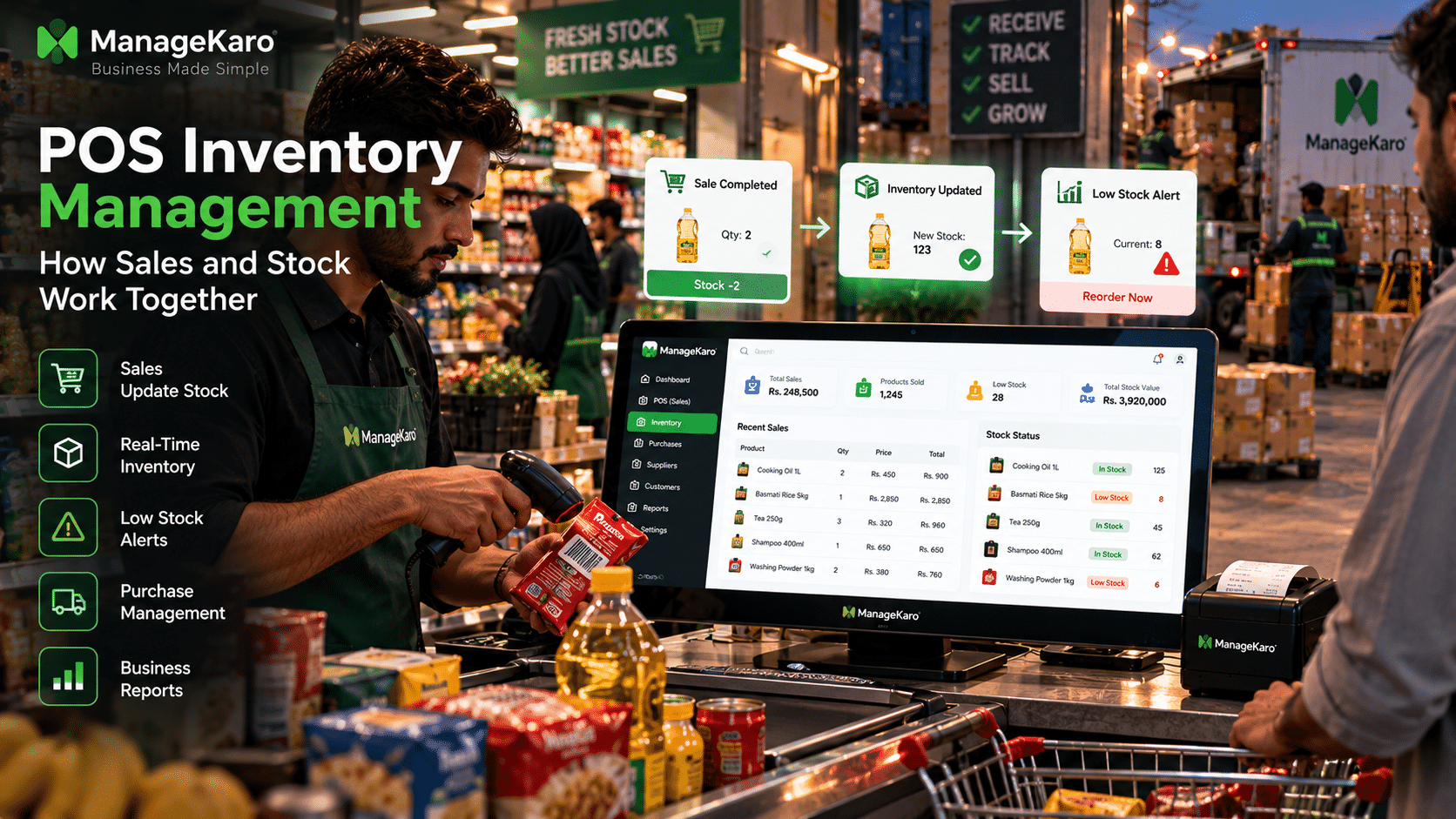
A POS inventory management system helps solve this problem by connecting point of sale transactions with stock records. When a product is sold, returned, or restocked, the system can record the corresponding inventory movement.
For retail stores, supermarkets, wholesalers, clothing shops, electronics businesses, and other product-based businesses, understanding how POS and inventory work together is essential for accurate stock control and better purchasing decisions.
What Is POS Inventory Management?
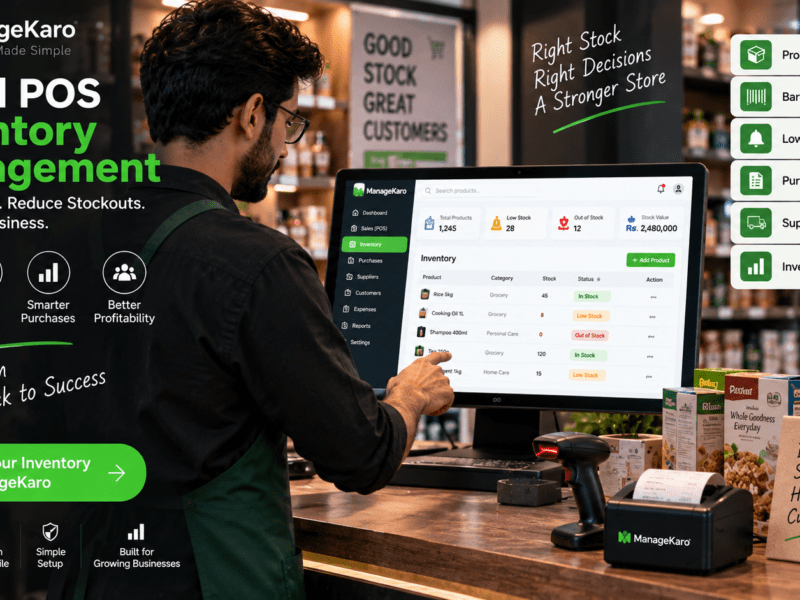
POS inventory management is the process of connecting point of sale transactions with inventory records so businesses can track how sales, returns, purchases, and stock adjustments affect product availability.
A POS system records customer transactions, while an inventory management system tracks product quantities and stock movement.
When these systems are integrated, businesses can reduce manual data entry and maintain more consistent records.
For example, if a shop has 50 units of a product and sells 5 units, a correctly configured POS inventory system can update the recorded quantity to 45 units.
ManageKaro brings POS billing, inventory, purchases, suppliers, customer records, and business reporting into a connected management workflow, helping businesses organize sales and stock information.
How POS and Inventory Management Work Together
The relationship between POS and inventory management becomes clearer when we follow a product through its daily business lifecycle.
Step 1: Products Are Added to Inventory
Before selling a product, the business creates a product record.
This record may include:
- Product name
- SKU or product code
- Barcode
- Category
- Purchase price
- Selling price
- Opening stock quantity
- Supplier information
- Reorder level
These details establish the product’s identity and starting inventory quantity.
Step 2: A Customer Purchases the Product
When a customer buys an item, the cashier creates a sale using the POS system.
The cashier selects or scans the product, enters the quantity, and completes the transaction.
The POS records the sale, including the products sold, quantities, prices, and payment information.
Step 3: Inventory Is Updated
In an integrated system, a completed sale triggers a corresponding stock deduction.
For example:
| Inventory activity | Quantity |
|---|---|
| Opening stock | 100 |
| Products sold | −15 |
| Remaining stock | 85 |
| New stock received | +40 |
| Updated stock | 125 |
This process keeps recorded inventory aligned with completed transactions.
Step 4: Low-Stock Products Are Identified
Businesses can configure reorder thresholds for frequently sold products when their software supports this feature.
For example, if a product’s reorder level is 20 units and the available stock falls to 18 units, the system can flag it for replenishment.
This helps businesses identify purchasing needs before products run out.
Step 5: New Purchases Increase Inventory
When a business receives new stock from a supplier, the received quantity is recorded in inventory.
The stock balance increases after the goods are received and recorded, rather than merely when a purchase order is created.
This distinction is important because ordering products does not mean those products have physically arrived.
Why Connecting POS With Inventory Matters
1. Reduces Manual Stock Updates
Without integration, employees may need to record every sale twice: once in the billing system and again in the stock register.
This increases workload and creates opportunities for errors.
A connected POS inventory system can reduce repeated data entry by recording stock movement through transactions.
2. Improves Stock Accuracy
Accurate inventory records help businesses understand how many products should be available.
However, POS integration alone cannot prevent every discrepancy. Theft, damage, receiving mistakes, and unrecorded movements can still cause differences.
Businesses should combine digital inventory tracking with regular physical stock checks.
3. Helps Prevent Stockouts
Stockouts happen when customers want products that are unavailable.
Connected sales and inventory records help owners identify fast-selling products and reorder needs earlier.
4. Reduces Overstocking
Overstocking happens when businesses purchase more products than they can sell within a reasonable period.
By comparing sales history with available stock, owners can make more informed purchasing decisions.
5. Improves Business Visibility
A connected system helps owners answer important questions:
- Which products sold today?
- How many units remain?
- Which products need replenishment?
- Which items are selling slowly?
- How much inventory was received?
- What inventory discrepancies need investigation?
These insights help businesses move from guesswork to record-based decisions.
How Different Transactions Affect Inventory
Not every inventory movement comes from a completed sale.
A reliable POS inventory workflow should account for several transaction types.
Sales Transactions
When a customer purchases a product and the sale is completed, the quantity sold is deducted from available stock.
Sales Returns
When a customer returns a product, the business must determine whether the item can be sold again.
A resellable item may be returned to available inventory. A damaged item may need to be recorded separately.
Cancelled Sales
A cancelled transaction should not permanently reduce inventory.
The system should distinguish between an unfinished transaction, a completed sale, and a reversed sale.
Purchase Receipts
When goods arrive from suppliers, the quantities actually received should be added to inventory.
Stock Adjustments
Sometimes physical stock differs from recorded stock.
A stock adjustment allows an authorised employee to correct the recorded quantity with an appropriate reason.
Common adjustment reasons include damage, loss, counting errors, and expired products.
POS Inventory Management Example: A Small Retail Shop
Consider a shop selling packaged grocery products.
The owner begins the day with 120 units of cooking oil.
During the day:
| Transaction | Stock change | Balance |
|---|---|---|
| Opening stock | — | 120 |
| Morning sales | −18 | 102 |
| Afternoon sales | −22 | 80 |
| Customer return, resellable | +2 | 82 |
| Supplier delivery received | +50 | 132 |
| Damaged units written off | −3 | 129 |
At the end of the day, the expected recorded stock is 129 units.
The POS system provides sales information, while inventory records account for receipts, returns, and adjustments.
Together, they give the owner a clearer picture of stock movement.
If the physical count shows only 127 units, the business can investigate the two-unit discrepancy.
This is why inventory control requires both transaction records and physical verification.
Essential Features of POS Inventory Management Software
Real-Time or Near-Real-Time Stock Updates
A connected system should update inventory promptly after completed transactions.
Businesses should verify how updates work, especially when using multiple devices or unreliable internet connections.
Barcode and SKU Management
Barcodes and SKUs help staff identify products accurately during billing.
This is particularly useful for businesses with large product catalogues.
Low-Stock Monitoring
Low-stock thresholds help owners identify products that may need replenishment.
Purchase and Receiving Records
The system should distinguish between ordered stock and received stock.
Returns and Adjustment Tracking
Returns, damage, and stock corrections should be recorded clearly to maintain accurate balances.
Product-Wise Sales Reports
Product-level reporting helps owners understand sales volume and product demand.
Supplier Management
Supplier records help connect replenishment activity with purchasing history.
User Permissions
Businesses should control which employees can create sales, edit product records, adjust stock, and access reports.
How POS Inventory Management Helps Different Businesses
Grocery Stores and Supermarkets
Grocery retailers handle frequent transactions and large numbers of products.
Connected POS and inventory records help manage daily sales, replenishment, and stock availability.
Clothing and Fashion Stores
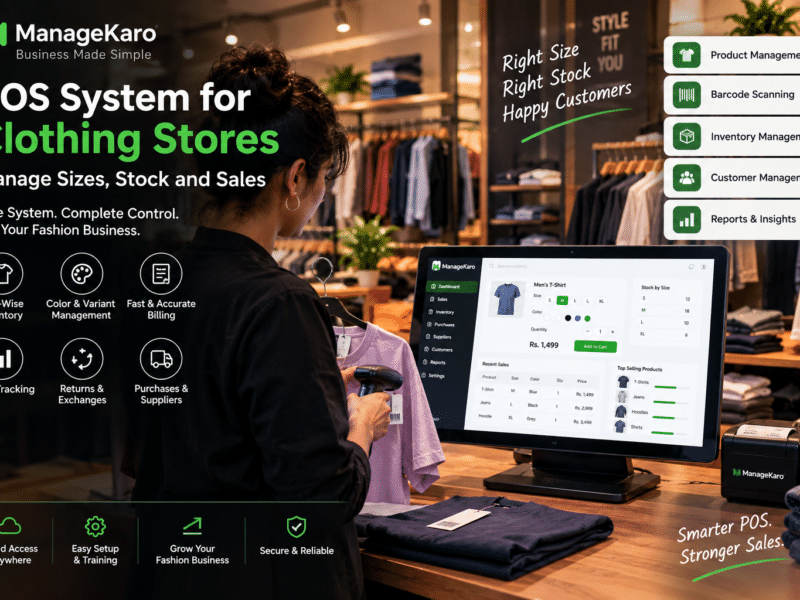
Clothing retailers need to track different sizes, colours, and product variants.
A properly configured inventory system should distinguish these variations to avoid inaccurate stock counts.
Electronics Stores
Electronics businesses often manage higher-value products and may need serial-number tracking.
They should confirm that their chosen system supports any required serial or warranty workflows.
Hardware Stores
Hardware retailers often sell products in different quantities or units of measurement.
Accurate product setup helps prevent billing and inventory errors.
Wholesale Businesses
Wholesalers handle larger orders, supplier purchases, customer balances, and stock movements.
Connected records help improve visibility across these transactions.
Common POS Inventory Management Mistakes
Incorrect Opening Stock
If the opening quantity is wrong, future stock balances will also be unreliable.
Businesses should verify opening stock before using the system for live transactions.
Duplicate Product Records
Creating multiple records for the same product can cause confusing sales and inventory reports.
Use consistent product names, codes, and units.
Ignoring Returns
A returned product should be recorded correctly rather than simply placed back on the shelf.
Recording Purchases Before Receiving Goods
Inventory should reflect the business’s chosen stock accounting process and distinguish ordered quantities from received quantities.
Not Performing Physical Stock Counts
Even well-integrated systems require periodic stock verification.
Allowing Uncontrolled Stock Adjustments
Stock adjustments should be limited to authorised users and recorded with clear reasons.
How ManageKaro Connects Sales and Inventory Management
ManageKaro is an all-in-one business management and POS platform designed to help businesses organize their daily operations.
It brings together key business functions, including:
- POS billing and sales records
- Inventory management
- Product records
- Purchase management
- Supplier management
- Customer balances and ledgers
- Expense tracking
- Financial and business reports
For product-based businesses, managing these functions in a connected environment reduces dependence on separate notebooks and spreadsheets.
A business can use ManageKaro’s POS, inventory, and purchasing workflows to maintain clearer records of what it sells, what it buys, and what stock it holds.
Businesses should confirm the precise transaction-update behaviour, device compatibility, and configuration options required for their operations before deployment.
Explore ManageKaro:
POS Inventory Management Best Practices
Daily: Review Transactions and Exceptions
At the end of each business day:
- Review completed sales.
- Check cancelled and returned transactions.
- Identify low-stock products.
- Review unusual stock adjustments.
- Compare payment summaries with sales records.
Weekly: Review Inventory Movement
Each week:
- Identify fast-moving products.
- Review products approaching reorder levels.
- Check recent purchase receipts.
- Investigate inventory discrepancies.
- Count selected high-value or fast-moving items.
Monthly: Improve Stock Planning
Every month:
- Review sales trends.
- Identify slow-moving inventory.
- Analyse purchasing patterns.
- Review stock valuation.
- Reassess reorder quantities.
- Evaluate supplier performance.
Following a consistent routine helps businesses turn inventory information into useful decisions.
POS Inventory Management vs Separate Sales and Stock Systems
| Business requirement | Separate systems | Integrated POS inventory system |
|---|---|---|
| Recording sales | POS or billing tool | POS transaction |
| Updating stock | Often manual or imported | Linked to transaction workflow |
| Product identification | May differ between systems | Shared product records |
| Returns | May require multiple updates | Can connect sales and stock changes |
| Purchase receiving | Separate records | Connected inventory workflow |
| Stock visibility | Requires reconciliation | More consistent shared records |
| Reporting | Data may need combining | Easier cross-functional analysis |
| Error risk | More duplicate entry | Less duplicate entry when configured correctly |
The main advantage of integration is consistency between transactions and inventory records, not simply faster billing.
Final Thoughts
POS inventory management connects two essential business activities: selling products and controlling stock.
When sales, purchases, returns, and adjustments are recorded through connected workflows, businesses can maintain clearer inventory records and make more informed decisions.
For growing retailers, the most valuable outcome is not just knowing how many products were sold. It is understanding how every transaction affects the products still available for sale.
ManageKaro helps businesses bring POS billing, inventory, purchases, suppliers, customer records, expenses, ledgers, and reporting into one connected business management platform.
By combining organized software records with regular stock checks, business owners can improve stock accuracy, reduce unnecessary manual work, and build a stronger foundation for growth.
Frequently Asked Questions About POS Inventory Management
What is POS inventory management?
POS inventory management connects point of sale transactions with stock records so businesses can track product quantities, sales, purchases, returns, and inventory movement more efficiently.
How does a POS system update inventory?
In an integrated POS inventory system, a completed sale triggers a stock deduction for the quantity sold. Purchases, returns, and stock adjustments can also update inventory records.
Can a POS system automatically track stock?
Yes. POS software with inventory integration can track stock changes based on recorded transactions. However, physical stock checks are still necessary to identify damage, loss, or recording errors.
What happens to inventory when a customer returns a product?
When a product is returned, the business records the return and determines whether the item can be added back to sellable stock or needs to be classified as damaged or unavailable.
Is POS inventory management useful for small businesses?
Yes. It helps small businesses reduce duplicate data entry, maintain clearer stock records, monitor low-stock products, and make better purchasing decisions.
How does ManageKaro help with POS inventory management?
ManageKaro brings POS billing, inventory management, purchases, suppliers, customer records, ledgers, expenses, and business reports into a connected platform, helping businesses organize sales and stock operations.