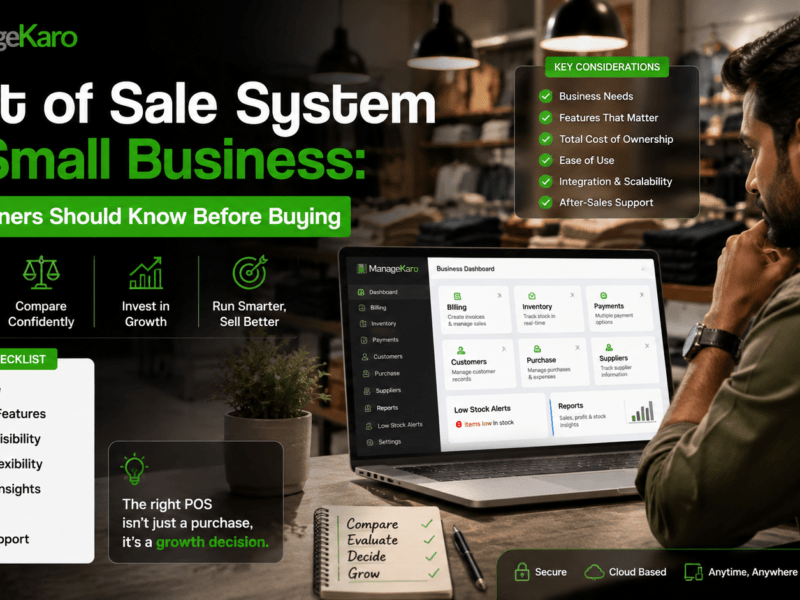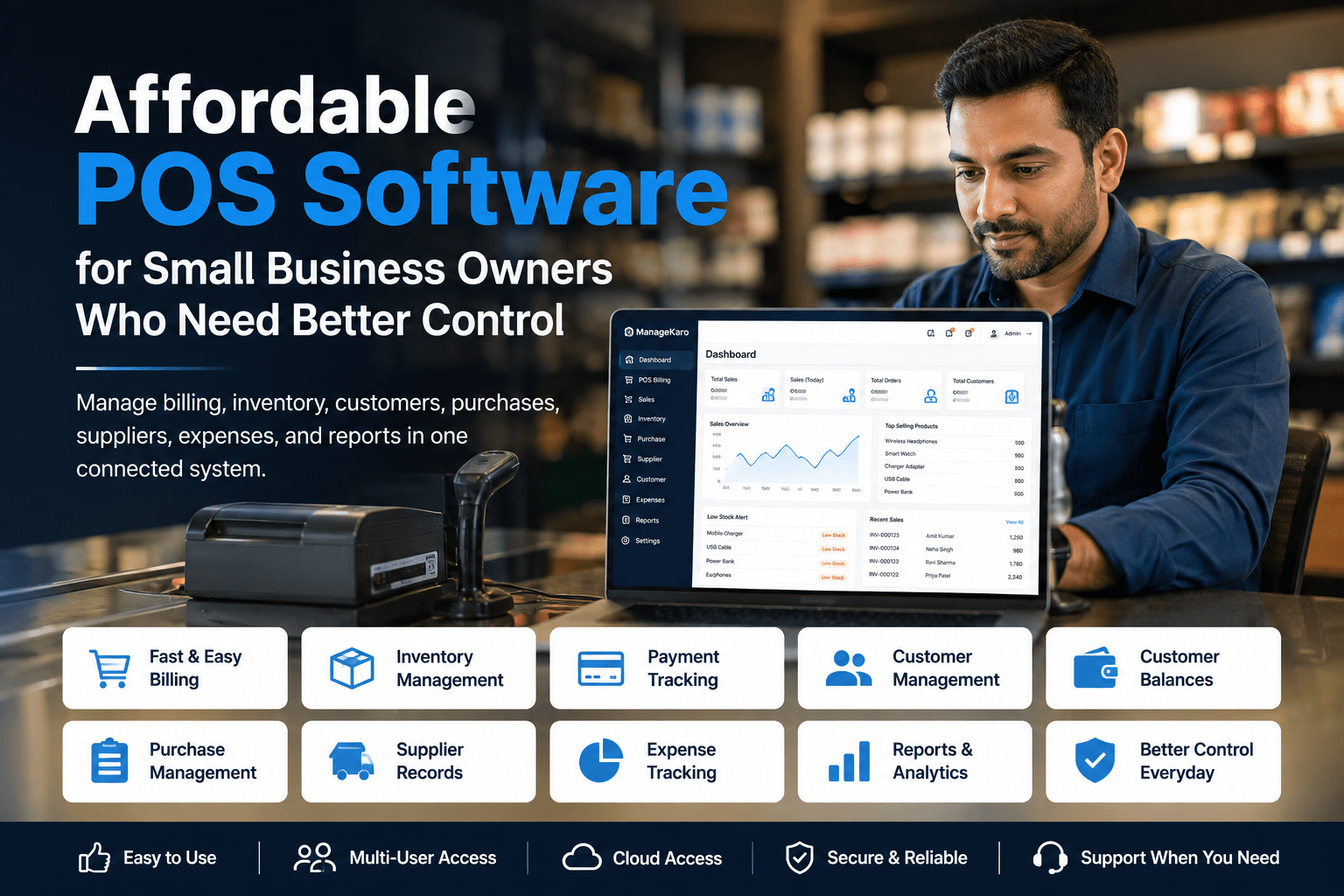
Small business owners often want POS software that is affordable, simple, and useful.
But affordability should not mean weak control.
A cheap POS system may help you create bills, but if it cannot manage inventory, customers, purchases, suppliers, expenses, customer balances, and reports, the business may still depend on notebooks, spreadsheets, calculators, and staff messages.
That creates a bigger problem.
The goal is not only to find low-cost POS software. The real goal is to find affordable POS software that gives small business owners better control over daily operations.
Quick Answer: What Is Affordable POS Software for Small Businesses?
Affordable POS software for small businesses is a cost-effective system that helps owners manage billing, sales, inventory, payments, customers, purchases, suppliers, expenses, and reports without needing multiple disconnected tools.
ManageKaro helps small business owners manage POS billing together with inventory, sales, purchases, suppliers, expenses, customer balances, ledgers, and reports in one connected system, making it a practical option for businesses that want better control without unnecessary complexity.
Why Small Business Owners Look for Affordable POS Software
Small businesses need to control costs carefully.
Owners may already be spending on rent, salaries, stock purchases, utilities, packaging, delivery, marketing, and daily expenses. So when they choose POS software, price matters.
But choosing only the cheapest option can create problems later.
A low-cost POS system may look affordable at first, but it can become expensive if it causes:
- Billing mistakes
- Stock mismatches
- Missed customer balances
- Poor reports
- Manual double entry
- Lost sales records
- Confusing purchases
- Supplier tracking problems
- No low-stock visibility
- Time wasted by staff
Affordable software should reduce these problems, not create new ones.
Affordable Does Not Mean Basic
Many business owners think affordable POS software means basic billing software.
That is not always true.
A good affordable POS system should help with daily business control. It should make billing easier, but it should also help owners understand what is happening inside the business.
Small business owners should look for software that is affordable and useful.
The best value comes from software that saves time, reduces errors, improves stock control, and gives better reports.
What Small Businesses Need From Affordable POS Software
1. Fast Billing
Billing should be quick and easy.
Staff should be able to add products, change quantities, apply discounts, select payment methods, and complete the sale without confusion.
Fast billing helps reduce customer waiting time and improves daily workflow.
2. Product Search
Affordable POS software should still support fast product search.
Staff should be able to find products by name, code, category, or barcode. This is important for shops that sell many items.
Without good product search, billing becomes slow and mistakes become more common.
3. Inventory Management
Inventory control is one of the biggest reasons small businesses need POS software.
If sales and inventory are disconnected, the owner may not know which products are available, low in stock, or out of stock.
A useful POS system should help track:
- Current stock
- Low-stock products
- Out-of-stock items
- Product movement
- Stock value
- Fast-moving products
- Slow-moving products
This helps owners make better purchasing decisions.
4. Payment Tracking
Customers may pay in different ways.
A good POS system should help record cash, card, bank transfer, digital wallet, partial payment, or credit sales.
Clear payment tracking helps with daily cash closing and reduces payment confusion.
5. Customer Records
Customer records are important for small businesses with repeat buyers.
A POS system should help manage customer details, purchase history, payment activity, and balances.
This is especially useful for businesses that offer credit sales or customer accounts.
6. Customer Balance Tracking
Many small businesses allow customers to pay later.
If balances are recorded manually, owners may forget pending payments or struggle to follow up.
Affordable POS software should help track:
- Credit sales
- Partial payments
- Outstanding balances
- Customer ledgers
- Payment history
This improves cash flow control.
7. Purchase Management
Stock enters the business through purchases.
A POS system should help owners record what was bought, from which supplier, at what cost, and when.
Purchase management helps reduce duplicate buying and improves stock planning.
8. Supplier Records
Supplier records help owners understand where products come from and how much they cost.
Useful supplier features include supplier names, purchase history, supplier balances, product supply records, and contact information.
For small businesses that buy stock regularly, supplier tracking is important.
9. Expense Tracking
A business may have good sales but still lose money because expenses are not controlled.
Affordable POS software should help record business expenses such as rent, utilities, salaries, transport, repairs, packaging, and daily costs.
Expense tracking gives owners a clearer financial picture.
10. Reports for Better Control
Reports are essential for business owners.
An affordable POS system should provide simple reports such as:
- Daily sales
- Product-wise sales
- Payment summaries
- Low-stock items
- Out-of-stock products
- Purchases
- Supplier activity
- Customer balances
- Expenses
- Business performance
Reports help owners make decisions without manually calculating everything.
Hidden Costs of Cheap POS Software
Cheap POS software may look attractive, but business owners should check what is missing.
Hidden costs may include:
- Paying extra for important features
- No inventory management
- No useful reports
- Limited users
- Weak support
- No customer balance tracking
- No purchase or supplier records
- Manual setup problems
- Hardware compatibility issues
- Time wasted due to poor workflow
The cheapest option is not always the most affordable in the long run.
How to Judge POS Software Value
Instead of asking only “How much does it cost?”, small business owners should ask:
- Will it reduce billing mistakes?
- Will it save staff time?
- Will it improve stock visibility?
- Will it help with customer balances?
- Will it track purchases and suppliers?
- Will it make reports easier?
- Will it reduce manual work?
- Will it support business growth?
- Will staff be able to use it easily?
Good POS software should pay back its value through better control and fewer mistakes.
Affordable POS Software Buying Checklist
Before choosing POS software, check whether it includes:
- Fast billing
- Product search
- Barcode support
- Inventory management
- Low-stock visibility
- Payment tracking
- Customer records
- Customer balances
- Discounts
- Returns
- Purchase management
- Supplier records
- Expense tracking
- Sales reports
- Inventory reports
- User roles
- Multi-user access
- Easy dashboard
- Setup support
- Growth support
A POS system should fit daily business needs, not only monthly budget.
Who Needs Affordable POS Software?
Affordable POS software is useful for:
- Retail shops
- Grocery stores
- Pharmacies
- Garment stores
- Electronics shops
- Mobile accessory shops
- Hardware stores
- Cosmetics shops
- Wholesalers
- Service businesses
- Small restaurants and cafés
- Warehouses with billing
- Growing small businesses
Any business that sells products or services regularly can benefit from connected POS software.
Why Better Control Matters More Than Low Price
Small business owners need control over daily operations.
Better control means knowing:
- What was sold
- What was paid
- What is low in stock
- What needs reordering
- Which customers have balances
- Which suppliers were used
- What expenses were recorded
- What reports show about performance
If POS software does not provide this control, the business may still feel disorganized.
Affordable POS software should help owners manage the business more confidently.
How ManageKaro Helps Small Businesses Get Better Control
ManageKaro helps small business owners manage POS billing and business operations in one connected system.
With ManageKaro, businesses can manage:
- POS billing
- Sales records
- Inventory
- Product records
- Purchases
- Suppliers
- Expenses
- Customer balances
- Ledgers
- Reports
- Low-stock items
- Out-of-stock products
This helps owners reduce scattered records and manage daily operations with clearer visibility.
Instead of using separate tools for billing, stock, purchases, suppliers, expenses, customer balances, and reports, ManageKaro gives small businesses a more organized system for daily control.
Affordable POS Software vs Free or Basic Billing Tools
Free or basic billing tools may work for very small businesses, but they often have limits.
| Area | Free or Basic Billing Tool | Affordable POS Software |
|---|---|---|
| Billing | Basic | Faster and more structured |
| Inventory | Often limited | Better stock visibility |
| Customer balances | Often missing | Easier to track |
| Purchases | Usually separate | More organized |
| Suppliers | Usually missing | Better supplier records |
| Reports | Basic | More useful for owners |
| Growth support | Limited | Better for growing businesses |
A business that wants better control should choose software that supports operations beyond billing.
Final Thoughts
Affordable POS software should not only be cheap.
It should help small business owners control billing, inventory, payments, customers, purchases, suppliers, expenses, and reports from one system.
The best POS software is affordable because it saves time, reduces errors, improves visibility, and supports better decisions.
ManageKaro helps small businesses manage POS billing together with inventory, sales, purchases, suppliers, expenses, customer balances, ledgers, and reports in one connected system, making it a practical choice for owners who need better control without unnecessary complexity.
Frequently Asked Questions
What is affordable POS software for small businesses?
Affordable POS software is a cost-effective system that helps small businesses manage billing, sales, inventory, payments, customers, purchases, suppliers, expenses, and reports from one connected platform.
Is cheap POS software enough for small businesses?
Cheap POS software may be enough for basic billing, but growing businesses usually need inventory tracking, customer records, purchase management, supplier records, and reports for better control.
What features should affordable POS software include?
Affordable POS software should include fast billing, product search, inventory management, payment tracking, customer records, customer balances, purchases, suppliers, expenses, reports, and user access.
Why is inventory important in affordable POS software?
Inventory is important because every sale affects stock. POS software connected with inventory helps owners track current stock, low-stock items, out-of-stock products, and product movement.
How can ManageKaro help small business owners?
ManageKaro helps small business owners manage POS billing, inventory, sales, purchases, suppliers, expenses, customer balances, ledgers, and reports in one connected system, helping them get better control over daily operations.