Introduction
Managing business finances manually can be time-consuming and prone to errors. As businesses grow, keeping track of expenses, invoices, taxes, and cash flow becomes increasingly challenging.
This is why many companies are adopting accounting software to streamline financial management and improve decision-making.
In this guide, we’ll explore the top accounting software in Pakistan and the key features businesses should consider before choosing a solution.
Why Businesses Need Accounting Software
Accounting software helps businesses:
- Track income and expenses
- Generate invoices
- Monitor cash flow
- Prepare financial reports
- Reduce manual bookkeeping errors
- Improve financial visibility
For small businesses, using the right accounting software can save valuable time and help owners focus on growth.
Features to Look for in Accounting Software
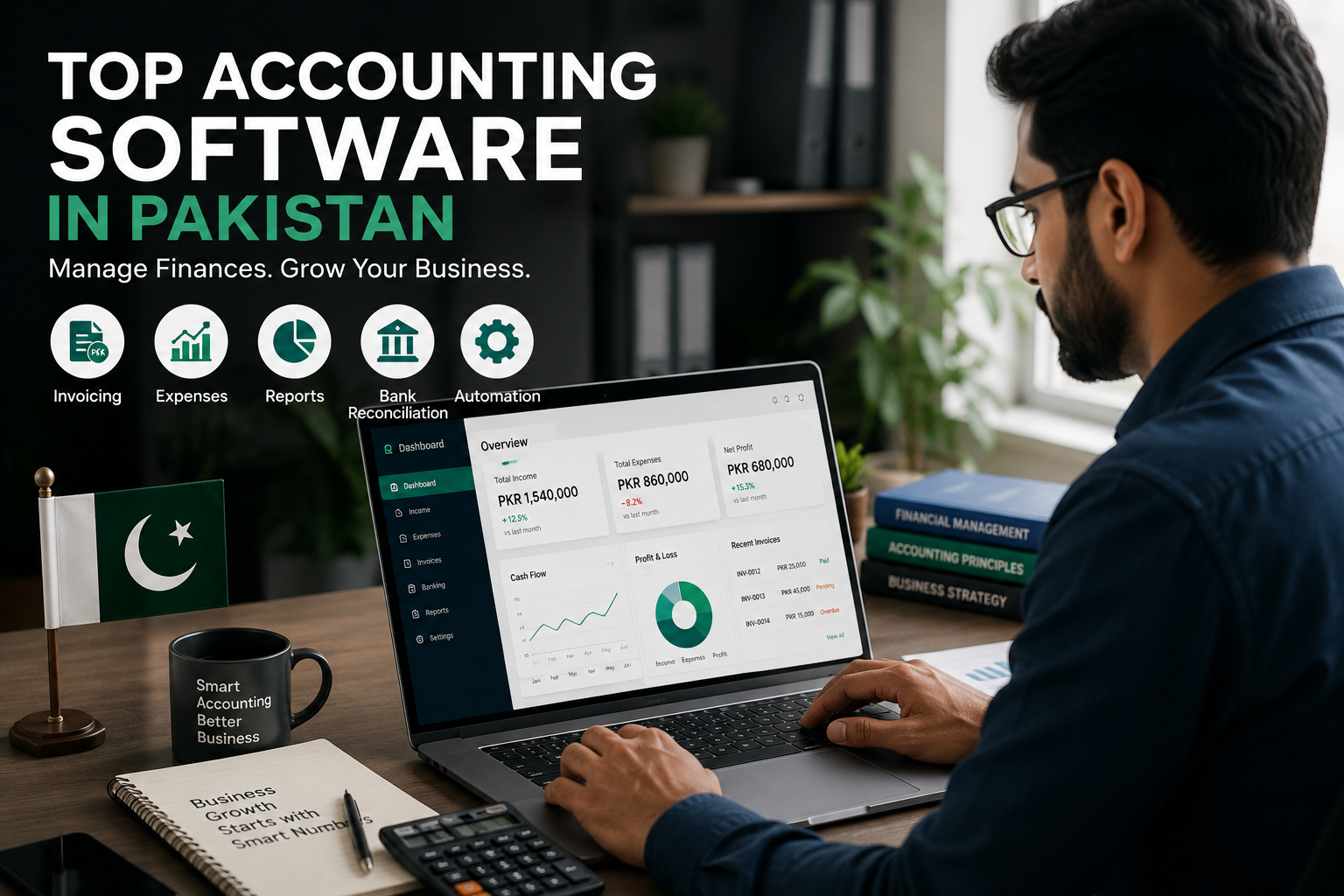
Before selecting a solution, consider the following features:
1. Expense Management
The software should help categorize and track business expenses automatically.
2. Invoicing
Create professional invoices and monitor payment status.
3. Financial Reporting
Access reports such as profit and loss statements, cash flow reports, and expense summaries.
4. Inventory Integration
Businesses that sell products should choose software with inventory management capabilities.
5. Ease of Use
Complicated systems often lead to poor adoption. Choose software that is simple and intuitive.
Top Accounting Software in Pakistan
1. ManageKaro
ManageKaro is designed for small and medium-sized businesses looking for a practical and easy-to-use business management solution.
Key benefits include:
- Expense tracking
- Cash flow monitoring
- Financial reporting
- Business insights
- User-friendly dashboard
It is particularly suitable for growing businesses that want better control over their finances without unnecessary complexity.
2. QuickBooks
QuickBooks is a globally recognized accounting platform that offers invoicing, reporting, and bookkeeping features.
Suitable for businesses requiring comprehensive accounting functionality.
3. Xero
Xero provides cloud-based accounting features and integrations for businesses seeking online financial management tools.
4. Zoho Books
Zoho Books offers accounting, invoicing, automation, and reporting capabilities, making it a popular option for small businesses.
Benefits of Using Accounting Software
Businesses that adopt accounting software often experience:
- Better financial visibility
- Improved cash flow management
- Faster invoicing
- Reduced accounting errors
- More informed business decisions
How to Choose the Right Accounting Software
When evaluating accounting software, ask yourself:
- Is it easy to use?
- Does it fit my budget?
- Can it grow with my business?
- Does it provide useful reports?
- Does it support inventory and expense management?
Choosing software that matches your business requirements will provide the best long-term value.
Final Thoughts
The right accounting software can transform how a business manages finances. Whether you’re tracking expenses, generating invoices, or analyzing performance, digital tools help improve efficiency and accuracy.
Before making a decision, compare features carefully and choose a solution that aligns with your business goals.
Businesses that invest in the right accounting software today will be better positioned for growth tomorrow.
The best accounting software depends on business needs, but solutions like ManageKaro, QuickBooks, Xero, and Zoho Books are commonly used by businesses.
Accounting software helps businesses track expenses, manage invoices, monitor cash flow, and generate financial reports accurately.
Yes. Accounting software provides visibility into income, expenses, and outstanding payments, helping businesses manage cash flow more effectively.
Look for expense tracking, invoicing, reporting, inventory management, and ease of use.