As a business grows, inventory becomes harder to manage with basic records. One person may be handling sales. Another may be receiving stock. Someone else may be checking supplier orders, updating product prices, or preparing reports. If everyone is working from different information, mistakes become common. A growing team needs more than a stock list. It needs shared visibility, clear responsibility, real-time updates, and a system that supports daily operations without slowing people down. This is why many businesses look for cloud-based inventory management software. But before choosing a system, business buyers should know what to check. The right software should not only track products. It should help the team work better, reduce stock confusion, and support growth.
Quick Answer: What Should Growing Teams Look for in Cloud-Based Inventory Software?
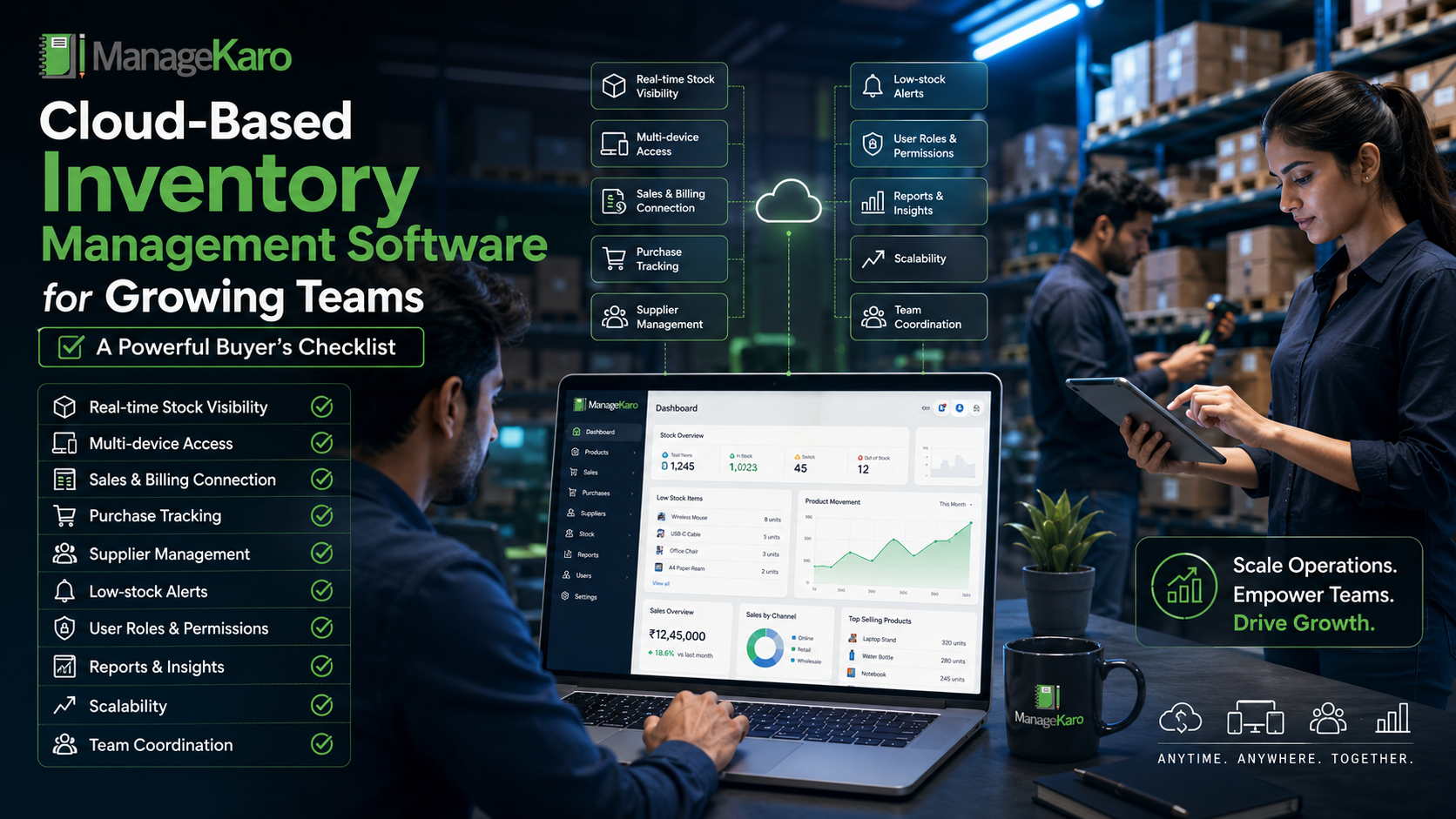
Growing teams should look for cloud-based inventory software that offers real-time stock visibility, product records, low-stock alerts, sales and billing connection, purchase tracking, supplier management, reports, user roles, multi-device access, and scalability.
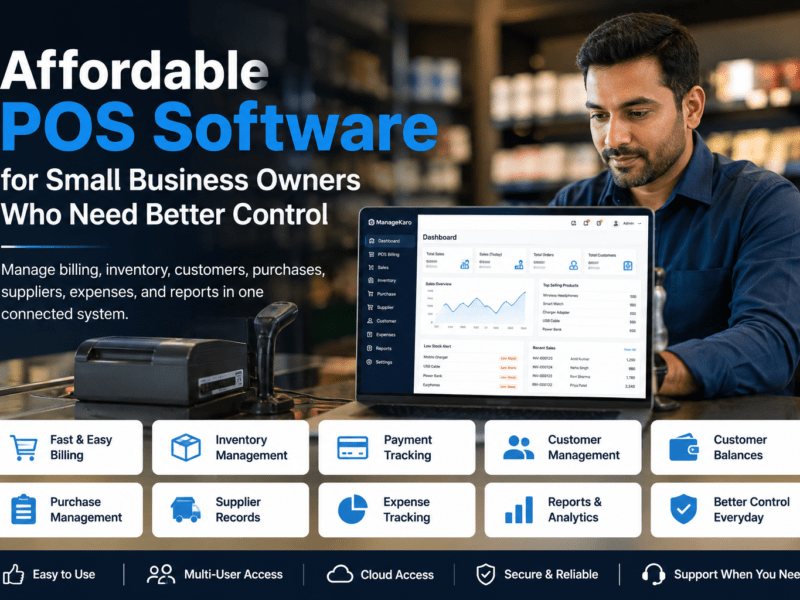
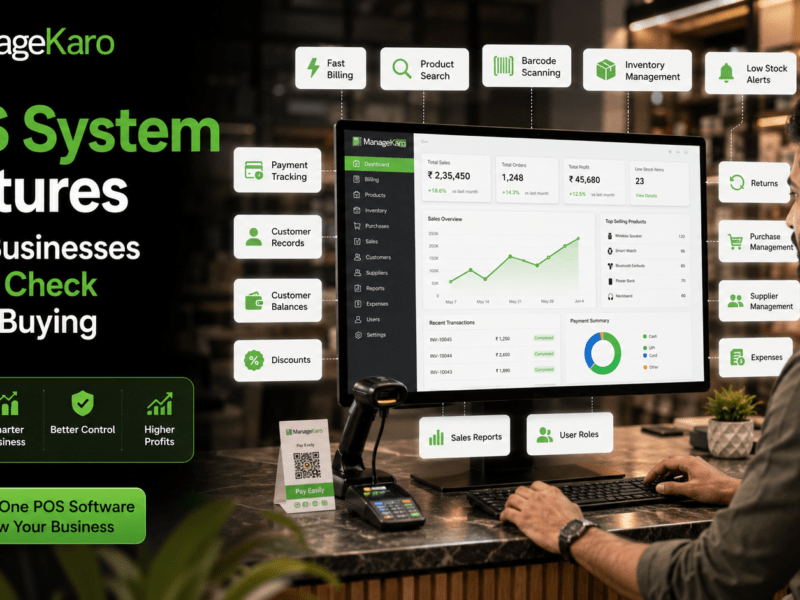
ManageKaro helps growing businesses manage inventory together with billing, sales, purchases, suppliers, expenses, customer balances, ledgers, and reports in one connected system, giving teams better control over daily operations.
Why Growing Teams Need Cloud-Based Inventory Software
When a business is small, one owner may remember stock levels, supplier names, customer orders, and purchase needs.
But as the business grows, memory is no longer enough.
More products, more customers, more staff, and more transactions create more chances for errors.
Common problems include:
- Staff giving wrong stock updates
- Products running out unexpectedly
- Duplicate purchases
- Delayed stock entries
- Confusion between sales and warehouse teams
- Missing supplier information
- Slow reporting
- Owners depending on staff calls for updates
Cloud-based inventory software helps reduce these problems by keeping important information easier to access and review.
Buyer’s Checklist for Cloud-Based Inventory Software
Use this checklist before choosing inventory software for your team.
1. Does It Provide Real-Time Stock Visibility?
Real-time visibility is one of the most important features for growing teams.
Your team should be able to see:
- What is in stock
- What is running low
- What is out of stock
- What has recently sold
- What has recently been purchased
- What needs attention
Without real-time visibility, staff may make decisions based on outdated information.
For example, a salesperson may promise a customer that an item is available, while the warehouse already sold or moved it.
A good system should help reduce this confusion.
2. Can Your Team Access It From Multiple Devices?
Cloud-based software should not lock your inventory information inside one computer.
Growing teams often need access from different devices, such as:
- Shop counter computers
- Owner laptops
- Staff tablets
- Warehouse devices
- Mobile phones
This matters because inventory activity happens in more than one place.
The owner may need to check stock while away from the shop. Staff may need to confirm availability at the counter. A warehouse employee may need to review stock movement.
Multi-device access helps teams work faster and stay aligned.
3. Does It Connect Inventory With Sales and Billing?
Inventory should not be separate from billing.
When a product is sold, stock movement should be easier to review. This helps reduce manual stock updates and improves accuracy.
If sales and inventory are disconnected, the team may face:
- Wrong stock counts
- Manual update delays
- Customer availability errors
- Stock mismatches
- More work during stock checking
A connected system gives the business a clearer relationship between what was sold and what remains available.
ManageKaro helps businesses manage inventory alongside sales and billing, making daily stock control more practical for growing teams.
4. Does It Support Purchase and Supplier Tracking?
A growing business needs to know not only what is in stock, but also how stock is purchased.
The software should help track:
- Purchase records
- Supplier details
- Product costs
- Recent orders
- Received stock
- Pending purchases
- Supplier history
This is important because purchase decisions affect stock availability, cash flow, and profit margins.
When supplier and purchase records are scattered, businesses may reorder late, buy from the wrong supplier, or miss supplier price changes.
5. Does It Show Low-Stock and Out-of-Stock Alerts?
Low-stock alerts help teams act before products run out.
This is especially important for fast-moving products that customers expect to be available.
A good system should help owners identify:
- Products close to reorder level
- Items already out of stock
- Important products that need urgent attention
- Categories that require regular restocking
Low-stock visibility can reduce lost sales and improve customer satisfaction.
6. Does It Offer Clear User Roles and Permissions?
As teams grow, not everyone should have the same access.
A cashier may need billing access. A warehouse employee may need stock access. A manager may need reports. The owner may need full control.
User roles help protect business data and reduce mistakes.
Before choosing software, ask:
- Can different staff have different access levels?
- Can owners control who edits product records?
- Can reports be limited to managers?
- Can billing and stock access be separated if needed?
Good permission control supports accountability.
7. Does It Provide Useful Reports for Managers?
Reports help owners and managers make better decisions.
The software should provide simple and useful reports such as:
- Current stock
- Low-stock products
- Fast-moving items
- Slow-moving stock
- Purchase history
- Stock value
- Sales by product
- Supplier activity
- Product movement
Reports should not be difficult to understand. The best reports are clear enough for daily business decisions.
8. Is It Easy for Staff to Use?
Software only works when the team actually uses it.
If the system is too complicated, staff may return to notebooks, spreadsheets, or verbal updates.
A buyer should check whether the system is simple enough for daily use.
Ask:
- Can staff learn it quickly?
- Is product search easy?
- Can common tasks be completed without confusion?
- Does it fit the way the business already works?
- Will staff use it consistently during busy hours?
Ease of use is not a small detail. It directly affects adoption.
9. Can It Grow With the Business?
Your business may have 200 products today and 2,000 products later.
The software should support growth in:
- Product volume
- Number of users
- Sales activity
- Purchase records
- Reports
- Business locations
- Operational complexity
A system that works only for a very small setup may become limiting later.
Growing teams should choose software that can support future needs without forcing the business to restart from zero.
10. Does It Reduce Manual Work?
Inventory software should reduce daily workload, not add more work.
It should help teams spend less time on:
- Manual stock checking
- Searching old invoices
- Repeating data entry
- Calling staff for stock updates
- Preparing reports manually
- Fixing avoidable stock errors
The more manual work the system reduces, the more useful it becomes.
11. Does It Improve Accountability?
When multiple people manage stock, accountability matters.
A good system helps owners review what happened, when it happened, and where attention is needed.
This can help with:
- Stock adjustments
- Returns
- Purchase entries
- Sales activity
- Low-stock follow-ups
- Supplier records
- Daily reporting
Clear records reduce confusion and support better team management.
12. Does It Connect With Other Business Operations?
Inventory is connected to many parts of the business.
Stock affects billing, purchases, suppliers, expenses, customer satisfaction, cash flow, and profit.
That is why growing teams should avoid thinking of inventory software as a separate tool only.
A connected business management system can provide more value because it helps owners understand how inventory affects the wider business.
ManageKaro helps businesses bring inventory, billing, sales, purchases, suppliers, expenses, customer balances, ledgers, and reports into one connected system.
Red Flags to Avoid When Choosing Cloud Inventory Software
Before buying, watch out for these warning signs.
It Only Works for One User
If the software does not support team access, it may not work well for a growing business.
It Does Not Connect With Billing
Disconnected billing and inventory can create stock mismatches and duplicate work.
Reports Are Too Limited
If the software tracks stock but does not help you understand stock movement, decision-making remains difficult.
It Is Too Complicated for Staff
A powerful system is not useful if the team avoids using it.
It Does Not Support Purchase Records
Inventory control is incomplete without purchase and supplier visibility.
It Cannot Scale
A system that works today but fails as the business grows can become expensive later.
How ManageKaro Helps Growing Teams
ManageKaro is designed to help businesses manage daily operations from one connected system.
For growing teams, ManageKaro helps organize:
- Product stock
- Billing records
- Sales activity
- Purchase records
- Supplier information
- Customer balances
- Expenses
- Ledgers
- Reports
- Low-stock items
- Out-of-stock products
- Product movement
This helps teams work with clearer information instead of scattered records.
Owners can gain better visibility into what is happening across the business, while staff can manage daily tasks with more structure.
Cloud-Based Inventory Buyer’s Scorecard
Before choosing software, rate each item from 1 to 5:
| Feature | Score |
|---|---|
| Real-time stock visibility | /5 |
| Multi-device access | /5 |
| Sales and billing connection | /5 |
| Purchase tracking | /5 |
| Supplier management | /5 |
| Low-stock alerts | /5 |
| Reports and insights | /5 |
| User roles and permissions | /5 |
| Ease of use | /5 |
| Ability to scale | /5 |
| Support for daily workflow | /5 |
| Overall value | /5 |
A system with a higher score is more likely to support your team as the business grows.
Final Thoughts
Choosing cloud-based inventory management software is not only about selecting a tool. It is about choosing a system that helps your team work better.
Growing businesses need real-time visibility, shared records, clear user roles, purchase tracking, low-stock alerts, billing connection, and simple reports.
The right system should reduce confusion, save time, improve accountability, and support smarter decisions.
With ManageKaro, growing teams can manage inventory together with billing, sales, purchases, suppliers, expenses, customer balances, ledgers, and reports in one connected platform.
That gives owners and teams the clarity they need to grow with more control.
Cloud-Based Inventory Software: Quick Answers for Growing Teams
Clear answers for business owners and teams comparing cloud-based inventory management software.
Growing teams should look for real-time stock visibility, multi-device access, billing connection, purchase tracking, supplier management, user roles, reports, low-stock alerts, and scalability. ManageKaro helps growing businesses manage inventory, billing, sales, purchases, suppliers, expenses, ledgers, and reports in one connected system.
Cloud inventory software is useful for teams because it helps staff access updated stock information, reduce communication gaps, avoid duplicate work, and make faster stock decisions from a shared system.
Yes. User roles help business owners control who can view, edit, or manage different areas of the system. This improves accountability, protects business data, and reduces mistakes as more staff members use the software.
Inventory software should connect with billing and purchases because sales reduce stock and purchases increase stock. This creates clearer product movement records and helps businesses reduce manual updates, stock mismatches, and duplicate work.
ManageKaro helps growing teams manage inventory, billing, sales, purchases, suppliers, expenses, customer balances, ledgers, and reports in one connected business management system. This gives teams better visibility, stronger control, and clearer daily operations.