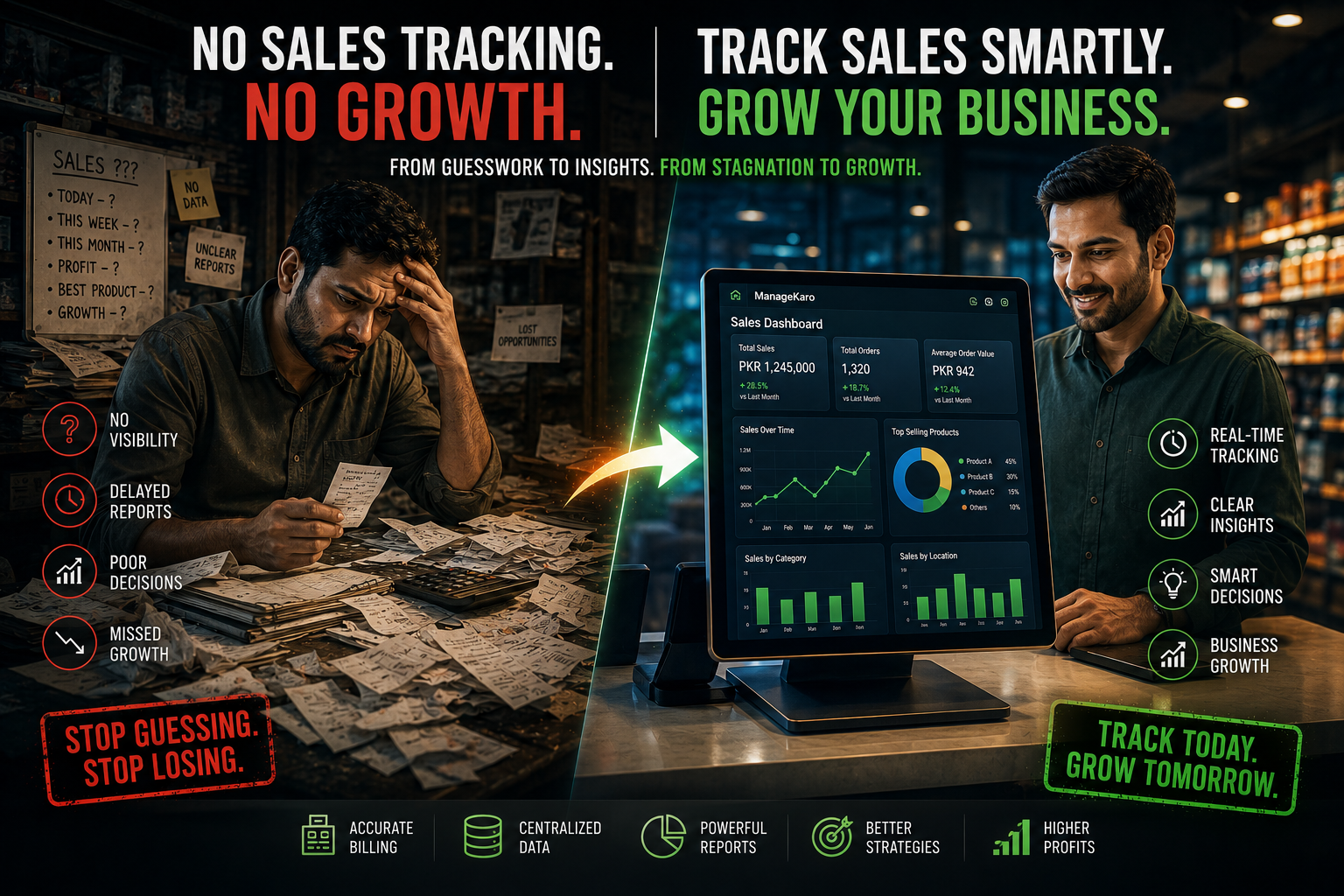
Many businesses focus heavily on increasing sales—but fail to properly track them. Without accurate sales tracking, businesses lose visibility, make poor decisions, and struggle to grow consistently.
If you don’t understand your sales data, you don’t truly understand your business.
What Is Sales Tracking?
Sales tracking means monitoring:
- Daily sales
- Product performance
- Revenue trends
- Customer purchasing behavior
It helps businesses identify:
👉 What’s working
👉 What’s not selling
👉 Where profits are coming from
Signs Your Business Has Sales Tracking Problems
1. You Don’t Know Your Best-Selling Products
- No clear product insights
- Decisions based on assumptions
2. Revenue Fluctuations Feel Random
- Some months perform well
- Others drop unexpectedly
Without tracking, you cannot identify patterns.
3. No Real-Time Business Visibility
- Delayed updates
- Outdated reports
- Poor forecasting
4. Difficulty Measuring Growth
You cannot clearly answer:
- Are sales improving?
- Which branch performs better?
- Which category is most profitable?
Why Businesses Struggle With Sales Tracking
Manual Record Keeping
- Paper receipts
- Basic spreadsheets
- Disconnected systems
No Centralized Dashboard
Sales data stays scattered across:
- Billing
- Inventory
- Expenses
Lack of Analytics
Businesses collect data—but never analyze it properly.
The Hidden Cost of Poor Sales Tracking
Without proper tracking, businesses face:
- Missed growth opportunities
- Poor inventory planning
- Weak marketing decisions
- Revenue leakage
This creates slow, unstable business growth.
How to Fix Sales Tracking Problems
Step 1: Digitize Billing and Sales
Move away from:
- Manual receipts
- Unorganized spreadsheets
Step 2: Centralize Your Data
All sales information should exist in:
- One dashboard
- One reporting system
Step 3: Monitor Performance Daily
Track:
- Top-selling products
- Slow-moving inventory
- Peak sales times
Step 4: Use Reports to Make Decisions
Sales reports help optimize:
- Purchasing
- Promotions
- Pricing strategies
Step 5: Automate Insights
Use systems that automatically generate:
- Revenue reports
- Product analytics
- Profit summaries
How ManageKaro Helps
ManageKaro gives businesses complete sales visibility through:
- Real-time sales tracking
- POS integration
- Automated reporting dashboards
- Product performance analytics
This allows businesses to:
👉 Make smarter decisions
👉 Increase profitability
👉 Scale with confidence
Real Business Impact
Businesses using proper sales tracking systems often achieve:
- Better forecasting
- Faster decision-making
- Improved profitability
- More consistent growth
Final Thoughts
Poor sales tracking silently limits business growth.
The businesses that grow fastest are not always the ones making the most sales—they’re the ones understanding their sales the best.
With tools like ManageKaro, businesses gain the visibility and insights needed to grow with confidence.