Retail stores need fast billing, accurate stock records, clear sales reports, and better control over daily operations.
A customer walks into the shop, chooses products, pays at the counter, and expects a quick bill. Behind that simple transaction, the shop owner needs to know what was sold, how much money was collected, which product quantity changed, what stock is low, which customers have balances, and what reports say about the business.
This is where a point of sale system for retail stores becomes important.
A retail POS system helps shop owners manage billing, sales, payments, inventory, customers, purchases, suppliers, expenses, and reports from one organized system. Instead of depending on paper bills, calculators, manual registers, and spreadsheets, retail businesses can use POS software to run daily work faster and with fewer mistakes.
Quick Answer: What Is a Point of Sale System for Retail Stores?
A point of sale system for retail stores is software and hardware that helps shops create bills, record sales, accept payments, track inventory, manage customers, and review reports. It is used at the checkout counter and can also connect with stock, purchases, suppliers, expenses, and business records.
ManageKaro helps retail store owners manage POS billing together with inventory, sales, purchases, suppliers, expenses, customer balances, ledgers, and reports in one connected business management system.
Why Retail Stores Need a POS System
Retail stores deal with many daily activities.
Staff may need to bill customers, scan products, check prices, update stock, handle returns, record payments, and answer customer questions quickly. Owners need to review sales, stock, cash, purchases, and reports without waiting for manual updates.
Without a POS system, retail stores often face problems such as:
- Slow billing
- Wrong product prices
- Stock mismatches
- Missing sales records
- Difficult cash closing
- Poor customer balance tracking
- No clear low-stock visibility
- Confusing purchase records
- Weak supplier tracking
- Delayed reports
A retail POS system helps reduce these problems by connecting daily sales with business records.
How a Retail POS System Works
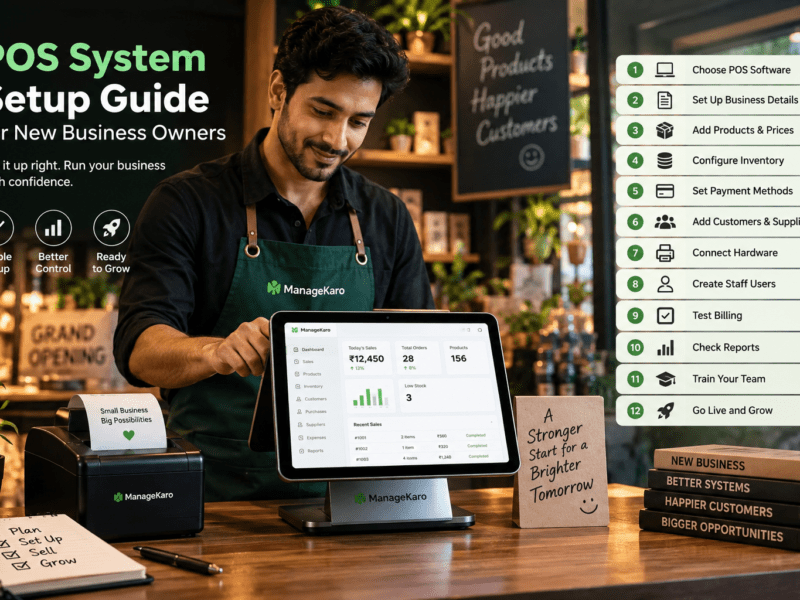
A retail POS system works by recording sales at the checkout point.
The process usually looks like this:
- Staff searches or scans the product.
- The product is added to the bill.
- Quantity, price, discount, and tax are checked.
- Customer details are added if needed.
- Payment method is selected.
- The invoice or receipt is created.
- The sale is saved in the system.
- Inventory records become easier to review.
- Reports are updated for the owner.
This turns every retail sale into useful business information.
Key Parts of a Retail POS System
POS Software
POS software is the main system that manages billing, sales, inventory, customers, payments, purchases, suppliers, and reports.
Billing Screen
The billing screen is where staff creates invoices, adds products, applies discounts, selects payment methods, and completes sales.
Product Database
The product database stores product names, prices, categories, stock quantities, barcodes, and supplier details.
Inventory System
Inventory features help owners track current stock, low-stock items, out-of-stock products, product movement, and stock value.
Reports Dashboard
Reports help owners review sales, payments, product performance, stock status, purchases, expenses, and daily business activity.
POS Hardware
Retail POS hardware may include a laptop, desktop, POS terminal, barcode scanner, receipt printer, cash drawer, payment machine, and label printer.
Benefits of POS Systems for Retail Stores
1. Faster Checkout
Retail customers do not like waiting too long at the counter.
A POS system helps staff create bills faster using product search, barcode scanning, saved prices, and quick payment selection.
Fast checkout improves customer experience and helps staff handle busy hours more smoothly.
2. Fewer Billing Mistakes
Manual billing can create errors in price, quantity, discount, or total amount.
A retail POS system keeps product records structured, helping staff bill more accurately.
3. Better Inventory Control
Inventory is one of the biggest challenges for retail stores.
When sales and stock are connected, owners can review which products are available, which items are low, and which products need reordering.
This helps reduce stockouts and overstocking.
4. Low-Stock Visibility
A retail POS system should help identify low-stock and out-of-stock items.
This allows owners to reorder products before customers are disappointed.
5. Better Customer Records
Many retail stores have repeat customers.
POS software can help store customer details, purchase history, customer balances, and payment records. This is useful for shops that allow credit sales or want to understand customer buying behaviour.
6. Easier Payment Tracking
Retail stores may accept cash, card, bank transfer, digital wallet, partial payment, or credit sale.
A POS system helps record payment methods clearly, making daily cash closing easier.
7. Purchase and Supplier Control
Stock enters the retail store through purchases.
A good POS system should help owners record purchases, supplier information, purchase costs, and receiving details.
This helps improve buying decisions and supplier management.
8. Useful Business Reports
Retail POS reports help shop owners understand:
- Daily sales
- Product-wise sales
- Top-selling items
- Low-stock products
- Out-of-stock products
- Payment summaries
- Customer balances
- Purchases
- Supplier activity
- Expenses
- Stock value
Reports help owners make smarter business decisions.
Must-Have Retail POS Features
Fast Billing
The system should allow staff to create bills quickly during busy hours.
Product Search
Staff should be able to search products by name, code, category, SKU, or barcode.
Barcode Scanning
Barcode scanning is important for retail stores with many products because it speeds up checkout and reduces mistakes.
Inventory Management
Retail POS software should help track stock levels, product movement, stock value, low-stock items, and out-of-stock products.
Customer Management
Customer records help stores manage repeat buyers, credit customers, balances, and purchase history.
Payment Tracking
The POS system should record different payment methods clearly.
Discounts and Returns
Retail stores need proper discount and return handling so sales and stock records remain clear.
Purchase Management
A retail POS system should help record what was purchased, from which supplier, and at what cost.
Supplier Management
Supplier records help shop owners review purchase history and manage stock sources.
Reports
Reports should be simple, useful, and easy for owners to understand.
User Roles
Different staff members may need different access. User roles help reduce mistakes and protect business records.
Multi-Location Support
Retail businesses with more than one branch need location-wise stock and sales visibility.
Retail POS System vs Manual Billing
| Area | Manual Billing | Retail POS System |
|---|---|---|
| Billing speed | Slower | Faster |
| Product prices | Manually checked | Stored in system |
| Inventory updates | Separate register | Easier to connect with sales |
| Reports | Manual calculations | Easier to review |
| Customer balances | Often scattered | More organized |
| Purchases | Separate records | Easier to manage |
| Cash closing | Manual checking | Better payment summaries |
| Growth support | Limited | Better for growing stores |
Manual billing may work for very small shops, but growing retail stores need better structure.
What Retail Businesses Can Use a POS System?
A retail POS system is useful for:
- Grocery stores
- Pharmacies
- Garment shops
- Electronics shops
- Hardware stores
- Cosmetics shops
- Mobile accessory shops
- Supermarkets
- General stores
- Shoes and fashion stores
- Home goods stores
- Stationery shops
- Multi-branch retail stores
Any retail business that sells products daily can benefit from a connected POS system.
How ManageKaro Helps Retail Store Owners
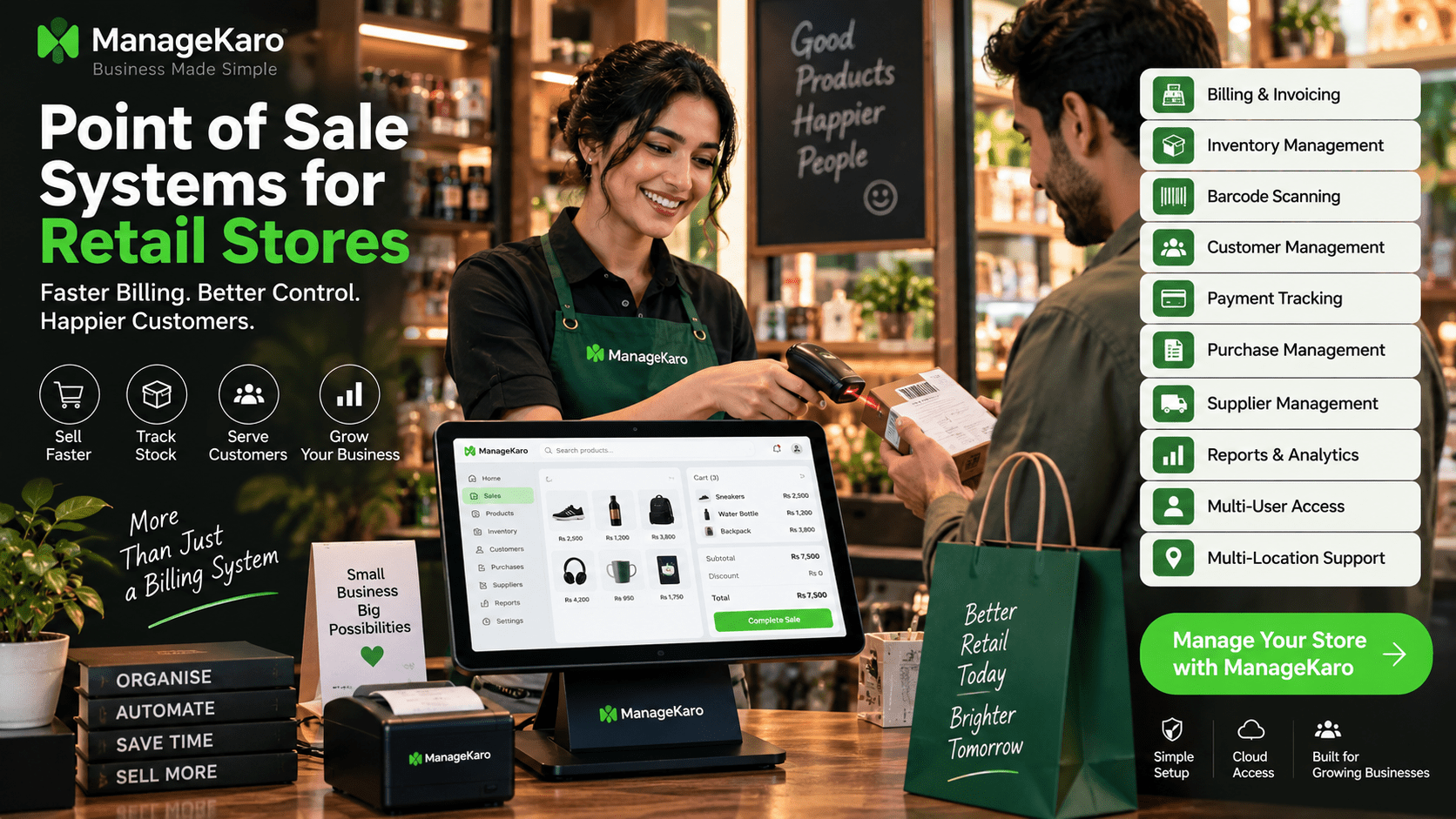
ManageKaro helps retail store owners manage POS billing and business operations from one connected system.
With ManageKaro, retail businesses can manage:
- POS billing
- Sales records
- Product records
- Inventory
- Purchases
- Suppliers
- Expenses
- Customer balances
- Ledgers
- Reports
- Low-stock items
- Out-of-stock products
This helps retail owners reduce manual work, improve stock visibility, and manage daily operations more clearly.
Instead of using separate tools for billing, inventory, purchases, suppliers, expenses, and reports, ManageKaro gives retail stores a connected system for better business control.
Example: Daily Retail Store Workflow With POS
Imagine a retail store during a busy day.
A customer brings products to the counter. Staff scans the barcode or searches the product. The POS system adds the item to the bill. The customer pays by cash or card. The sale is saved, and the owner can later review sales, stock movement, payment summary, and low-stock products.
At the end of the day, the owner checks reports instead of counting every bill manually.
This makes retail operations faster, clearer, and easier to manage.
Common Mistakes Retail Owners Should Avoid
Choosing POS Only for Billing
A retail POS system should do more than create invoices. It should support inventory, customers, purchases, suppliers, payments, and reports.
Ignoring Inventory Connection
If billing and stock are separate, stock mismatches can happen.
Not Checking Barcode Support
Retail stores with many products should check barcode scanning before buying.
Not Reviewing Reports
Reports help owners understand sales, stock, and business performance.
Buying Complicated Software
If staff cannot use the POS easily, billing will slow down.
Not Planning for Growth
Choose a POS system that can support more products, users, counters, and locations as the business grows.
Retail POS Buying Checklist
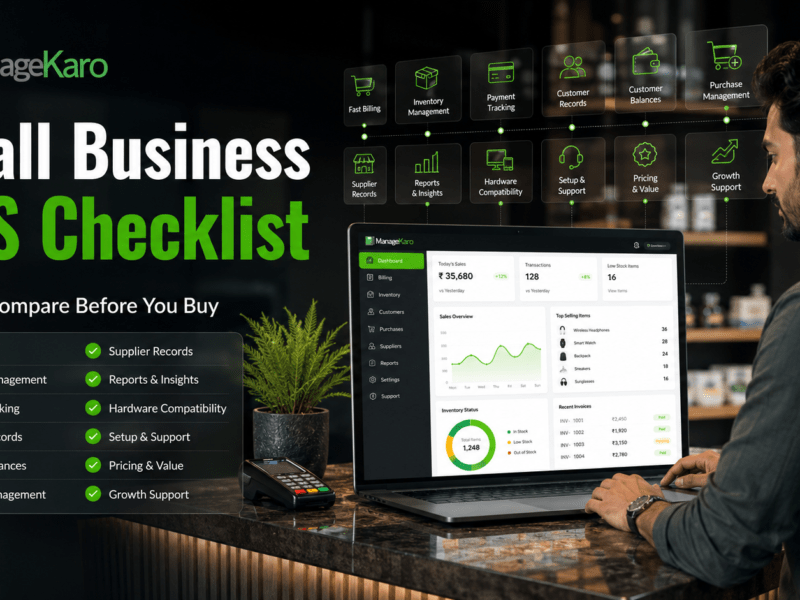
Before choosing a POS system for a retail store, check whether it includes:
- Fast billing
- Product search
- Barcode scanning
- Inventory management
- Low-stock visibility
- Out-of-stock tracking
- Payment method tracking
- Customer records
- Customer balances
- Discounts
- Returns
- Purchase management
- Supplier records
- Expense tracking
- Sales reports
- Inventory reports
- User roles
- Multi-user access
- Multi-location support
- Setup support
A good retail POS system should match daily store operations, not only invoice printing.
Final Thoughts
Point of sale systems for retail stores help shop owners manage billing, sales, payments, inventory, customers, purchases, suppliers, expenses, and reports more clearly.
For retail businesses, a POS system is not just a checkout tool. It is a daily business control system.
The right POS system helps stores bill faster, reduce errors, track stock, manage customers, record purchases, review reports, and grow with confidence.
ManageKaro helps retail store owners manage POS billing together with inventory, sales, purchases, suppliers, expenses, customer balances, ledgers, and reports in one connected system, making it a practical option for shops that want better control over daily operations.
Frequently Asked Questions
What is a point of sale system for retail stores?
A point of sale system for retail stores is software and hardware that helps shops create bills, record sales, accept payments, track inventory, manage customers, and review reports.
Why do retail stores need POS systems?
Retail stores need POS systems to speed up checkout, reduce billing mistakes, manage stock, track payments, handle customer records, and review sales reports.
What features should a retail POS system include?
A retail POS system should include fast billing, product search, barcode scanning, inventory management, payment tracking, customer records, discounts, returns, purchase management, supplier records, reports, and user roles.
Is barcode scanning important for retail stores?
Yes. Barcode scanning is important for retail stores with many products because it makes checkout faster and reduces product selection mistakes.
How can ManageKaro help retail stores?
ManageKaro helps retail stores manage POS billing, inventory, sales, purchases, suppliers, expenses, customer balances, ledgers, and reports in one connected system.