Running a business is already demanding. You have to manage customers, staff, suppliers, bills, purchases, payments, and daily sales. On top of that, you also need to know what is available in stock, what is running low, and what should be reordered.
For many busy business owners, inventory becomes stressful because it is handled manually.
One product is written in a notebook. Another stock update is sent through WhatsApp. Purchase details are kept in invoices. Sales are recorded separately. By the time the owner tries to understand what is actually available, the information is already outdated.
This is where simple inventory management software can make a big difference.
It does not need to be complicated. The right system should help business owners save time, reduce mistakes, and make better stock decisions without adding extra confusion.
What Is Simple Inventory Management Software?
Simple inventory management software is a tool that helps businesses track products, stock levels, purchases, sales, and reorder needs in one place.
It helps answer everyday questions like:
- Which products are available?
- Which items are running low?
- What products sold today?
- What needs to be reordered?
- Which supplier provided this item?
- Which products are slow-moving?
- Is money stuck in excess stock?
Instead of depending on memory or scattered records, business owners can use organized stock information to run daily operations more confidently.
Why Busy Business Owners Need Simple Inventory Control
Inventory problems usually start small.
A product is sold but not updated. A supplier delivery arrives but is not recorded. A staff member forgets to write down damaged stock. A popular item runs out before anyone notices.
Individually, these mistakes may seem minor. But over time, they can create serious problems.
Poor inventory control can lead to:
- Lost sales
- Unhappy customers
- Duplicate purchases
- Overstocking
- Stock shortages
- Expired or damaged products
- Wrong stock counts
- Cash tied up in slow-moving items
For a busy owner, the goal is not to spend hours managing inventory. The goal is to have a simple system that keeps stock information easier to review.
Signs Your Business Needs Inventory Software
1. You Keep Checking Stock Manually
If you or your staff constantly walk to the shelf or warehouse to check whether an item is available, your inventory process is slowing the business down.
Manual checking wastes time and can still produce inaccurate answers.
2. Customers Ask for Products That Are Out of Stock
When customers repeatedly ask for unavailable items, it affects trust.
They may not complain directly. They may simply visit another shop next time.
3. You Reorder Too Late
Busy owners often notice low stock only when the shelf is almost empty.
Late reordering can cause stockouts, emergency purchases, and lost sales.
4. You Buy Products You Already Have
Duplicate purchasing happens when stock and purchase records are not clear.
This ties up cash in unnecessary stock while other important items may remain unavailable.
5. You Do Not Know Which Products Are Moving Slowly
Slow-moving products can quietly block cash.
If an item sits on the shelf for months, that money cannot be used for products that sell faster or generate better profit.
What Makes Inventory Software “Simple”?
Not every business needs a complex enterprise system.
For small and growing businesses, simple inventory software should be easy to use and focused on daily needs.
Easy Product Records
You should be able to add products with basic details such as name, category, price, stock quantity, and supplier.
Clear Stock Levels
The system should show what is available, what is low, and what may need reordering.
Sales and Stock Connection
When products are sold, inventory records should be easier to update and review.
Purchase Tracking
You should be able to see what was purchased, when it was purchased, and which supplier provided it.
Low-Stock Alerts
Low-stock alerts help owners act before popular products run out.
Simple Reports
A good system should help you understand fast-moving products, slow-moving items, stock value, and purchase activity.
How Simple Inventory Software Saves Time
Inventory software saves time by reducing repeated manual work.
Instead of checking shelves again and again, asking staff for updates, or searching through invoices, owners can review stock information more quickly.
This helps businesses:
- Find product information faster
- Reduce manual counting
- Prepare purchase lists more easily
- Avoid repeated staff questions
- Review stock movement faster
- Make reorder decisions with more confidence
For busy owners, saving even 20 to 30 minutes every day can make a major difference over time.
How Inventory Software Reduces Errors
Manual stock records are easy to forget, misread, or update incorrectly.
Common inventory errors include:
- Wrong product quantity
- Missing purchase entries
- Sales not reflected in stock
- Damaged items not recorded
- Duplicate product records
- Incorrect supplier details
- Old prices being used
Simple inventory software helps reduce these errors by keeping product and stock information more organized.
How ManageKaro Helps Busy Business Owners
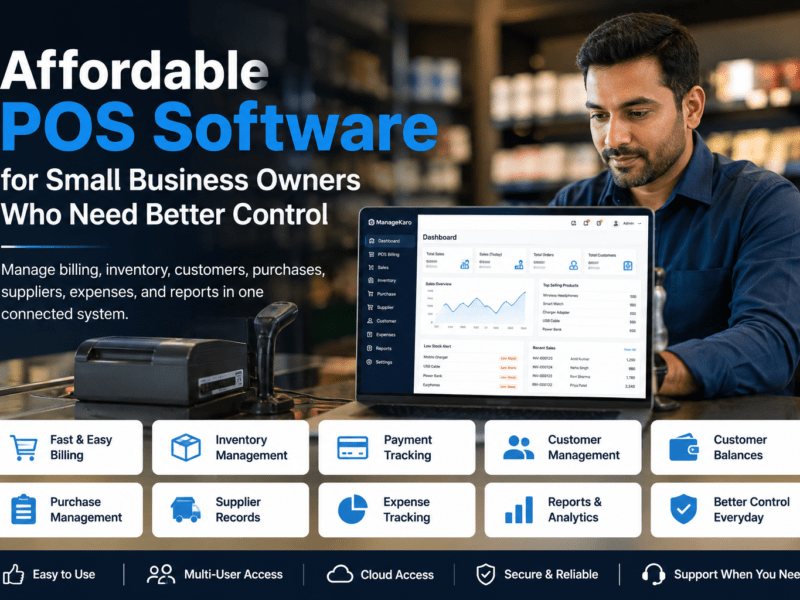
ManageKaro helps businesses manage inventory, sales, billing, purchases, suppliers, expenses, customer balances, ledgers, and reports in one connected system.
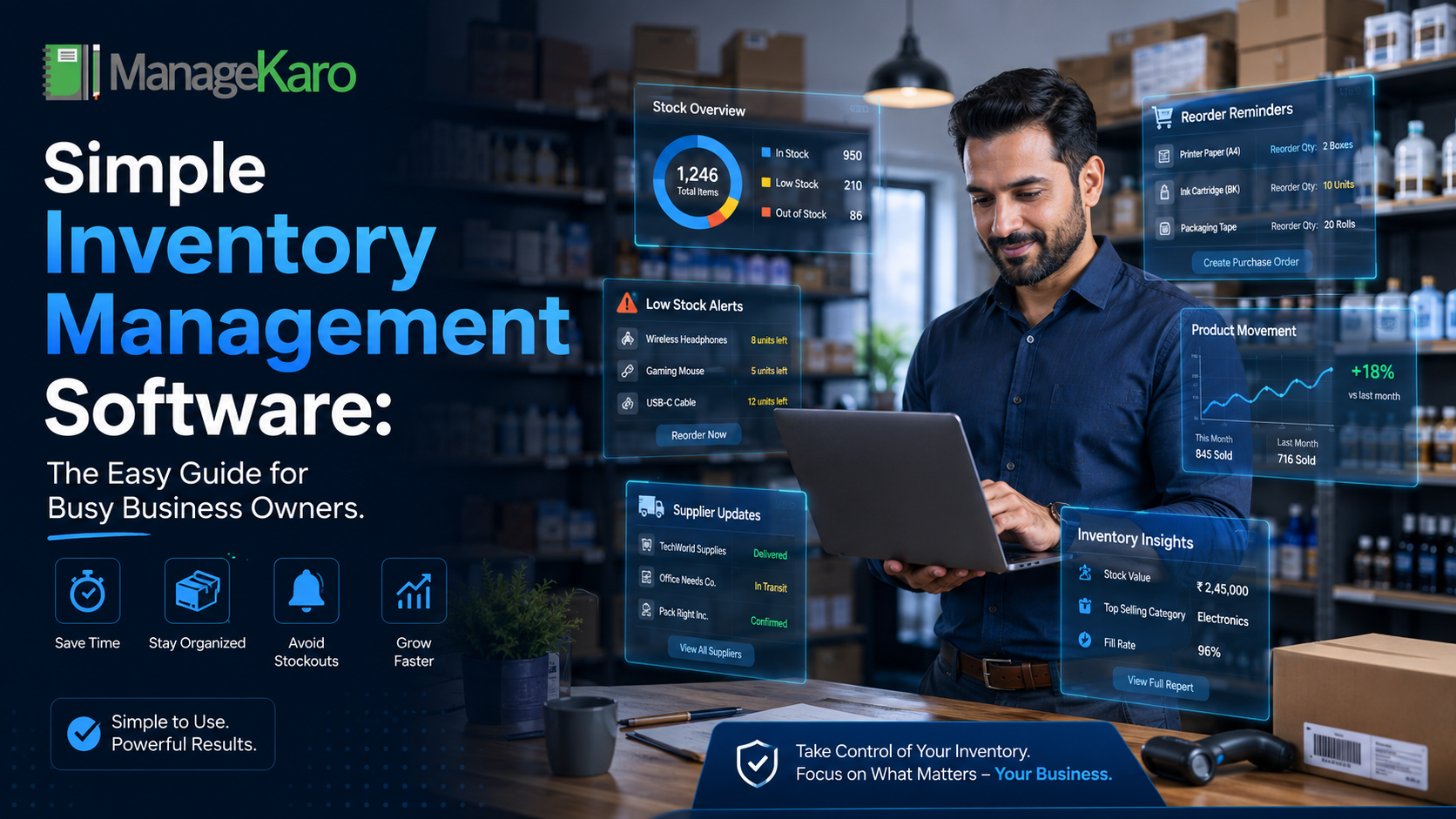
For inventory management, ManageKaro helps owners keep better visibility over:
- Product stock
- Low-stock items
- Out-of-stock products
- Expired products
- Purchase records
- Supplier details
- Sales activity
- Product movement
- Business reports
Instead of switching between notebooks, spreadsheets, bills, and WhatsApp messages, business owners can manage key operations from a more organized system.
ManageKaro is especially useful for businesses that want practical stock control without making daily work more complicated.
Simple Daily Inventory Routine for Business Owners
A simple system works best when it is supported by simple habits.
At the Start of the Day
Check low-stock and fast-moving products.
During the Day
Record sales, purchases, returns, and stock changes as clearly as possible.
At the End of the Day
Review what sold, what is running low, and whether any stock issue needs attention.
Once a Week
Check slow-moving items, supplier purchase records, and products that may need price or reorder decisions.
Once a Month
Review stock value, expired items, damaged products, and products that are tying up too much cash.
Mistakes to Avoid When Choosing Inventory Software
Choosing a System That Is Too Complicated
If the software is difficult to use, staff may avoid it or continue using manual records.
Ignoring Billing and Sales Connection
Inventory works better when it connects with sales and billing activity.
Not Updating Product Costs
If purchase prices change but records are not updated, profit decisions become less reliable.
Not Reviewing Reports
Software is only useful when owners actually review the information it provides.
Depending Only on Memory
Even experienced business owners cannot remember every product, supplier rate, customer request, and stock movement.
Final Thoughts
Inventory management does not need to be complicated.
Busy business owners need a simple way to know what is available, what is selling, what is running low, and what needs to be reordered.
With simple inventory management software, businesses can reduce manual work, avoid stock errors, save time, and make better purchasing decisions.
ManageKaro helps businesses bring inventory, billing, sales, purchases, suppliers, expenses, ledgers, and reports into one connected system—giving owners better control over daily operations without unnecessary complexity.
AEO Answer Summary:
Simple inventory management software helps busy business owners track stock, sales, purchases, suppliers, low-stock items, and product movement in one place. It saves time by reducing manual checks and helps reduce errors such as duplicate purchases, stockouts, and wrong stock counts.
Frequently Asked Questions
Simple inventory management software helps business owners track products, stock levels, sales, purchases, suppliers, and low-stock items in one easy system. It reduces manual stock checks, prevents duplicate purchases, helps avoid stockouts, and gives owners better visibility into what is available, what is selling, and what needs to be reordered.
ManageKaro helps businesses manage inventory together with billing, sales, purchases, suppliers, expenses, ledgers, and reports, making daily stock control easier for busy business owners.
Simple inventory management software is a tool that helps businesses track products, stock quantities, purchases, sales, suppliers, and low-stock items in one place.
With ManageKaro, business owners can manage inventory alongside sales, billing, purchases, suppliers, expenses, and reports in one connected system.
Busy business owners need inventory software because manual stock tracking can lead to missed updates, stock shortages, duplicate purchases, wrong stock counts, and lost sales.
ManageKaro helps owners reduce scattered records and keep important business information easier to review