Small businesses do not need complicated inventory systems with dozens of features they will never use.
They need a simple way to know what is in stock, what is selling, what needs reordering, and where money is getting tied up.
For many shop owners, inventory is still managed through notebooks, WhatsApp messages, memory, or spreadsheets. This may work for a small number of products, but problems grow quickly as sales increase.
A product sells but is not recorded. New stock arrives but is not updated. The same item is ordered twice. A customer asks for a product that should be available, but the shelf is empty.
These small mistakes waste time, reduce sales, and create avoidable stress.
That is why the best inventory management software for small businesses should be simple, practical, and connected to daily operations.
What Is Inventory Management Software?
Inventory management software helps businesses record, monitor, and manage product stock.
It can help track:
- Available stock
- Products sold
- Low-stock items
- New purchases
- Product prices
- Supplier records
- Product movement
- Damaged or expired items
- Fast-selling products
- Slow-moving stock
Instead of checking shelves, calling staff, or searching through old records, owners can review stock information in one place.
Why Small Businesses Need Better Inventory Control
Inventory is one of the biggest investments for a shop, retailer, wholesaler, pharmacy, mini-mart, clothing store, hardware business, or electronics seller.
Every product sitting on a shelf represents money already spent.
Without proper control, businesses can lose money through:
- Overstocking
- Stock shortages
- Missing products
- Expired or damaged items
- Duplicate purchases
- Incorrect stock counts
- Slow-moving inventory
- Emergency purchasing at higher prices
Good inventory management is not only about counting products. It is about protecting cash and making better business decisions.
Signs Your Business Has Inventory Problems
1. You Often Discover Stockouts Too Late
If customers are the first people to tell you that an item is unavailable, your business needs better stock visibility.
Running out of popular products can lead to lost sales and disappointed customers.
2. You Buy Products You Already Have
Duplicate purchasing happens when stock records and purchase records are not updated or are kept in different places.
This ties up cash in products you do not need while important items may still be unavailable.
3. Stock Counts Do Not Match What Is on the Shelf
A mismatch between recorded stock and actual stock can happen because of missing sales entries, damaged items, returns, billing mistakes, or manual errors.
Frequent mismatches make it difficult to trust business records.
4. You Cannot Identify Your Fast-Moving Products
Some products sell quickly and need regular reordering. Others remain on shelves for months.
Without sales and stock visibility, it is difficult to know what deserves more purchasing budget.
5. Too Much Cash Is Stuck in Slow-Moving Products
Slow-moving stock can quietly reduce working capital.
When money is tied up in products that are not selling, the business may struggle to buy more profitable or higher-demand items.
What Small Businesses Should Look for in Inventory Software
The best inventory management software should make daily work easier, not more complicated.
Easy Product Setup
Business owners should be able to create and organize products with key information such as:
- Product name
- Category
- Selling price
- Purchase price
- Available quantity
- Supplier
- Product variation
Clear product records reduce confusion at billing, purchasing, and stock-checking stages.
Low-Stock Alerts
Low-stock alerts help businesses reorder before popular products run out.
This reduces missed sales and avoids last-minute purchasing decisions.
Sales-Linked Inventory Tracking
When a product is sold, stock records should reflect that movement.
Connecting sales and inventory helps reduce manual updates and makes stock information more reliable.
Purchase and Supplier Records
Small businesses should be able to see what they bought, when they bought it, and which supplier provided it.
This helps avoid duplicate purchases and supports better supplier negotiations.
Simple Reports
Useful reports do not need to be complicated.
Most small businesses benefit from reports showing:
- Current stock
- Low-stock products
- Fast-selling items
- Slow-moving stock
- Product movement
- Purchase history
- Stock value
Billing Integration
Inventory software becomes more useful when it works alongside billing.
This creates a clearer connection between what was sold, what remains in stock, and what may need to be reordered.
How Inventory Software Saves Time
Manual stock management takes time every day.
Staff may need to count products, search through bills, check spreadsheets, message suppliers, or ask the owner for product details.
With organized inventory software, businesses can reduce this back-and-forth.
It can help teams:
- Check stock availability faster
- Reduce repeated manual entries
- Find product details easily
- Review low-stock items quickly
- Prepare for purchases more confidently
- Spend less time resolving stock confusion
This gives owners and staff more time to focus on customers and sales.
How Inventory Software Reduces Errors
Most inventory errors happen because information is scattered or updated late.
For example, a product may be sold but not removed from the stock sheet. A delivery may arrive but not be recorded. A return may be handled informally. A staff member may use an old price or outdated product count.
A connected system reduces reliance on memory and scattered records.
It can help businesses:
- Keep one product record instead of multiple versions
- Reduce duplicate entries
- Record sales and purchases more consistently
- Review stock movement
- Identify unusual adjustments
- Catch stock differences earlier
How ManageKaro Helps Small Businesses Manage Inventory
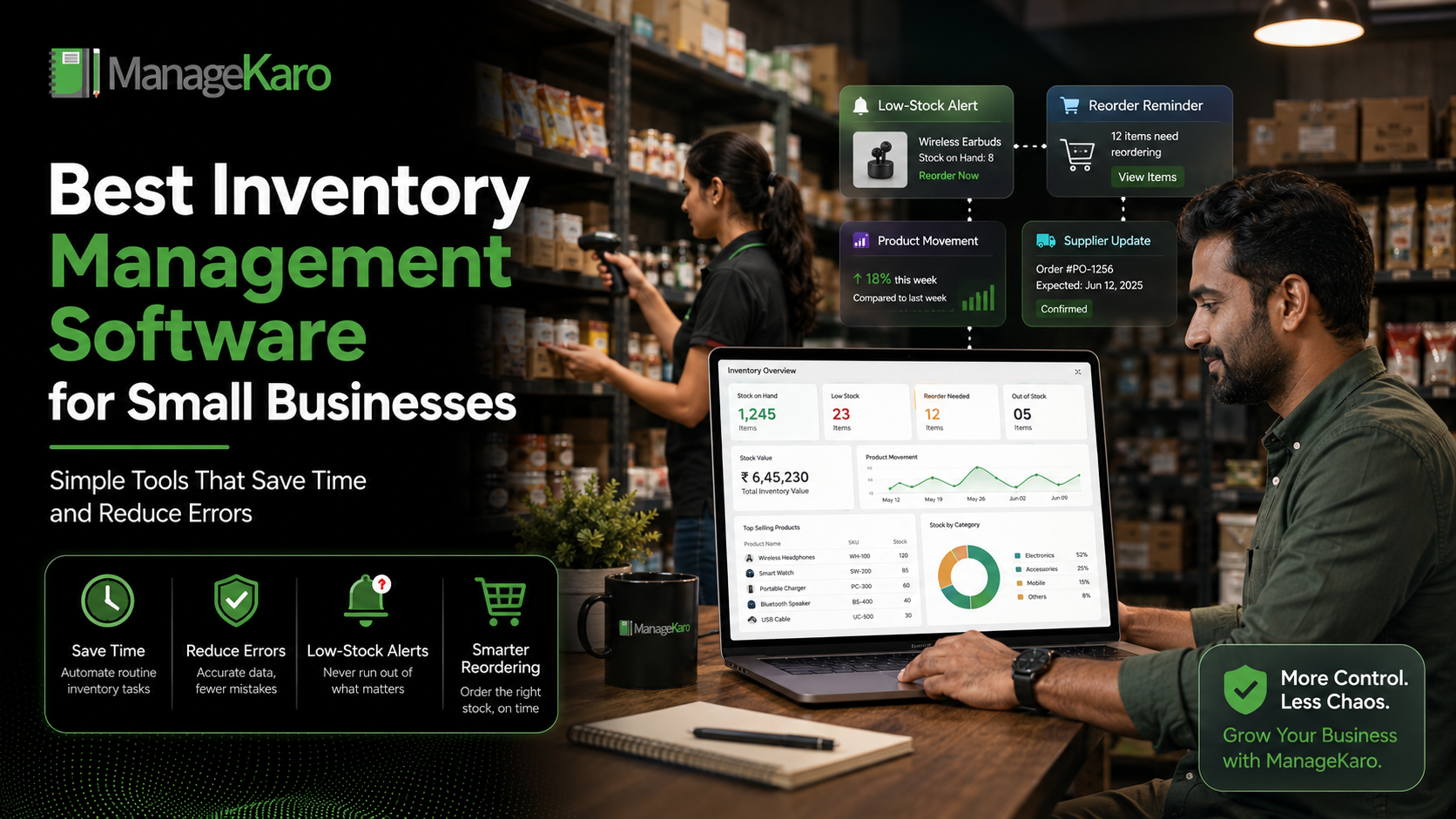
ManageKaro helps small businesses bring inventory, sales, billing, purchases, suppliers, customer records, expenses, ledgers, and reports into one connected business management system.
For inventory control, ManageKaro helps businesses maintain organized records for:
- Product stock
- Sales activity
- Purchase records
- Supplier information
- Low-stock products
- Out-of-stock alerts
- Expired products
- Billing and stock movement
- Business reporting
Rather than relying on separate registers, spreadsheets, and messages, owners can work with clearer records that support daily decisions.
This helps small businesses reduce inventory confusion, improve purchasing decisions, and protect cash tied up in stock.
A Simple Inventory Routine for Small Businesses
Daily
Review:
- Low-stock products
- High-selling items
- New stock received
- Major sales activity
- Returns or damaged items
Weekly
Review:
- Products to reorder
- Slow-moving stock
- Supplier purchase records
- Pricing changes
- Stock differences
Monthly
Review:
- Total stock value
- Product movement trends
- Expired or damaged stock
- Purchase patterns
- Products tying up too much cash
A consistent routine helps businesses manage inventory before problems become expensive.
Final Thoughts
Small businesses do not need to manage inventory through guesswork.
The right inventory management software can help owners see what is available, what is selling, what needs reordering, and where cash may be getting trapped.
By replacing scattered records with a more connected process, businesses can save time, reduce errors, improve customer service, and make stronger purchasing decisions.
With ManageKaro, small businesses can bring stock, sales, billing, purchases, suppliers, and reporting together in one practical system built for daily operations.
Answer Summary:
Inventory management software helps small businesses track stock, sales, purchases, suppliers, low-stock items, and product movement in one place. It saves time by reducing manual work and helps reduce errors such as stock mismatches, duplicate orders, and missed reorders.
Frequently Asked Questions
Inventory management software helps small businesses track available stock, product sales, purchases, suppliers, low-stock items, and inventory movement in one place. It saves time by reducing manual stock checks and helps prevent common problems such as stockouts, duplicate purchases, missing items, and excess inventory.
ManageKaro helps small businesses manage inventory alongside billing, sales, purchases, suppliers, customer balances, expenses, and reports in one connected system.
Inventory management software is a tool that helps small businesses track products, available stock, sales, purchases, suppliers, and low-stock items. It replaces scattered notebooks and spreadsheets with clearer stock records.
With ManageKaro, businesses can manage stock together with billing, sales, purchases, suppliers, and reports.
Inventory management software saves time by reducing manual stock counting, repeated spreadsheet updates, product searches, and back-and-forth communication between staff members.
ManageKaro helps businesses keep product, sales, stock, and purchase information organized in one place for faster daily operations.
ManageKaro helps small businesses manage products, inventory, sales, billing, purchases, suppliers, customer balances, expenses, ledgers, and reports in one connected business management system. This helps owners make smarter stock and purchasing decisions.