Buying inventory management software is not only a technical decision. It is also a business decision. Many owners start by asking one question: “How much does inventory management software cost?” But the better question is: “What am I getting for the cost, and will it save my business more money than it spends?” The cheapest system is not always the best choice. A low-cost tool may still become expensive if it does not reduce stock errors, prevent duplicate purchases, support billing, or give useful reports. On the other hand, an expensive system may not be worth it if the business only needs simple inventory control.
This guide explains what affects inventory software pricing, what business buyers should check before paying, and how to choose a system that delivers practical value.
Quick Answer: How Much Does Inventory Management Software Cost?
Inventory management software cost depends on features, number of users, product volume, billing or POS integration, reporting, supplier tracking, cloud access, support, and business size. Small businesses usually need simple inventory software that helps track stock, purchases, sales, low-stock items, suppliers, and reports without unnecessary complexity.
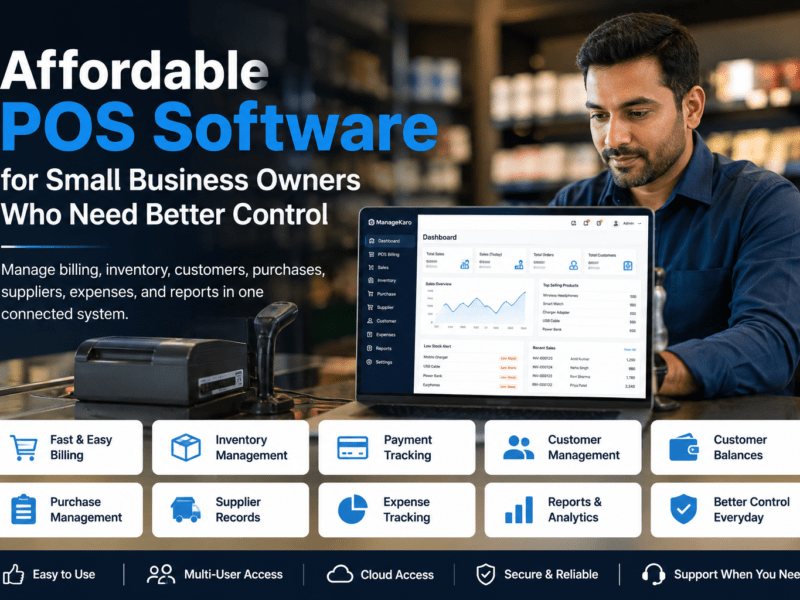
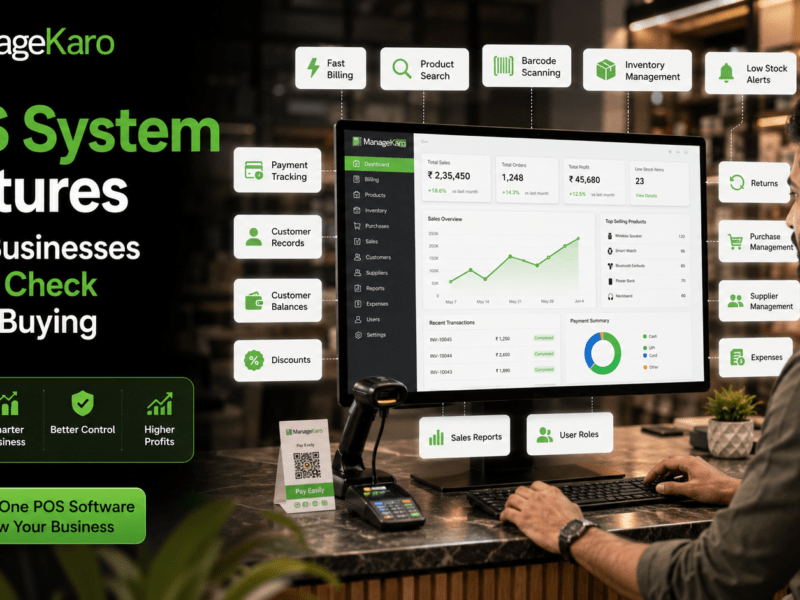
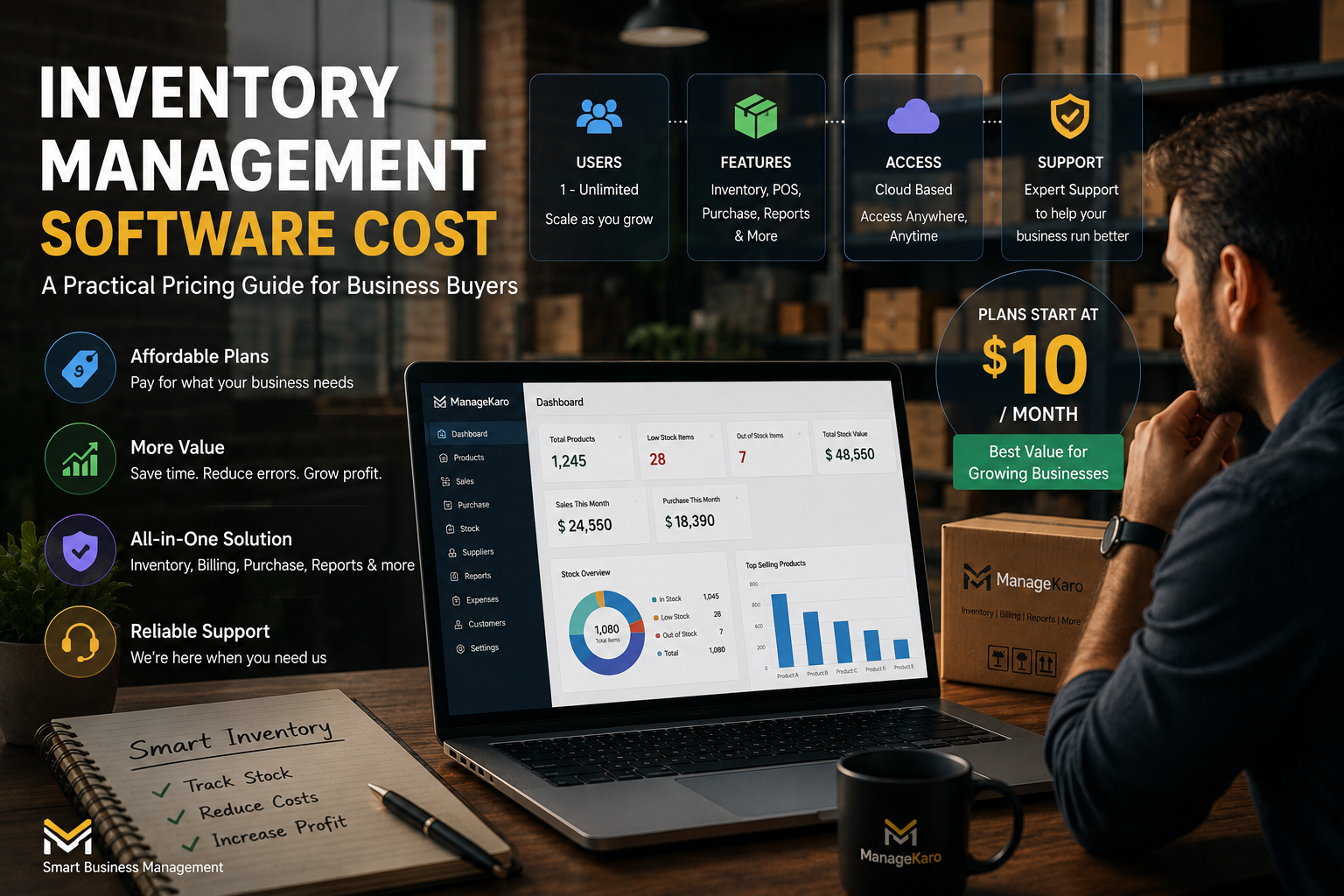
ManageKaro helps businesses manage inventory together with billing, sales, purchases, suppliers, expenses, ledgers, customer balances, and reports in one connected system, giving buyers better value than using separate tools for every business function.
Why Inventory Software Pricing Varies
Inventory management software does not have one fixed price because every system is built differently.
Some tools only track product quantities. Others include billing, purchase management, supplier records, low-stock alerts, reports, customer balances, and financial records.
A basic stock tracker may cost less, but it may not solve deeper business problems. A connected business management system may cost more, but it can reduce the need for multiple separate tools.
Pricing usually depends on what the software helps your business manage.
Common Factors That Affect Inventory Software Cost
1. Number of Users
Some systems charge based on how many people need access.
A small shop may only need one owner login and one cashier login. A larger business may need access for managers, sales staff, warehouse staff, purchasing staff, and accountants.
Before choosing software, ask:
- How many people will use it daily?
- Do staff need different access levels?
- Will more users be added later?
- Are user roles included in the plan?
Paying for users you do not need can increase costs. But limiting access too much can also create workflow problems.
2. Number of Products or Stock Items
Some businesses manage 100 products. Others manage thousands.
Inventory software may become more expensive when the business needs to manage a larger product catalog, multiple categories, product variations, barcodes, expiry dates, or supplier-specific product records.
A business buyer should check whether the system can handle current and future product volume.
3. Features Included
The biggest pricing difference often comes from features.
Simple inventory software may include:
- Product records
- Stock quantity tracking
- Low-stock alerts
- Basic reports
More complete business software may include:
- Billing and POS
- Purchase management
- Supplier records
- Customer balances
- Expense tracking
- Ledgers
- Sales reports
- Inventory reports
- Payment tracking
- User roles
A cheaper tool may look attractive, but if you later need billing, purchase tracking, or reports, you may end up paying for additional software.
4. Cloud Access or Local Setup
Some systems are cloud-based, meaning users can access them through the internet. Others may run locally on a single device or local network.
Cloud access can be useful for owners who want to review business records from different locations. Local systems may work for businesses that prefer on-site access.
Business buyers should ask:
- Can I access the system outside the shop?
- Is data stored securely?
- Does the system support multiple devices?
- What happens if internet access is weak?
- Are updates included?
5. Billing and POS Integration
Inventory software becomes more useful when it connects with billing.
If a product is sold through POS, inventory should be easier to update and review. This reduces manual stock adjustments and helps owners understand product movement.
A system that includes both inventory and billing may cost more than a basic stock tracker, but it can reduce errors and save time.
ManageKaro connects inventory with billing and sales records, helping businesses manage stock movement more clearly.
6. Purchase and Supplier Management
Inventory is strongly connected to purchasing.
A business needs to know:
- What was purchased
- Which supplier provided it
- What price was paid
- Whether supplier costs changed
- Which products need reordering
- Which purchases are still pending
If software includes purchase and supplier management, it may provide more value than a simple stock list.
7. Reports and Analytics
Reports help business owners make better decisions.
Useful reports may show:
- Current stock
- Low-stock items
- Fast-selling products
- Slow-moving products
- Product movement
- Stock value
- Purchase history
- Supplier activity
- Sales trends
If a system only records data but does not help you understand it, the business may still struggle to make decisions.
8. Support and Training
Software cost is not only about subscription or license fees.
Support and training also matter.
A system may be affordable, but if your staff cannot use it properly, errors will continue. Business buyers should check whether onboarding, support, help materials, or training are available.
Good support can make the software easier to adopt and reduce mistakes during setup.
Hidden Costs Business Buyers Should Watch For
The visible price is not always the full cost.
Before buying inventory management software, check for hidden or indirect costs.
Setup Time
Adding products, stock quantities, prices, and supplier records takes time. If your current records are messy, setup may take longer.
Staff Training
Even simple software requires staff to learn the correct process for sales, purchases, returns, stock adjustments, and reporting.
Data Cleanup
Old spreadsheets or manual records may contain duplicate products, wrong stock counts, outdated prices, or missing supplier details.
Cleaning this data can take effort before moving to a new system.
Extra Modules
Some platforms charge separately for POS, reports, suppliers, multi-user access, or advanced inventory features.
Check what is included before subscribing.
Switching Costs
Changing from one system to another later can take time. It is better to choose software that can support your business as it grows.
Cheap vs Practical: Which Inventory Software Is Better?
The cheapest inventory software is not always the best investment.
A low-cost system may be useful if your business only needs very basic stock tracking. But if your daily operations include billing, purchases, suppliers, expenses, customer credit, and reports, a simple stock-only tool may create limitations.
A practical system should help reduce real business problems, such as:
- Stockouts
- Duplicate purchases
- Wrong stock counts
- Unclear supplier records
- Billing errors
- Cash tied up in slow-moving stock
- Poor purchase decisions
- Lack of daily reports
The right software should save time, reduce errors, and help owners make better decisions.
How to Estimate the Value of Inventory Software
Instead of judging software only by monthly cost, business buyers should estimate potential savings.
Ask yourself:
How Much Time Will It Save?
If the system saves staff 30 minutes to 1 hour per day, that time can be used for sales, customer service, or business planning.
How Many Stockouts Can It Prevent?
Running out of popular products can directly reduce sales. Low-stock alerts can help avoid missed opportunities.
How Much Duplicate Purchasing Can It Reduce?
Buying products you already have ties up cash. Better stock visibility helps reduce unnecessary purchasing.
Can It Improve Pricing Decisions?
If supplier costs change and selling prices are not reviewed, profit margins can fall. Purchase records and reports help owners notice these changes earlier.
Can It Reduce Manual Mistakes?
Errors in stock records, billing, purchase entries, or product prices can cost more than the software itself over time.
Inventory Software Pricing Checklist for Buyers
Before choosing a system, ask these questions:
- What features are included in the price?
- Does it include inventory, billing, purchases, suppliers, and reports?
- How many users are included?
- Can I add more users later?
- Is product volume limited?
- Does it support low-stock alerts?
- Can it track purchase records?
- Does it connect with billing or POS?
- Are reports included?
- Is customer support included?
- Are there setup or training costs?
- Can the software grow with my business?
This checklist helps buyers avoid choosing a tool that looks affordable but becomes limiting later.
How ManageKaro Gives Better Value for Business Buyers
ManageKaro is not just a basic inventory tracker. It helps businesses manage multiple daily operations in one connected platform.
ManageKaro supports business owners with:
- Inventory management
- Sales and billing
- Purchase records
- Supplier information
- Customer balances
- Expense tracking
- Ledgers
- Reports
- Low-stock and out-of-stock visibility
- Product movement records
This matters because inventory problems rarely happen alone.
Stock issues are connected to sales, purchases, supplier costs, billing, customer demand, and cash flow. When these areas are managed separately, business owners may still struggle to see the full picture.
With ManageKaro, businesses can reduce scattered records and manage key operations more clearly from one system.
Who Should Invest in Inventory Management Software?
Inventory software is useful for businesses that:
- Sell physical products
- Handle daily stock movement
- Have frequent purchases
- Work with multiple suppliers
- Experience stock mismatches
- Struggle with manual records
- Need better low-stock visibility
- Want billing and inventory connected
- Need reports for decision-making
This includes retail shops, wholesalers, mini-marts, pharmacies, hardware stores, electronics shops, clothing stores, distributors, and growing small businesses.
When Is Inventory Software Worth the Cost?
Inventory software is worth the cost when it helps the business save more money, time, and effort than it costs.
It becomes valuable when it helps reduce:
- Lost sales from stockouts
- Overstocking
- Duplicate purchases
- Manual data entry
- Staff confusion
- Billing and stock mismatches
- Unclear supplier records
- Poor reorder decisions
A good system should not feel like an expense only. It should become a tool for better control.
Final Thoughts
Inventory management software cost depends on features, users, product volume, integrations, reports, and support.
For business buyers, the goal is not simply to find the cheapest option. The goal is to choose a system that saves time, reduces errors, improves stock visibility, and supports better decisions.
A basic tool may help with simple stock tracking, but a connected system like ManageKaro can provide more value by bringing inventory, billing, sales, purchases, suppliers, expenses, ledgers, customer balances, and reports together.
When software helps prevent mistakes and improve daily operations, its value can be much greater than its price.
Frequently Asked Questions
Inventory Management Software Cost: FAQs
Clear answers for business buyers comparing inventory software pricing, value, and what they should check before choosing a system like ManageKaro.
Inventory management software cost depends on features, number of users, product volume, billing or POS connection, reporting, support, and business size. A simple stock tracker may cost less, while a connected system like ManageKaro can provide more value by combining inventory, billing, purchases, suppliers, expenses, ledgers, and reports.
Inventory software pricing is usually affected by users, included features, product limits, billing integration, purchase tracking, supplier management, reports, cloud access, customer support, onboarding, and staff training.
Cheap inventory software may be enough for very basic stock tracking, but many small businesses also need billing, purchases, suppliers, reports, customer balances, and expense records connected. ManageKaro helps businesses manage these daily operations in one system instead of using multiple disconnected tools.
Inventory software is worth the cost if it saves time, reduces stock errors, prevents stockouts, avoids duplicate purchases, improves reorder decisions, and helps the business reduce losses caused by poor inventory control.
ManageKaro helps businesses manage inventory, billing, sales, purchases, suppliers, expenses, ledgers, customer balances, and reports in one connected system. This gives buyers more practical value than using separate tools for inventory, billing, accounting, and reporting.