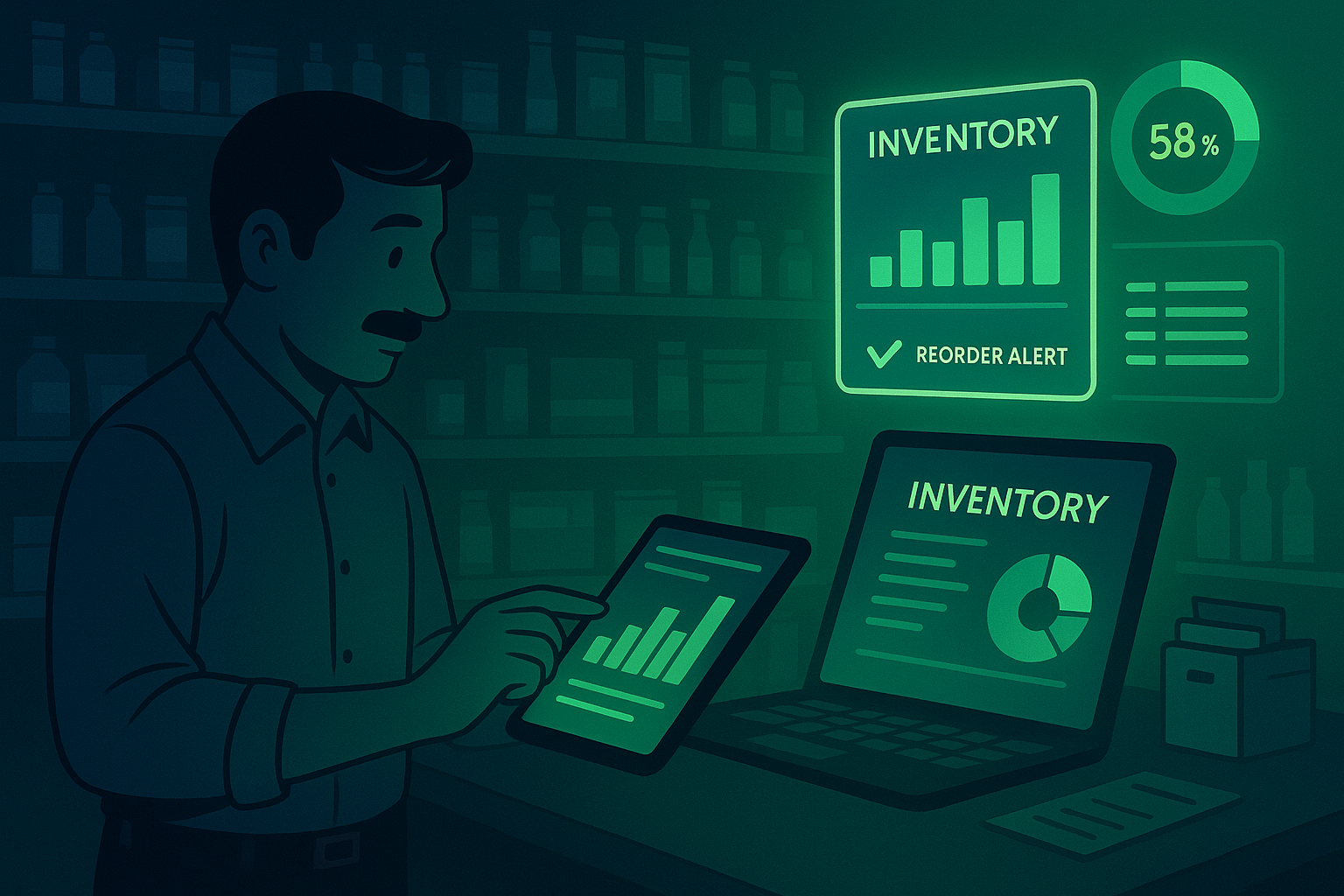
Inventory is the heart of every retail business. Managing it efficiently can be the difference between profit and loss. Poor stock control leads to overstocking, stockouts, and frustrated customers. On the other hand, smart inventory management helps retailers cut costs, improve cash flow, and keep customers satisfied.
Why Inventory Management Matters
For small and medium retailers, inventory often represents the biggest investment. Without proper tracking, it’s easy to lose money through expired items, dead stock, or missing products. Using tools like ManageKaro, retailers can automate stock updates, view real-time quantities, and make data-driven purchase decisions.
1. Keep Real-Time Track of Stock Levels
Manual inventory tracking is error-prone. With ManageKaro’s smart dashboard, every sale or purchase automatically updates your stock count, giving you a real-time overview of what’s available. This eliminates confusion and reduces costly stock discrepancies.
2. Categorize Your Inventory Properly
Divide your products into clear categories — fast-moving, slow-moving, or seasonal. ManageKaro lets you filter, group, and view items by type or supplier, helping you restock strategically instead of randomly.
3. Forecast Demand Using Sales Data
Use past sales trends to predict future demand. ManageKaro’s reports highlight top-selling items and seasonal spikes so you can order the right quantities at the right time.
4. Set Minimum and Maximum Stock Levels
Running out of key items can hurt sales, while overstocking ties up cash. ManageKaro allows you to set stock alerts, so you’re notified when quantities drop below (or exceed) defined limits — helping you maintain the ideal balance.
5. Automate Purchase Orders
Instead of manually checking which products need replenishment, automate the process. ManageKaro generates purchase orders automatically when stock hits the minimum threshold, saving time and preventing missed opportunities.
6. Regularly Audit Your Inventory
Even with automation, regular audits are essential. Periodic checks using ManageKaro’s barcode scanning ensure data accuracy, reducing shrinkage and theft risks.
7. Integrate Inventory with Billing and Accounting
Disconnected systems often cause data mismatch. ManageKaro seamlessly integrates inventory with billing and accounting, ensuring every sale or purchase is automatically reflected in ledgers and reports.
Final Thoughts
Inventory management is not just about tracking products — it’s about improving profitability. With ManageKaro, retailers can automate stock control, reduce human errors, and make smarter purchasing decisions. The result? Lower costs, happier customers, and smoother operations.