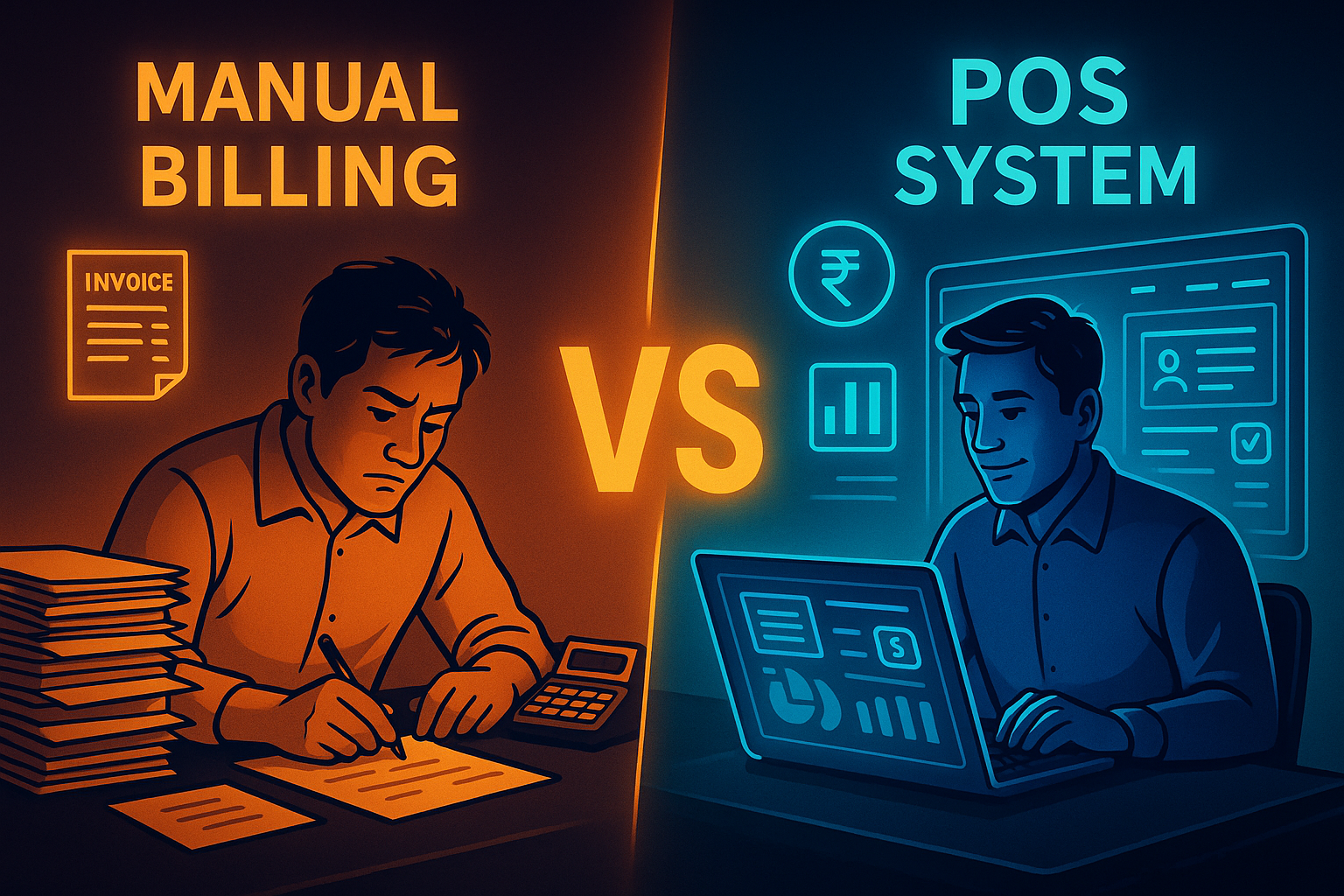
Many small businesses still rely on manual billing — handwritten receipts, calculators, and registers — simply because that’s how things have always been done. But as competition increases and margins tighten, business owners are asking an important question:
Is manual billing still enough, or is it time to switch to a POS system?
Let’s break it down clearly and practically.
What Is Manual Billing?
Manual billing involves:
- Writing invoices by hand
- Using calculators for totals
- Maintaining paper registers
- Tracking payments manually
While it may seem low-cost initially, manual billing becomes inefficient as your business grows.
What Is a POS System?
A POS (Point of Sale) system is a digital billing solution that:
- Generates invoices instantly
- Calculates totals and taxes automatically
- Updates inventory in real time
- Tracks sales, payments, and reports
With ManageKaro’s POS system, all of this happens from one simple dashboard.
1. Speed and Efficiency
Manual Billing
- Slower checkout
- Long customer wait times
- Errors during busy hours
POS System
- One-click billing
- Faster checkout
- Smooth peak-hour operations
👉 POS systems clearly win on speed.
2. Accuracy and Error Reduction
Manual billing is prone to:
- Calculation mistakes
- Missing entries
- Incorrect totals
A POS system:
- Calculates everything automatically
- Applies correct taxes
- Stores every transaction digitally
ManageKaro eliminates billing errors completely.
3. Inventory Management
Manual Billing
- Stock updated at day end (or not at all)
- Frequent stock mismatches
- Missed restocking
POS System
- Stock updates instantly after each sale
- Low-stock alerts
- Accurate inventory at all times
With ManageKaro, inventory stays perfectly synced.
4. Sales and Business Insights
Manual billing gives you:
- No clear sales trends
- No daily summaries
- No performance insights
A POS system gives you:
- Daily, weekly, monthly sales reports
- Best-selling items
- Peak sales hours
- Profit visibility
ManageKaro turns sales data into actionable insights.
5. Expense and Accounting Integration
Manual billing requires:
- Separate accounting entries
- Double work
- High chance of errors
ManageKaro’s POS automatically syncs:
- Sales → accounting
- Expenses → ledgers
- Stock → reports
No extra effort needed.
6. Customer Experience
Customers today expect:
- Clear invoices
- Digital receipts
- Faster service
Manual billing struggles to deliver this consistently.
A POS system makes your business look more professional and trustworthy.
7. Cost Comparison (Long Term)
Manual billing seems cheap — but hidden costs include:
- Time wasted
- Errors
- Missed sales
- Poor inventory control
A POS system like ManageKaro saves money long-term by improving efficiency and reducing losses.
Final Thoughts
For very small setups, manual billing may work — but it doesn’t scale.
A POS system is faster, more accurate, and far more profitable in the long run.
With ManageKaro, small businesses can upgrade from manual billing to a smart POS system without complexity or high costs.
If growth matters, the choice is clear.