Running a growing business becomes difficult when operations are scattered across multiple tools. Billing in one software, inventory in another, and reports somewhere else creates confusion, delays, and costly mistakes.
This is why many SMEs are now adopting all-in-one business management software to manage their entire business from one platform.
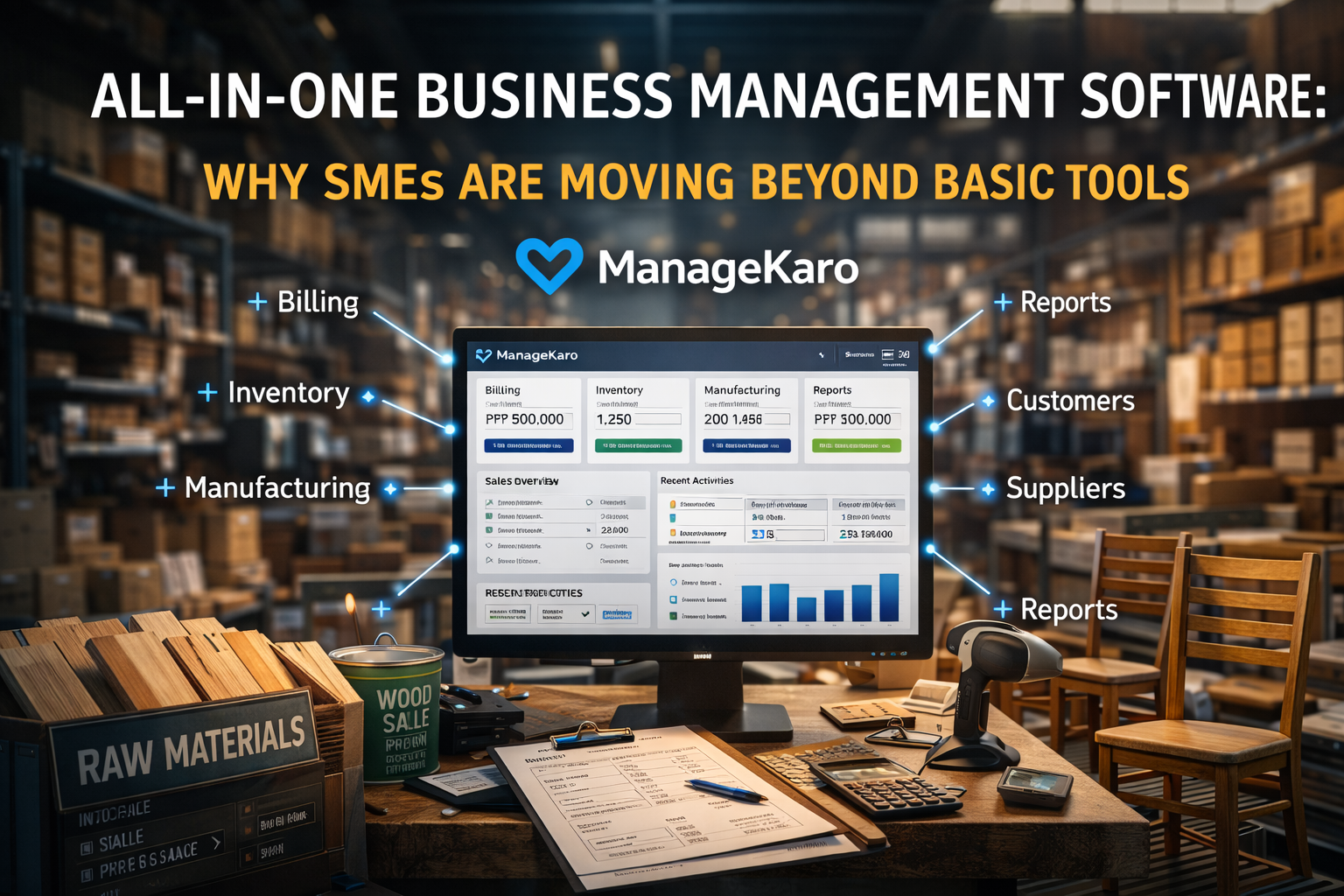
ManageKaro helps businesses handle billing, inventory, manufacturing, customers, suppliers, and reporting — all in one place.
The Problem with Using Multiple Business Tools
Many small and medium businesses rely on:
- Separate billing software
- Excel sheets for inventory
- Manual customer tracking
- Paper-based purchase records
- Manual reporting
This creates several challenges:
- Data mismatch
- Duplicate work
- Manual errors
- Poor visibility
- Slow decision making
As businesses grow, managing everything manually becomes unsustainable.
What Is Business Management Software
Business management software combines multiple business functions into a single system:
- Billing
- Inventory
- Purchases
- Sales
- Manufacturing
- Customers
- Suppliers
- Reports
Instead of switching between tools, businesses manage everything from one dashboard.
How ManageKaro Simplifies Business Management
ManageKaro provides a centralized platform where businesses can:
- Create invoices
- Track inventory
- Manage customers
- Track suppliers
- Monitor sales
- Manage manufacturing
- Generate reports
Everything is connected automatically.
When you create a sale:
- Inventory updates automatically
- Customer records update
- Reports update
- Profit calculations update
This eliminates manual work.
Key Benefits of All-in-One Business Management Software
1. Centralized Business Control
Manage everything from one platform:
- Sales
- Purchases
- Inventory
- Manufacturing
- Reports
This improves operational visibility.
2. Real-Time Business Insights
Businesses can see:
- Sales performance
- Stock levels
- Profit margins
- Customer trends
This helps business owners make faster decisions.
3. Reduced Errors
Automation reduces:
- Manual calculations
- Data duplication
- Inventory mistakes
This improves accuracy.
4. Faster Business Growth
With better visibility and automation, businesses can:
- Scale operations
- Improve efficiency
- Reduce costs
This supports growth.
Example: Wholesale Business
Without Business Management Software:
- Sales recorded manually
- Inventory updated manually
- Reports created manually
With ManageKaro:
- Sale created
- Inventory updated automatically
- Reports generated instantly
Everything is connected.
Who Should Use Business Management Software
Ideal for:
- Retail businesses
- Wholesale businesses
- Distributors
- Manufacturing businesses
- Trading companies
- SMEs
Any growing business benefits from centralized management.
Why SMEs Are Switching to Business Management Software
Businesses are switching because:
- Manual systems slow growth
- Multiple tools create confusion
- Data visibility is limited
- Automation improves efficiency
All-in-one business management software solves these problems.
Why ManageKaro Is Built for SMEs
ManageKaro is designed specifically for SMEs:
- Simple interface
- Fast setup
- Affordable pricing
- Complete business management
This helps SMEs manage operations efficiently.
Final Thoughts
Managing business operations across multiple tools becomes difficult as companies grow.
All-in-one business management software helps SMEs:
- Automate operations
- Improve visibility
- Reduce errors
- Scale faster
ManageKaro helps businesses manage everything from billing to manufacturing in one platform.