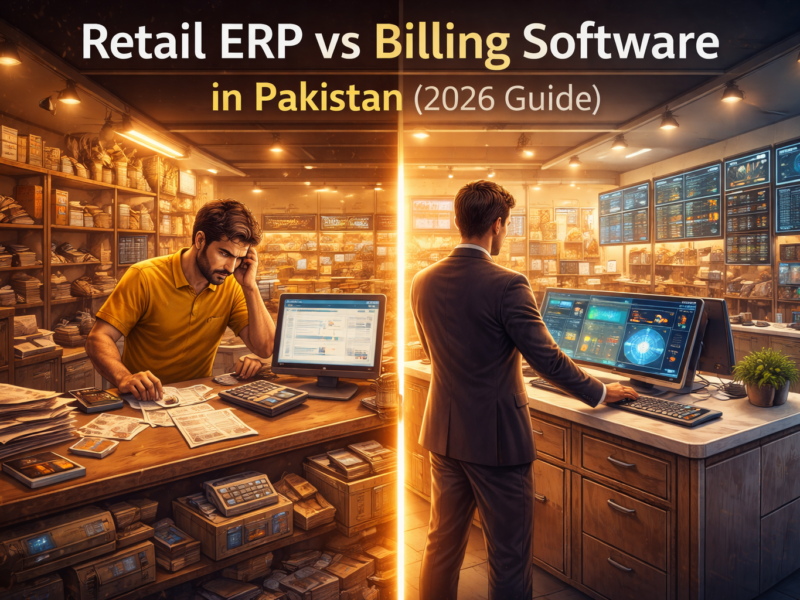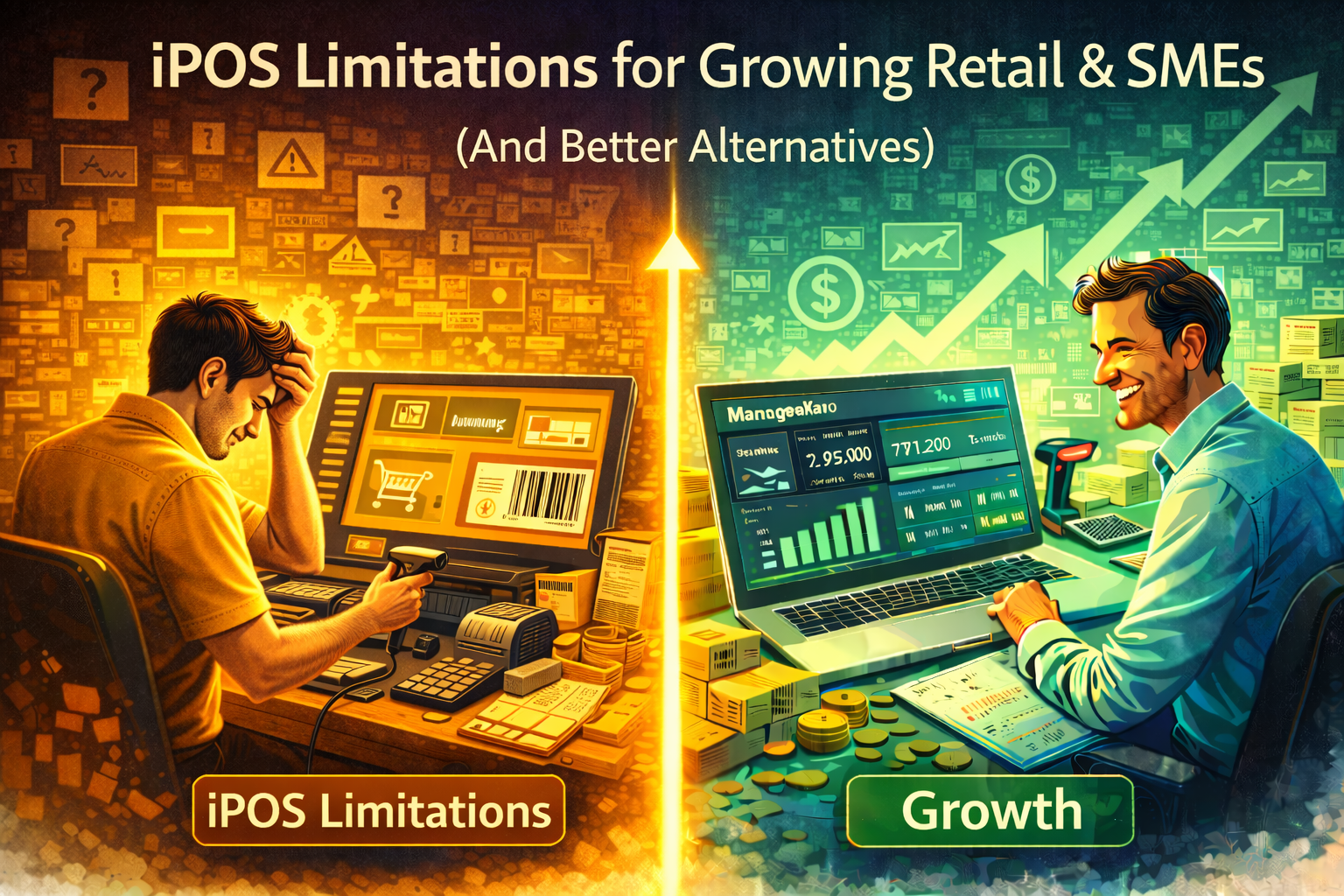
iPOS is a popular POS system for retail stores, especially for fast billing and counter-based operations. For many small shops, it works well in the early stages.However, as retail businesses and SMEs grow, many owners begin to experience limitations in iPOS that slow operations, reduce visibility, and increase manual work.This article explains the key limitations of iPOS for growing businesses — and what type of software works better at scale.
1. Built Primarily for Billing, Not Business Management
iPOS focuses heavily on:
- Fast checkout
- Barcode scanning
- Retail counter workflows
While this is useful, growing SMEs need more than billing:
- Expense tracking
- Accounting automation
- Profit visibility
- Cash flow control
iPOS is strong at POS — but limited beyond it.
2. Limited Accounting & Expense Automation
As sales grow, businesses need:
- Automatic accounting entries
- Expense categorization
- Real-time profit & loss
With iPOS:
- Accounting is limited
- External accounting tools are often required
- Manual reconciliation increases over time
This creates fragmented workflows and higher error risk.
3. Weak Business-Level Insights
Growing SMEs need answers like:
- Are we actually profitable?
- Which products generate real profit?
- Where is cash getting stuck?
iPOS mainly provides sales-focused reports, but lacks:
- Cash flow visibility
- Expense-linked insights
- Profit-driven dashboards
Without this, decisions rely on guesswork.
4. Inventory Insights Don’t Scale Well
While iPOS tracks inventory quantities, growing businesses often struggle with:
- Identifying slow-moving or dead stock
- Understanding inventory value impact on cash
- Planning smarter reorders
Inventory quantity alone isn’t enough at scale — context matters.
5. Limited Flexibility Beyond Retail Counters
As SMEs expand into:
- Wholesale
- Services
- Multi-workflow operations
iPOS begins to feel restrictive, as it is primarily designed for retail counters, not mixed business models.
6. Team Growth Creates Workflow Challenges
As staff numbers increase:
- Access control becomes important
- Accountability matters
- Centralized data is critical
Basic POS systems struggle with structured team workflows and role-based access.
What Growing Retailers & SMEs Should Use Instead
Growing businesses need all-in-one business management software, not just POS.
The right alternative should offer:
- POS + billing
- Real-time inventory tracking
- Expense & accounting automation
- Customer credit tracking
- Live dashboards for sales, profit & cash flow
- Scalable workflows for teams
This is where platforms like ManageKaro are designed to fit naturally.
Why ManageKaro Is a Better Alternative to iPOS
ManageKaro goes beyond POS by providing:
- Automated billing with inventory & accounting sync
- Real-time profit and cash flow visibility
- Expense management built-in
- Inventory insights that impact financial decisions
- Scalable systems for growing teams
Instead of stitching together multiple tools, businesses manage everything from one platform.
Final Thoughts
iPOS limitations
iPOS works well for simple retail billing — but growth demands more control, visibility, and automation.For growing retailers and SMEs, POS-only systems eventually become bottlenecks. Upgrading to a business-wide system like ManageKaro helps businesses grow with clarity instead of chaos.