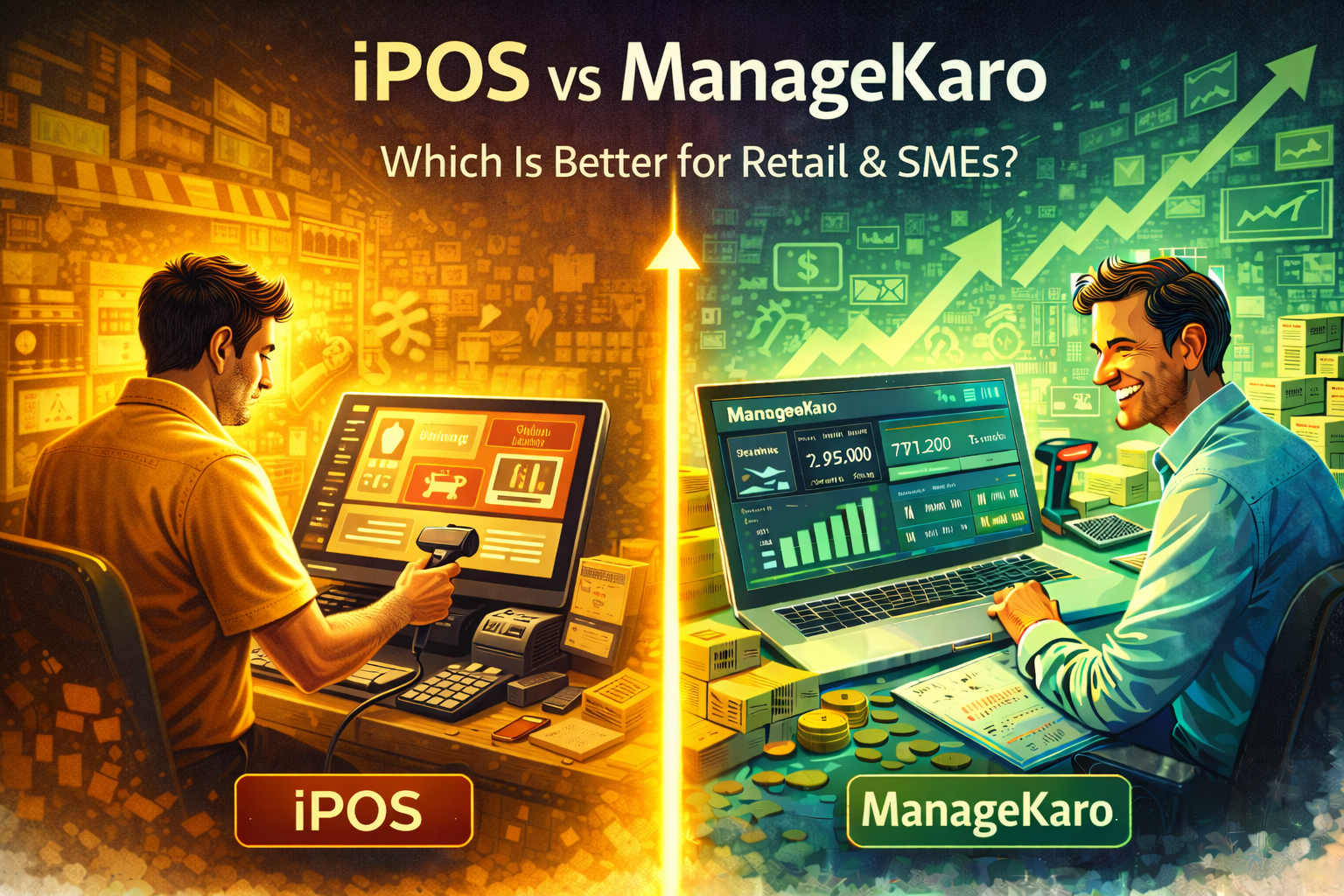
Choosing the right POS and business management software can directly impact sales, inventory accuracy, and profitability. Two tools often compared by retail owners and SMEs are iPOS and ManageKaro.While both offer POS functionality, they are built with very different goals in mind. This comparison breaks down iPOS vs ManageKaro across billing, inventory, accounting, scalability, and overall business control.
1. Target Audience & Use Case
iPOS
- Primarily built for retail counters
- Focused on fast billing and barcode scanning
- Best suited for shops with simple workflows
ManageKaro
- Built for retail + non-retail SMEs
- Covers billing, inventory, accounting, and reporting
- Designed for businesses planning to grow
✅ Winner: ManageKaro (broader SME use)
2. Billing & POS Performance
iPOS
- Fast checkout
- Barcode-friendly
- Strong cashier workflow
ManageKaro
- Fast POS billing
- Works for retail, wholesale, and services
- Billing auto-syncs with inventory & accounts
✅ Winner: Tie (iPOS for counters, ManageKaro for flexibility)
3. Inventory Management
iPOS
- Real-time stock deduction
- Suitable for basic retail inventory
- Limited insights beyond quantity
ManageKaro
- Real-time inventory sync
- Low-stock alerts
- Tracks slow-moving & dead stock
- Inventory linked to cash flow & profit
✅ Winner: ManageKaro
4. Accounting & Expense Tracking
iPOS
- Limited accounting features
- Often requires external accounting software
ManageKaro
- Automated expense tracking
- Accounting updates automatically with every sale
- Real-time profit & loss visibility
✅ Winner: ManageKaro
5. Business Insights & Reporting
iPOS
- Basic reports
- Limited decision-making insights
ManageKaro
- Live dashboards
- Sales, expenses, profit & cash flow in one view
- Built for owners, not just cashiers
✅ Winner: ManageKaro
6. Scalability for Growing SMEs
iPOS
- Works well for single-location retail
- Becomes limiting as operations grow
ManageKaro
- Scales with higher volume
- Supports teams, multiple workflows, and growth
- Reduces dependency on multiple tools
✅ Winner: ManageKaro
Quick Comparison: iPOS vs ManageKaro
| Feature | iPOS | ManageKaro |
|---|---|---|
| POS Billing | ✅ | ✅ |
| Retail Focus | ✅ | ✅ |
| Inventory Insights | ⚠️ | ✅ |
| Expense Tracking | ❌ | ✅ |
| Accounting Automation | ❌ | ✅ |
| Real-Time Dashboards | ⚠️ | ✅ |
| Scales Beyond Retail | ❌ | ✅ |
Which One Should You Choose?
- Choose iPOS if you run a simple retail counter
- Choose ManageKaro if you run a growing SME that needs visibility, automation, and control
Many businesses start with POS-only tools but later switch when they need deeper insights.
Final Thoughts
iPOS is effective for fast retail billing, but growing SMEs need more than speed — they need clarity and control.
ManageKaro goes beyond POS by connecting billing, inventory, accounting, and insights in one system — making it better suited for long-term growth.
Choosing the right tool today prevents costly transitions tomorrow