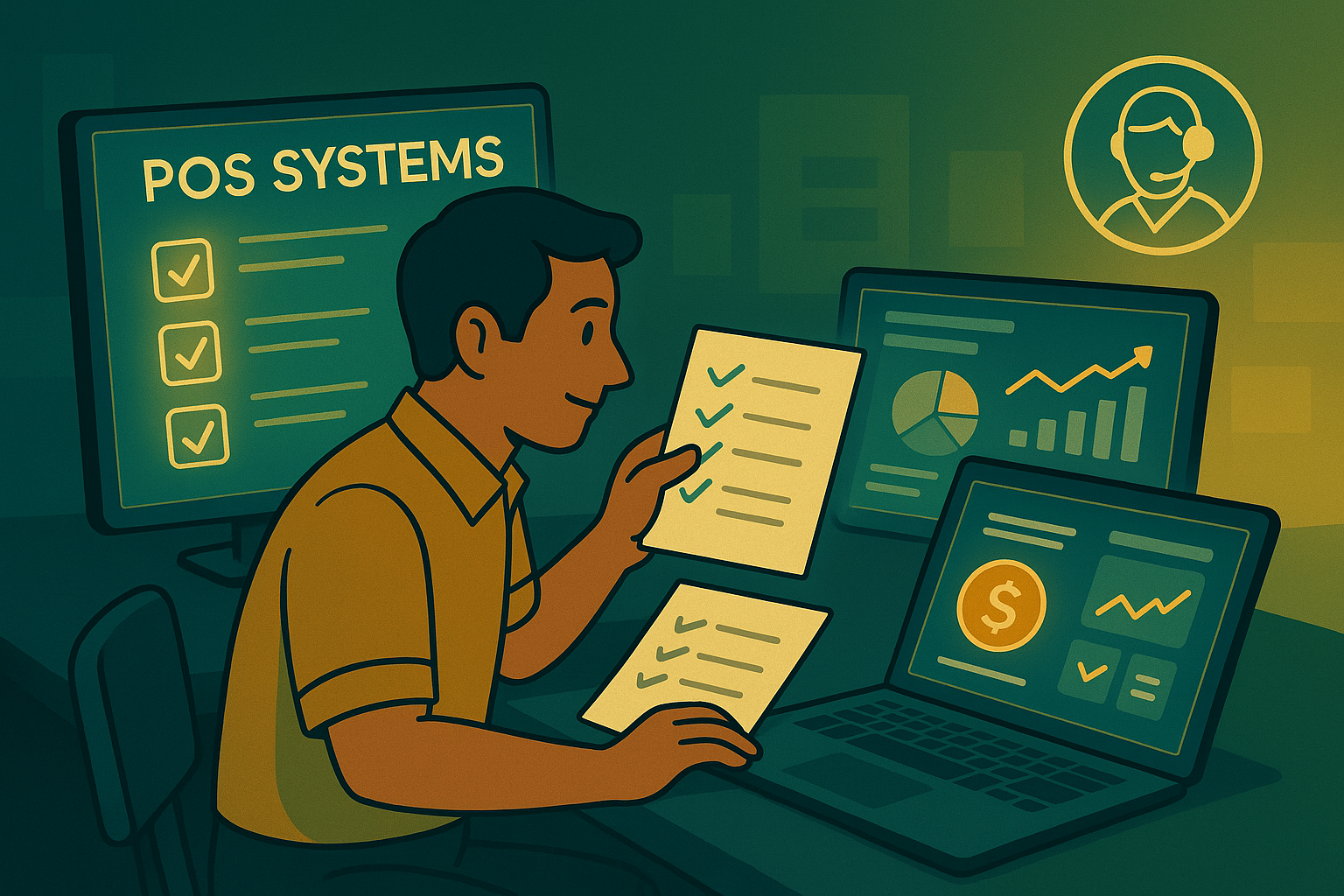
Selecting a Point of Sale (POS) system is one of the most important decisions for any retail or service business. The right POS system doesn’t just process sales — it helps you manage inventory, track customers, generate reports, and grow your business efficiently. Here’s a step-by-step guide to help you choose the best POS system for your needs.
1. Identify Your Business Needs
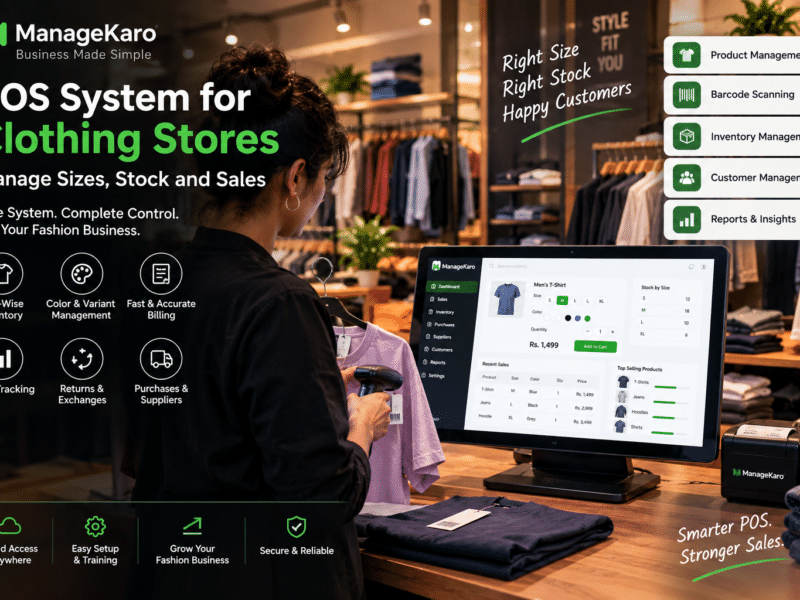
Every business operates differently. A clothing store, café, or pharmacy will each need a POS with unique features.
Start by listing your daily tasks — sales, billing, stock tracking, or expense management — and choose a POS system that automates those areas.
👉 Tip: ManageKaro’s POS adapts to multiple business types, from retail to wholesale, with customizable billing and tax settings.
2. Prioritize Ease of Use
Your POS system should simplify operations, not complicate them. A cluttered interface slows down sales and confuses staff.
Choose a POS that’s clean, intuitive, and requires minimal training. ManageKaro’s dashboard is designed for clarity — so your team can learn and start using it within minutes.
3. Look for Integrated Features
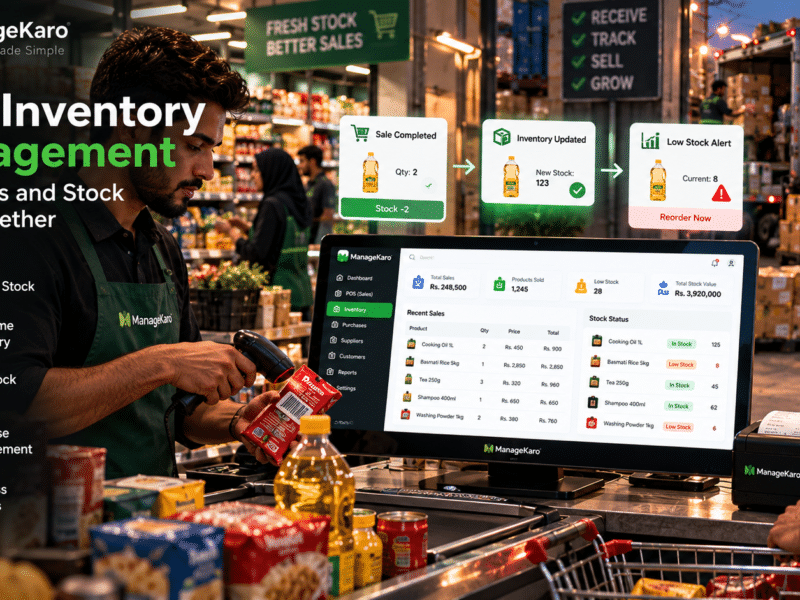
A modern POS should do more than record transactions. It should integrate billing, inventory, accounting, and reporting into one connected platform.
ManageKaro offers a unified dashboard that updates stock and ledgers automatically with each sale — saving time and reducing manual errors.
4. Check for Cloud Accessibility
A cloud-based POS lets you monitor sales, inventory, and revenue in real time from anywhere. Whether you’re at the shop or working remotely, ManageKaro’s cloud sync ensures you always have access to live business data.
5. Verify Multi-User and Device Compatibility
As your business grows, multiple users may handle billing and inventory. Choose a POS that supports secure logins for different roles (cashiers, managers, accountants).
ManageKaro allows multi-user access while keeping sensitive financial data protected through secure permissions.
6. Evaluate Cost vs. Value
Avoid choosing based on price alone. A cheaper POS without automation might cost you more in lost time and errors.
ManageKaro provides a balanced pricing model — affordable yet packed with enterprise-grade features that scale as your business grows.
7. Check Customer Support and Updates
Reliable customer support is critical. Choose a POS provider that offers quick assistance and regular updates. ManageKaro’s support team helps users 24/7, ensuring your system runs smoothly at all times.
Final Thoughts
Choosing the right POS system is about finding the perfect balance between functionality, simplicity, and scalability. With ManageKaro, small businesses can streamline billing, automate accounting, and manage operations effortlessly — all in one place.